

 Joomla hacked?
 Joomla 6 migration
 Security update PHP & YOOtheme
 Blog
 References
 About us
 Prices
 Contact

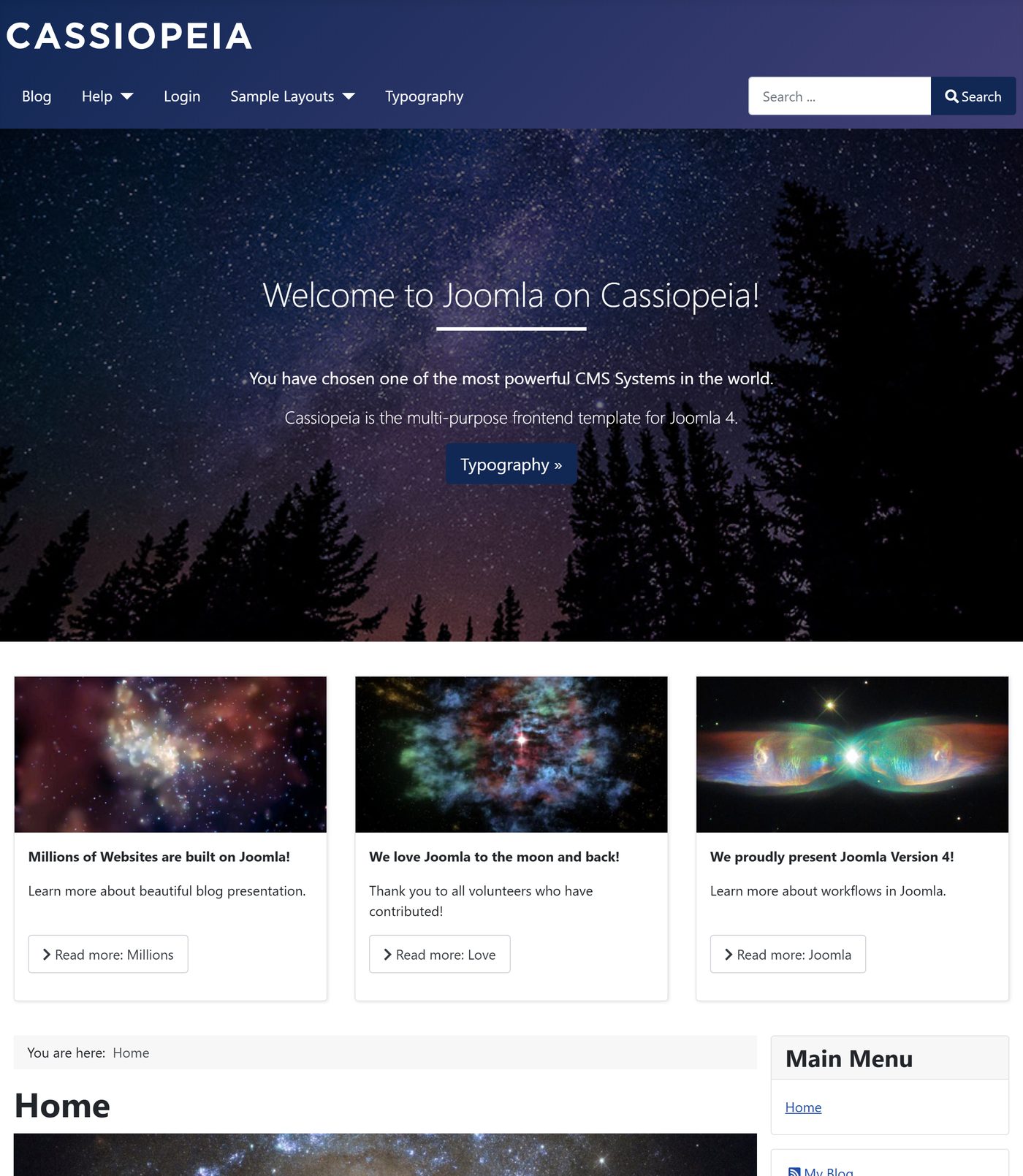
On 17 August 2021, its 16th birthday, the Joomla project released Joomla 4.0 – after nine years of work, according to the Joomla 4.0 announcement. Backend, frontend template, installer and much underneath are new. For this review we installed Joomla 4.0.6 of 18 January 2022, the last version of the 4.0 line, with the blog sample data and photographed it.
| Released | 17 August 2021 (Joomla 4.0.0, together with Joomla 3.10) |
|---|---|
| Last version of 4.0 | 4.0.6 of 18 January 2022 (7 versions) |
| Joomla 4 in total | 43 versions up to 4.4.14 of 30 September 2025 |
| End of support | 14 October 2025 – more in the post End of Life: Joomla 4.x |
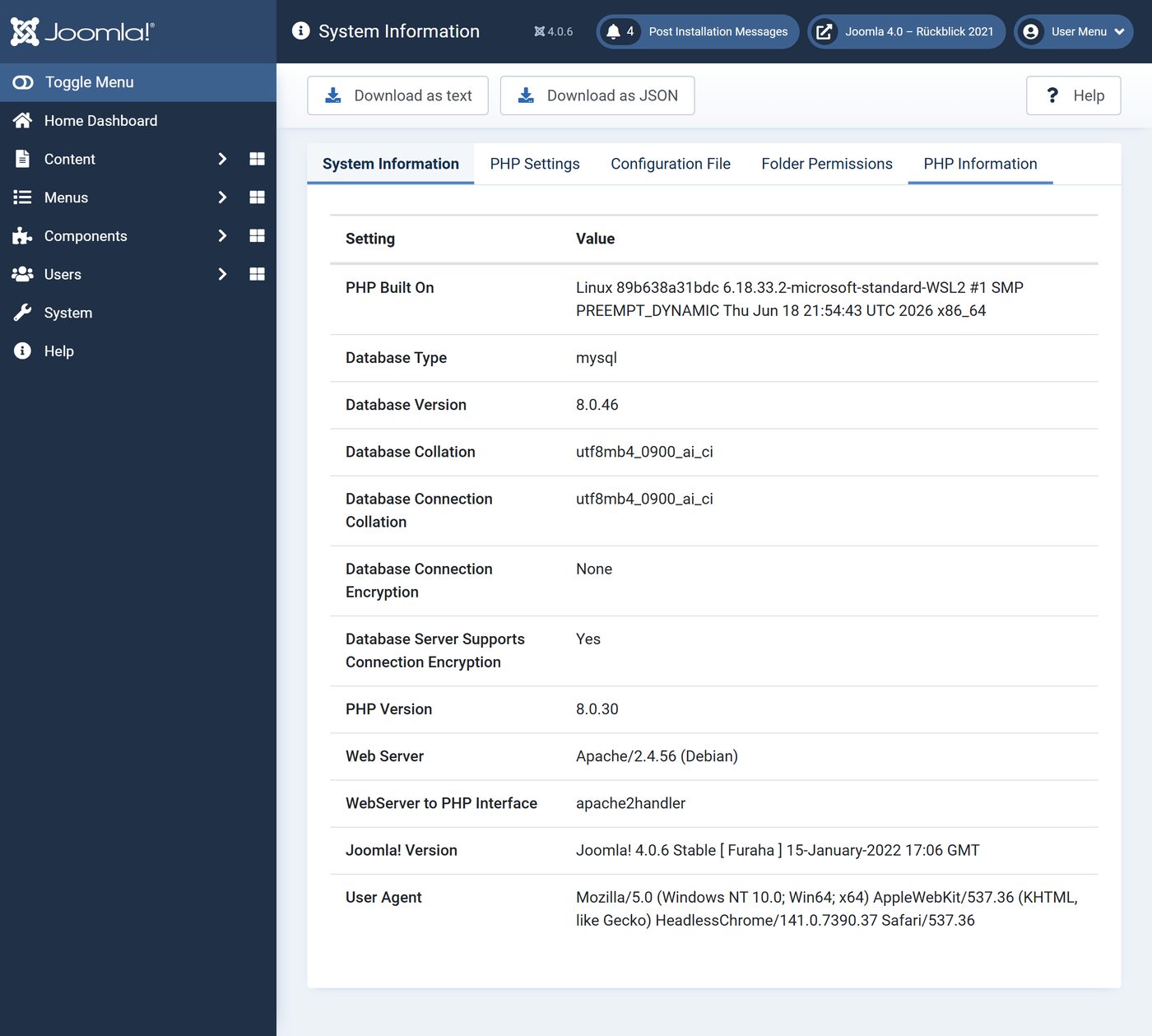
| Requirements | PHP from 7.2.5 |
| Templates | Cassiopeia (website), Atum (backend) |
| Technology | Bootstrap 5.1, Font Awesome 5.15, TinyMCE 5.10 |
| Included in the installation | 215 extensions, 125 of them plugins |
Everything rethought
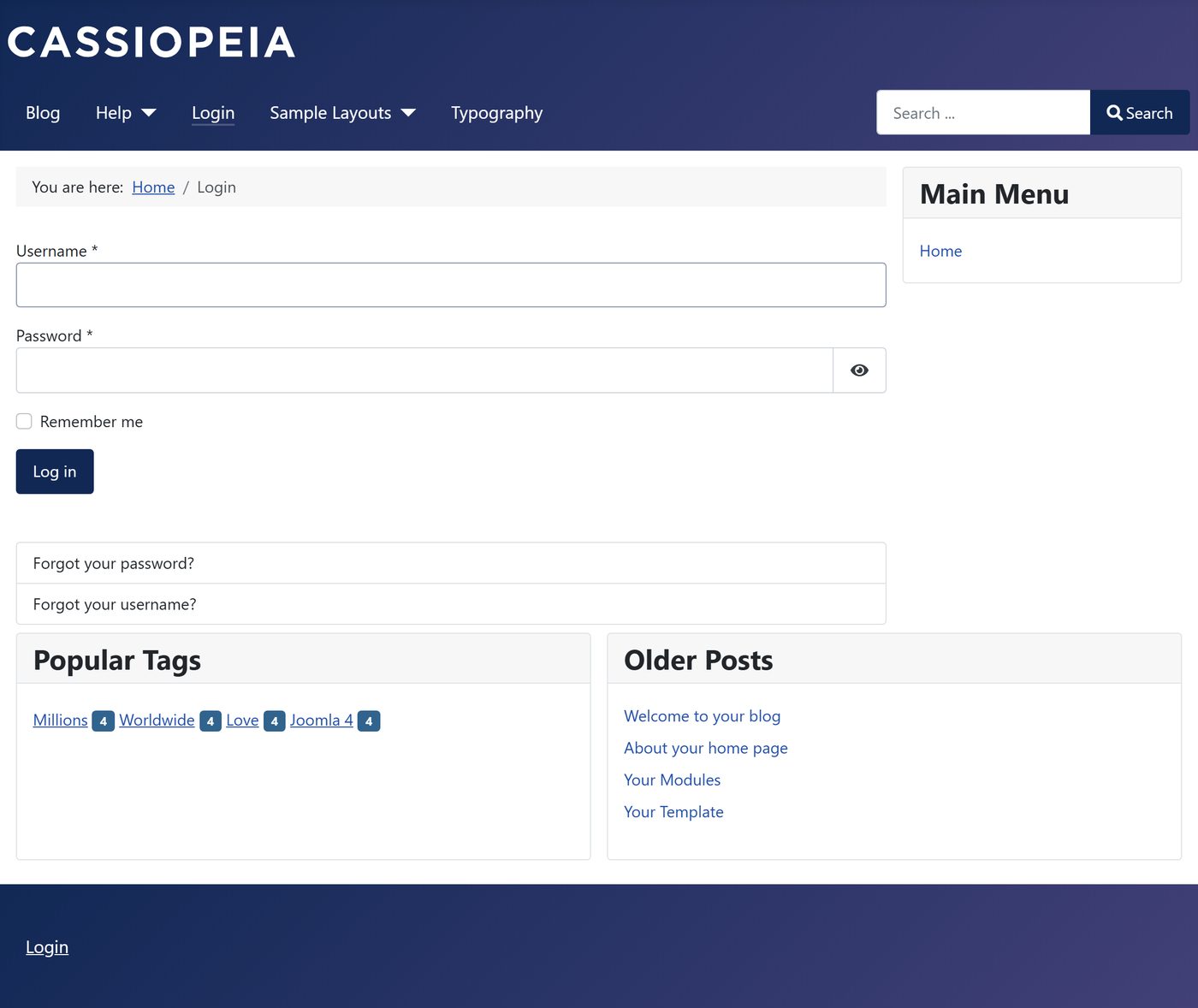
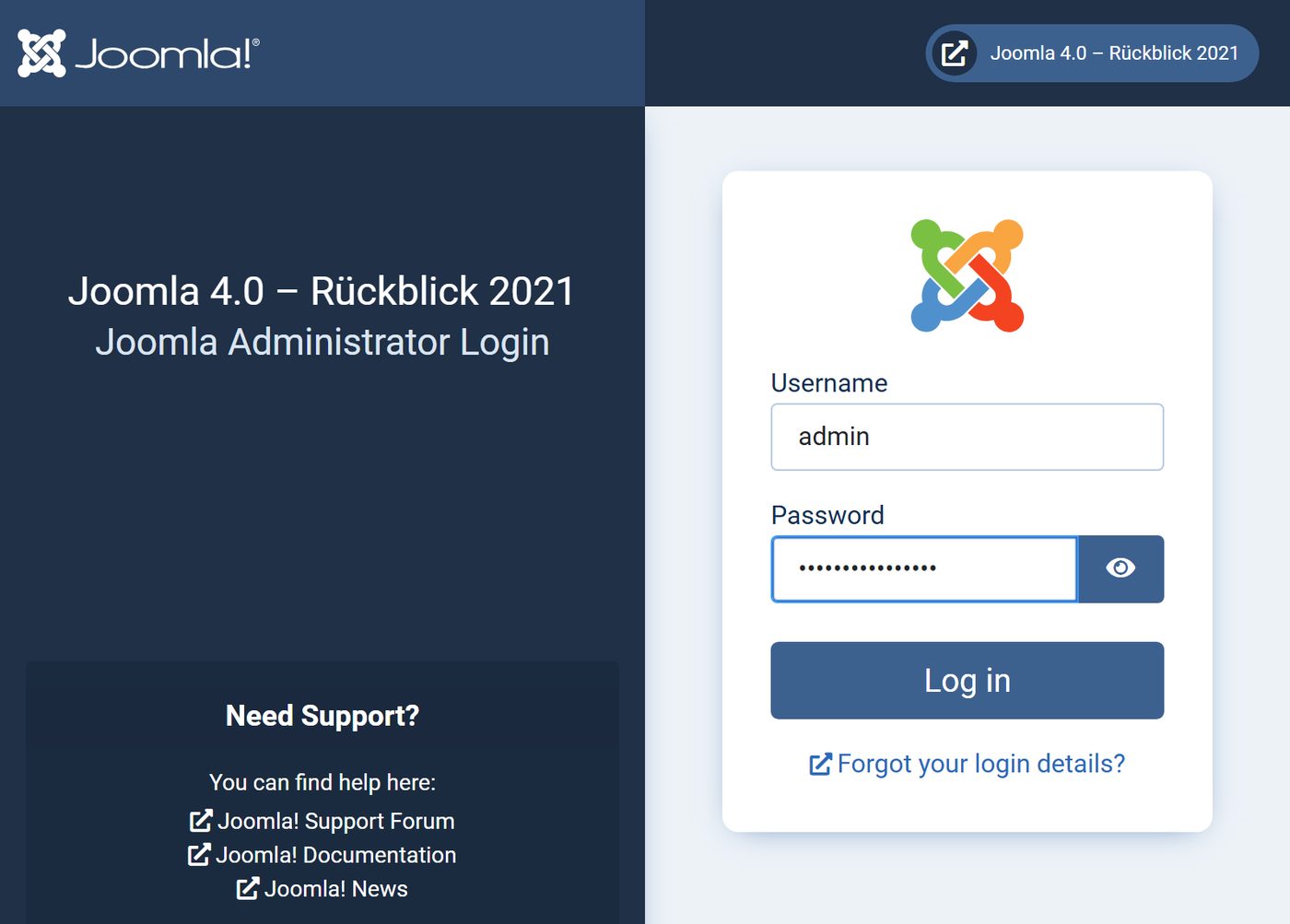
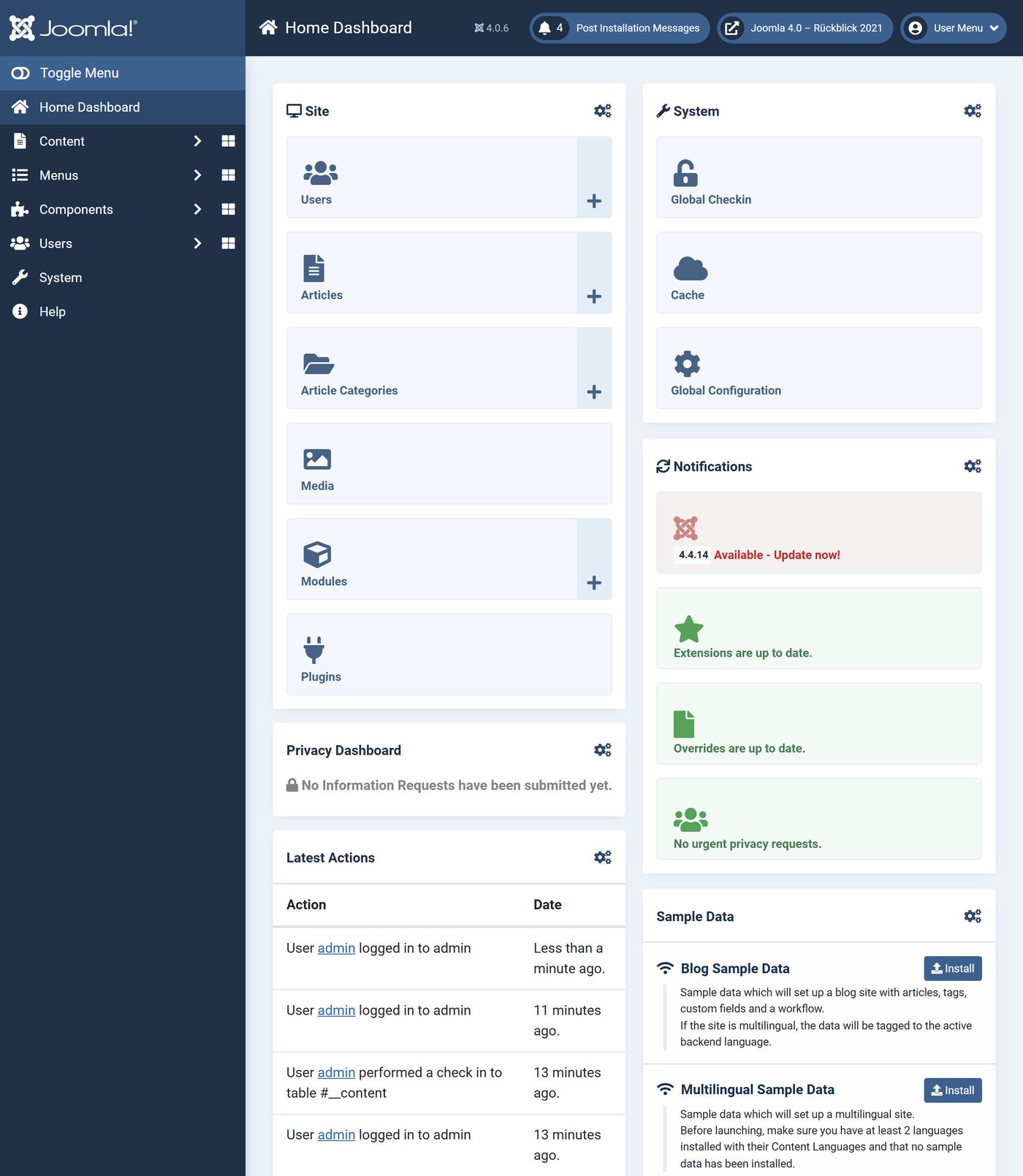
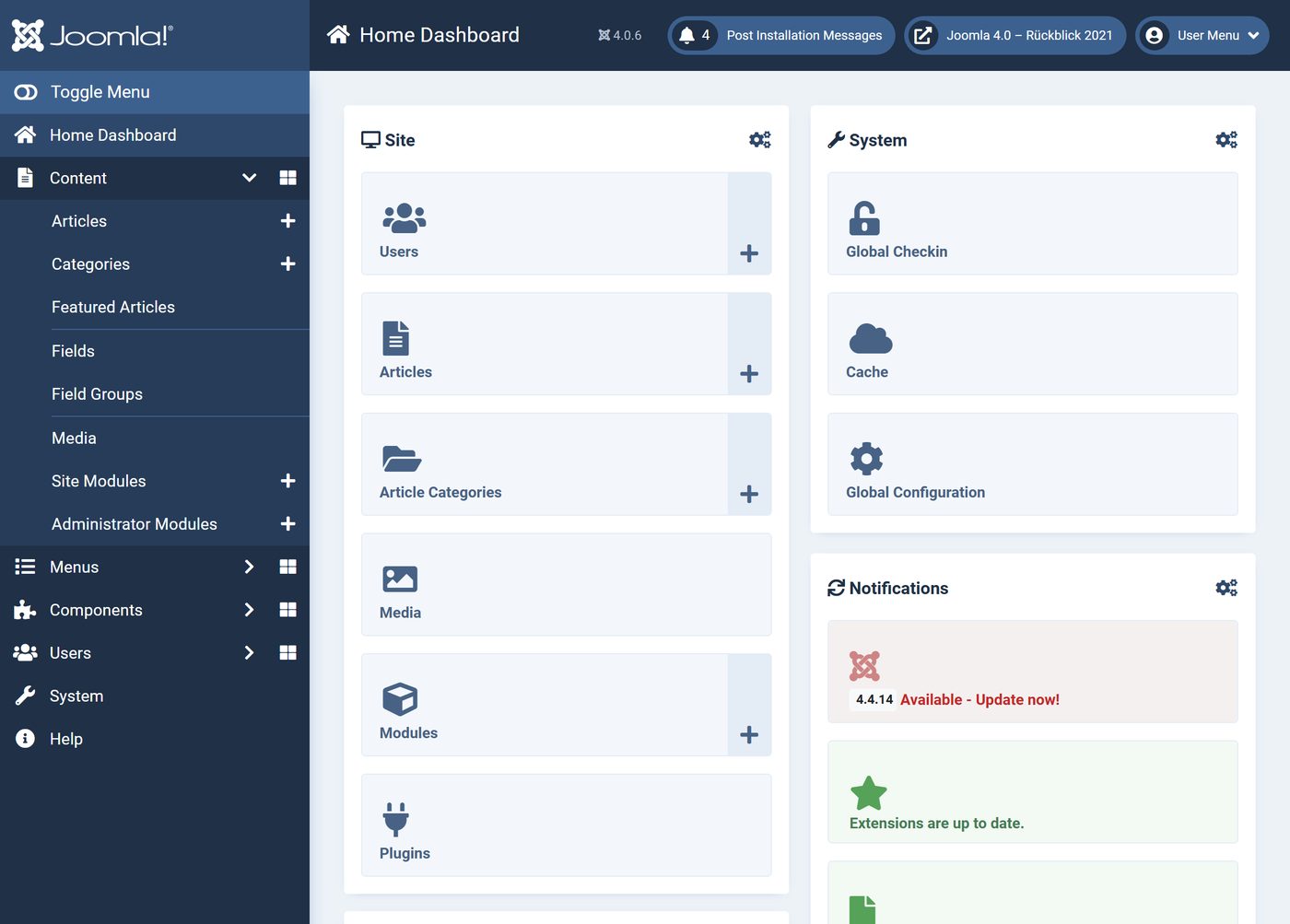
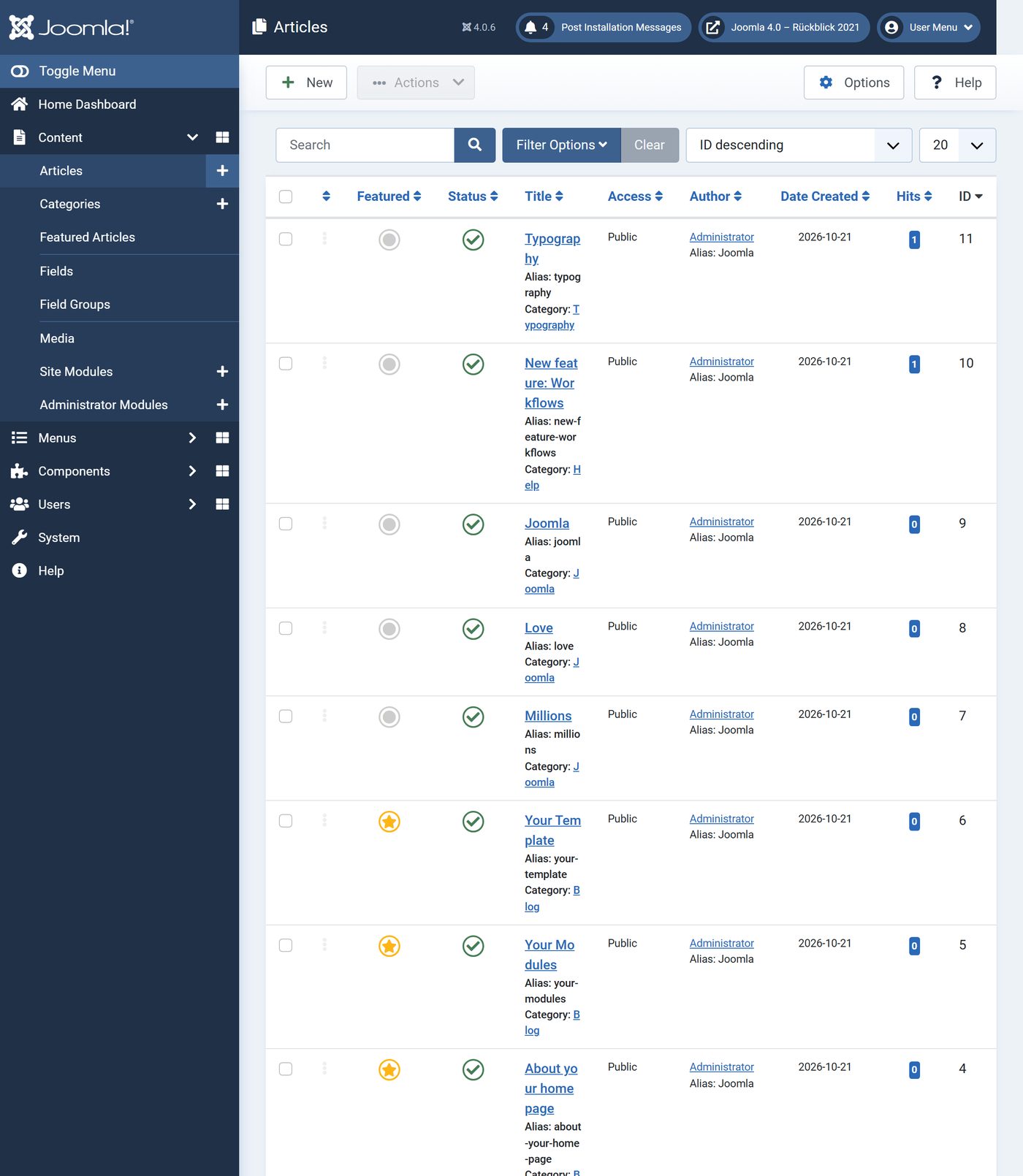
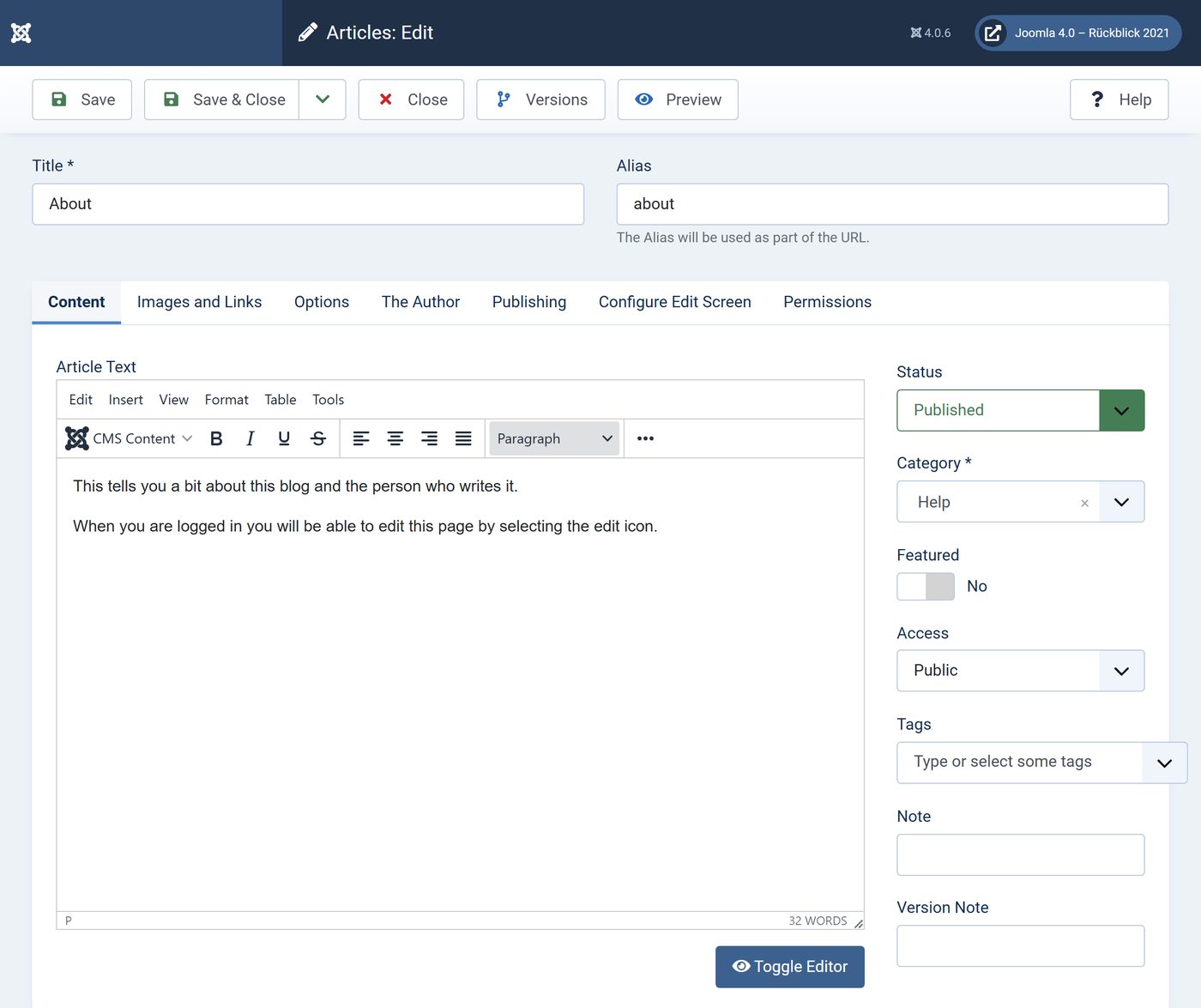
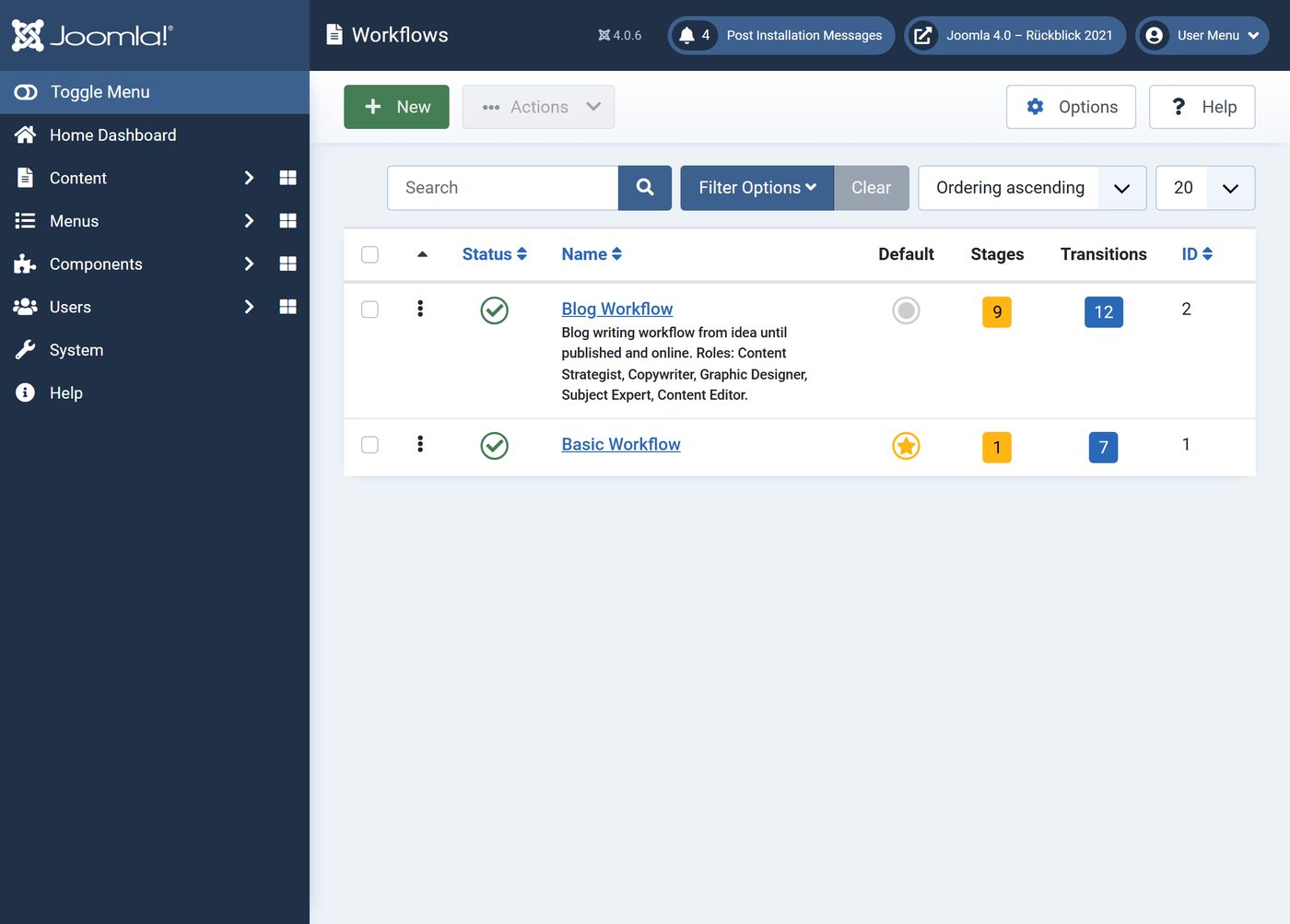
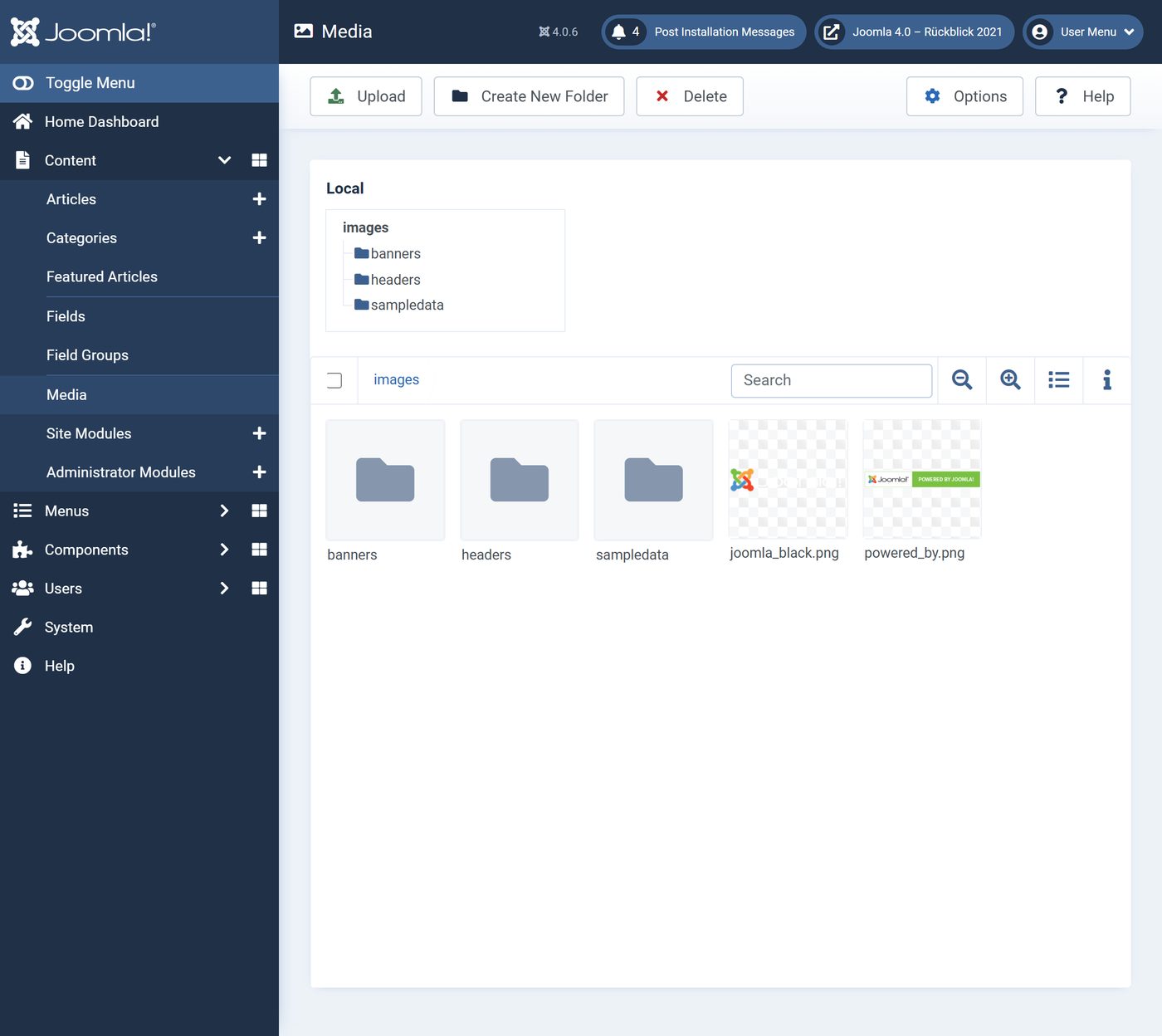
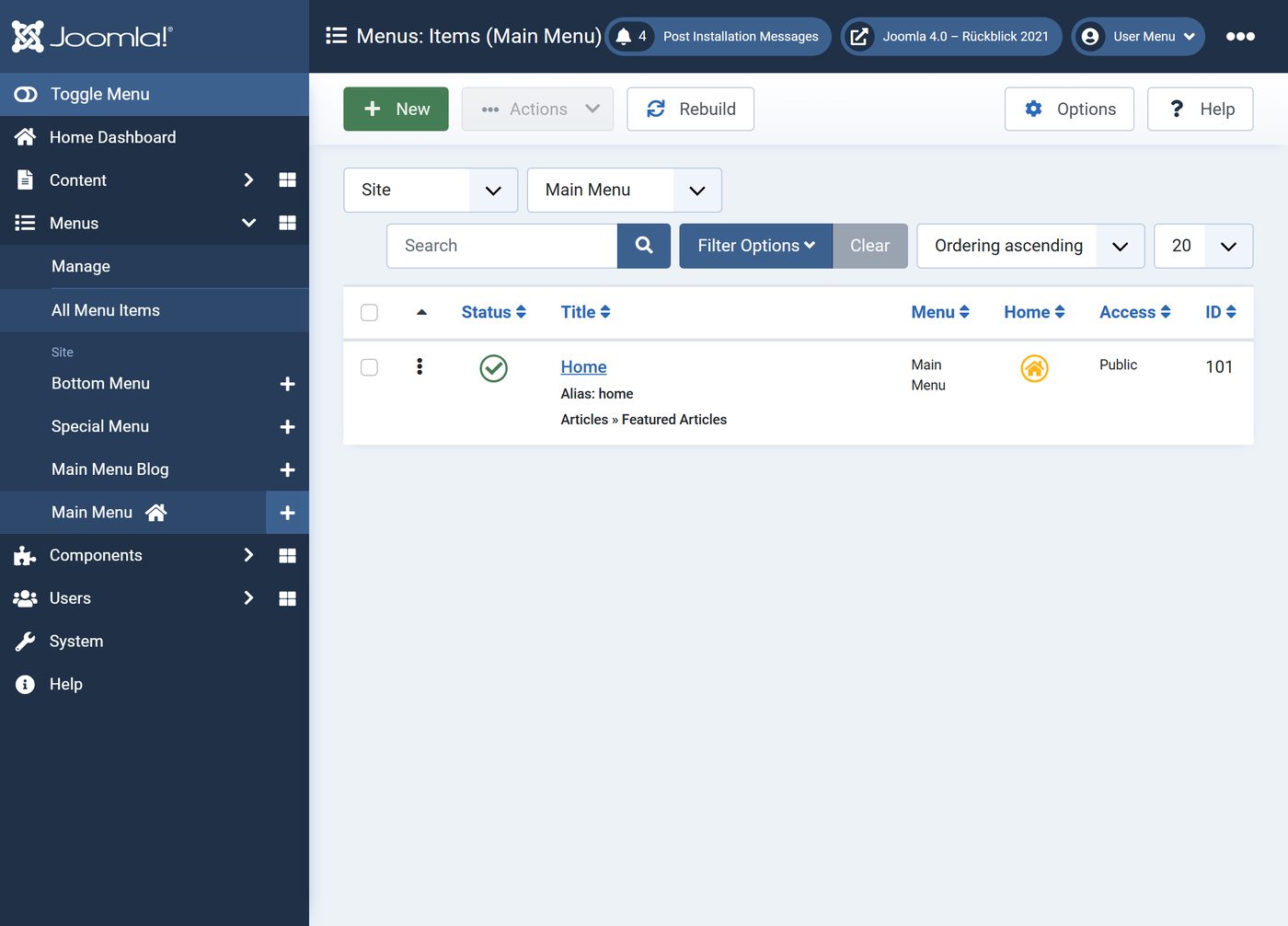
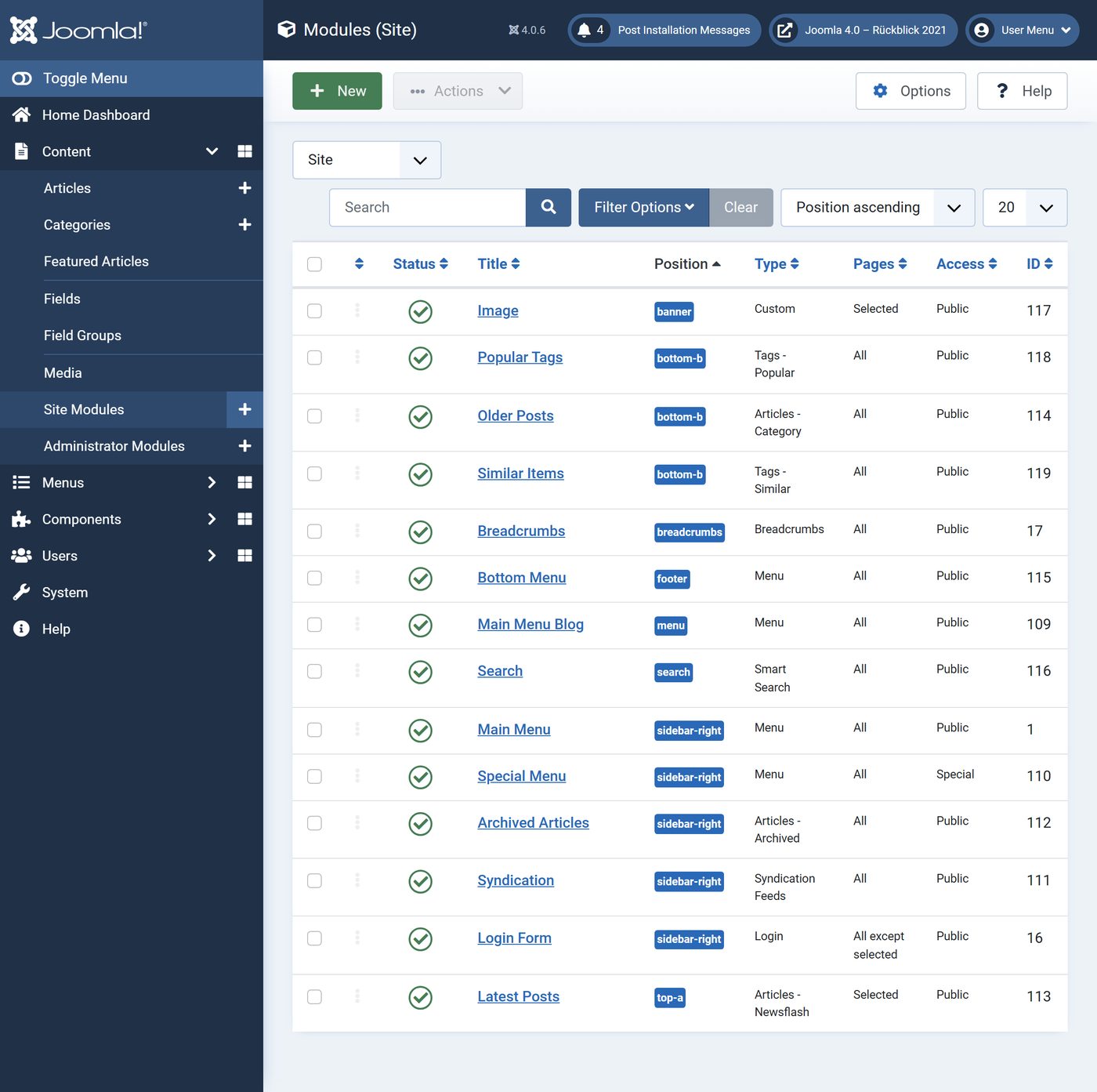
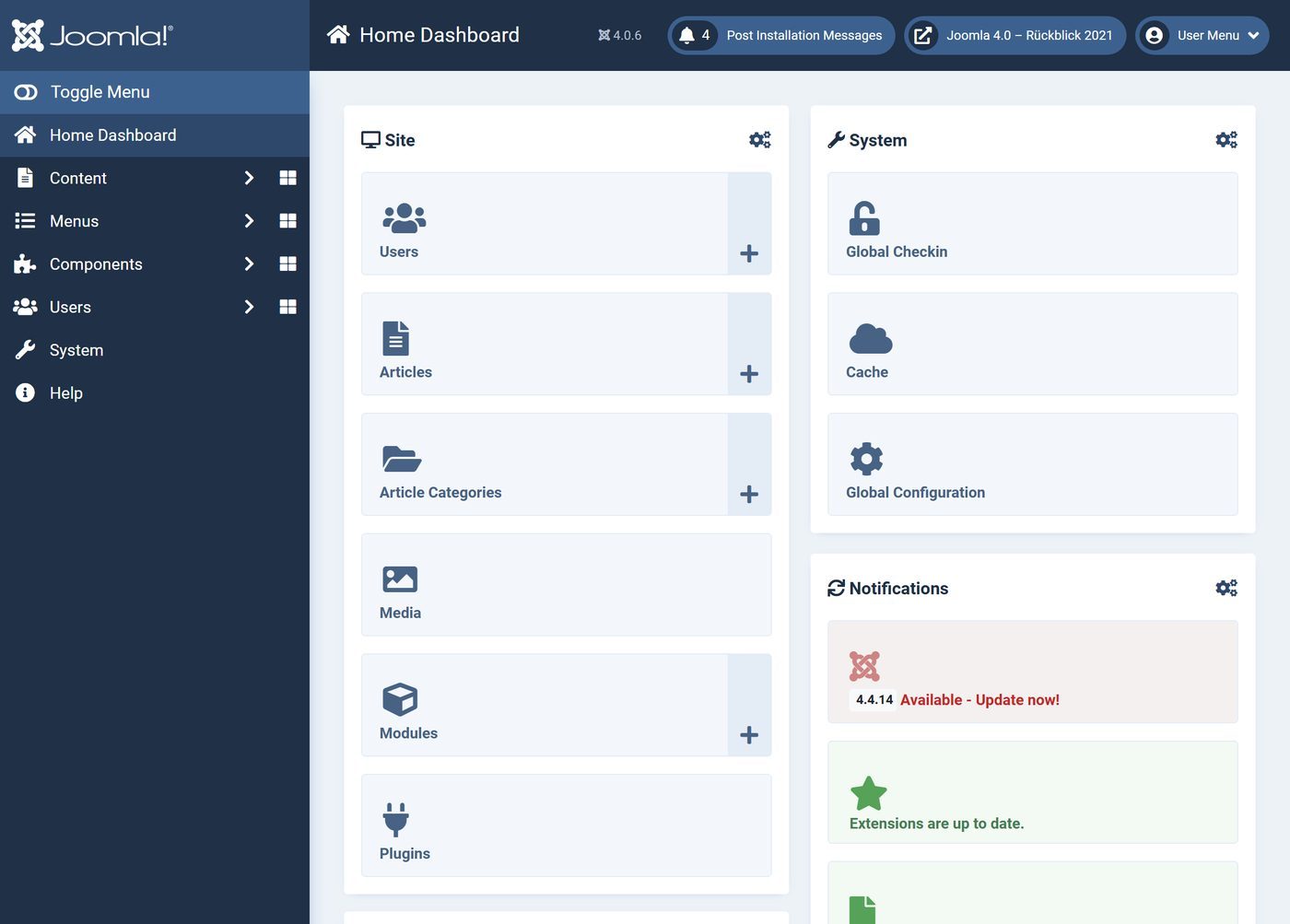
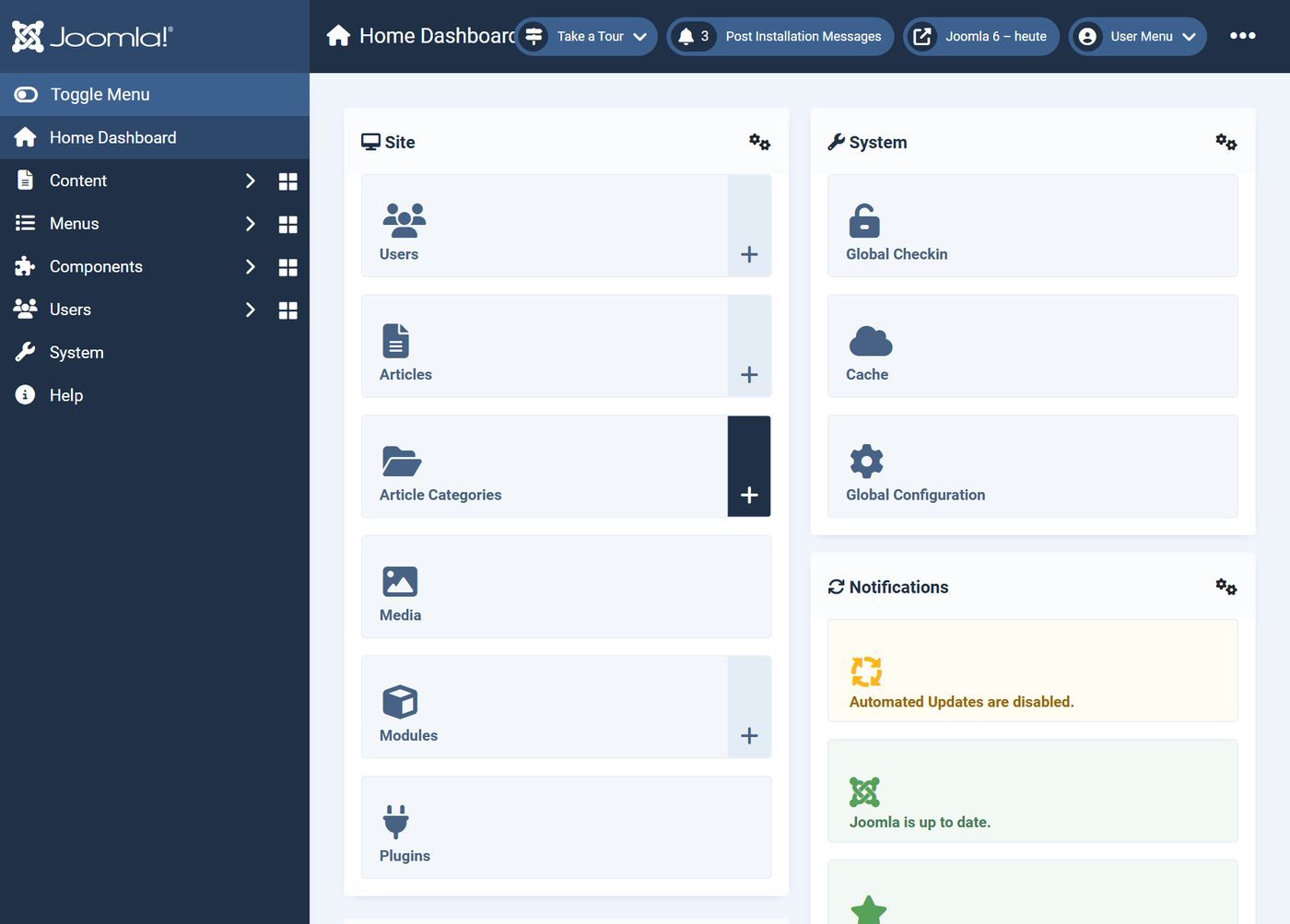
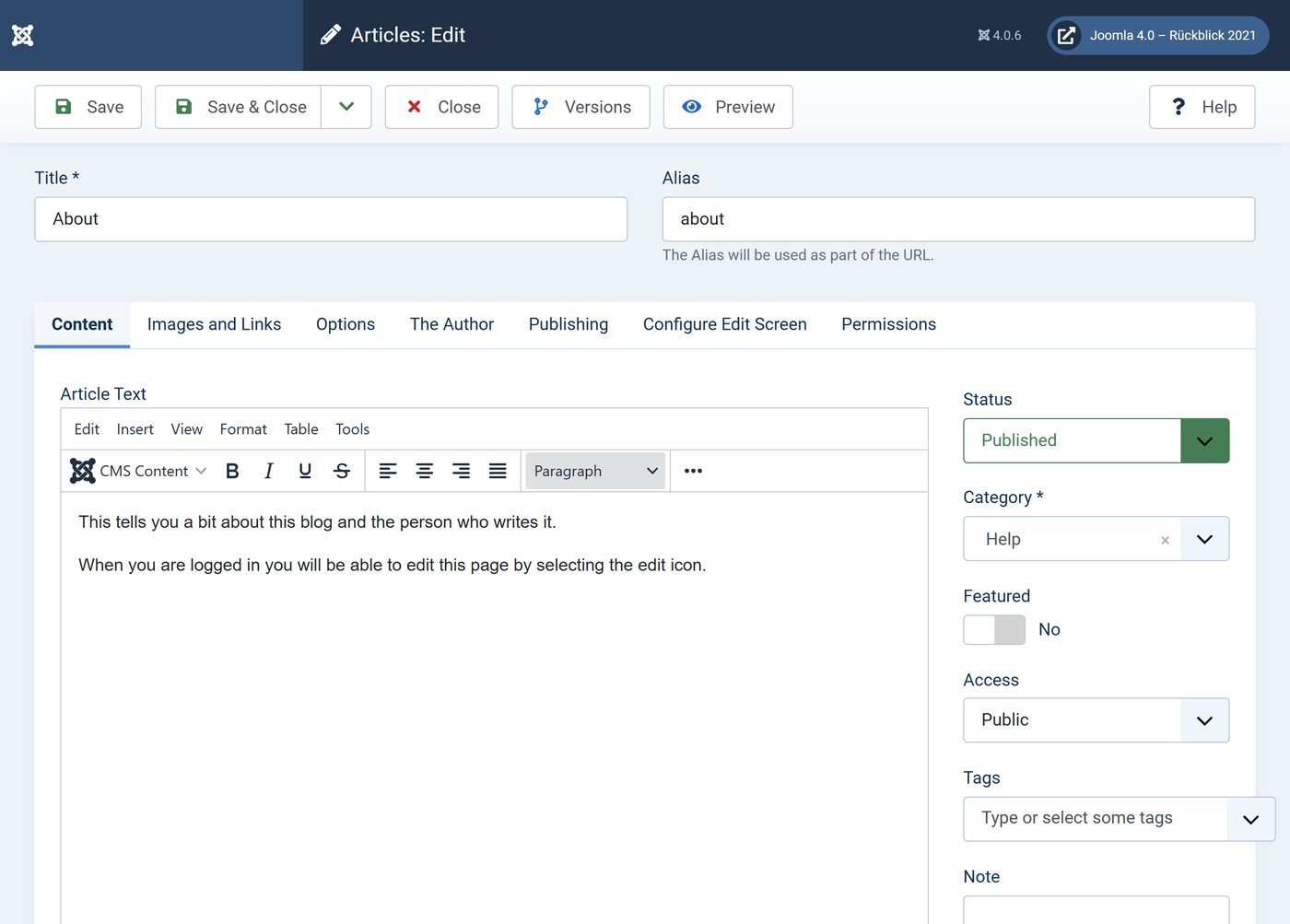
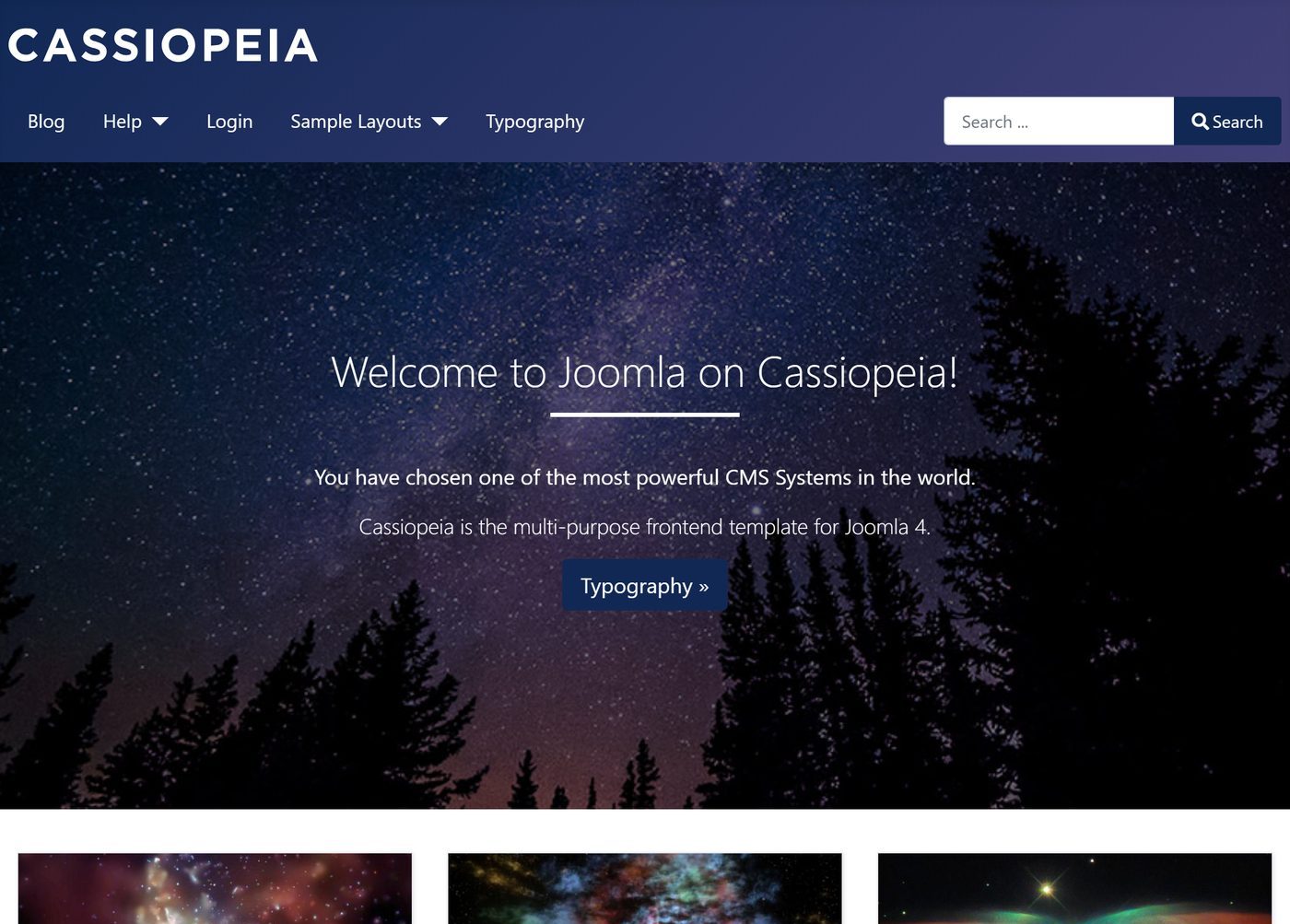
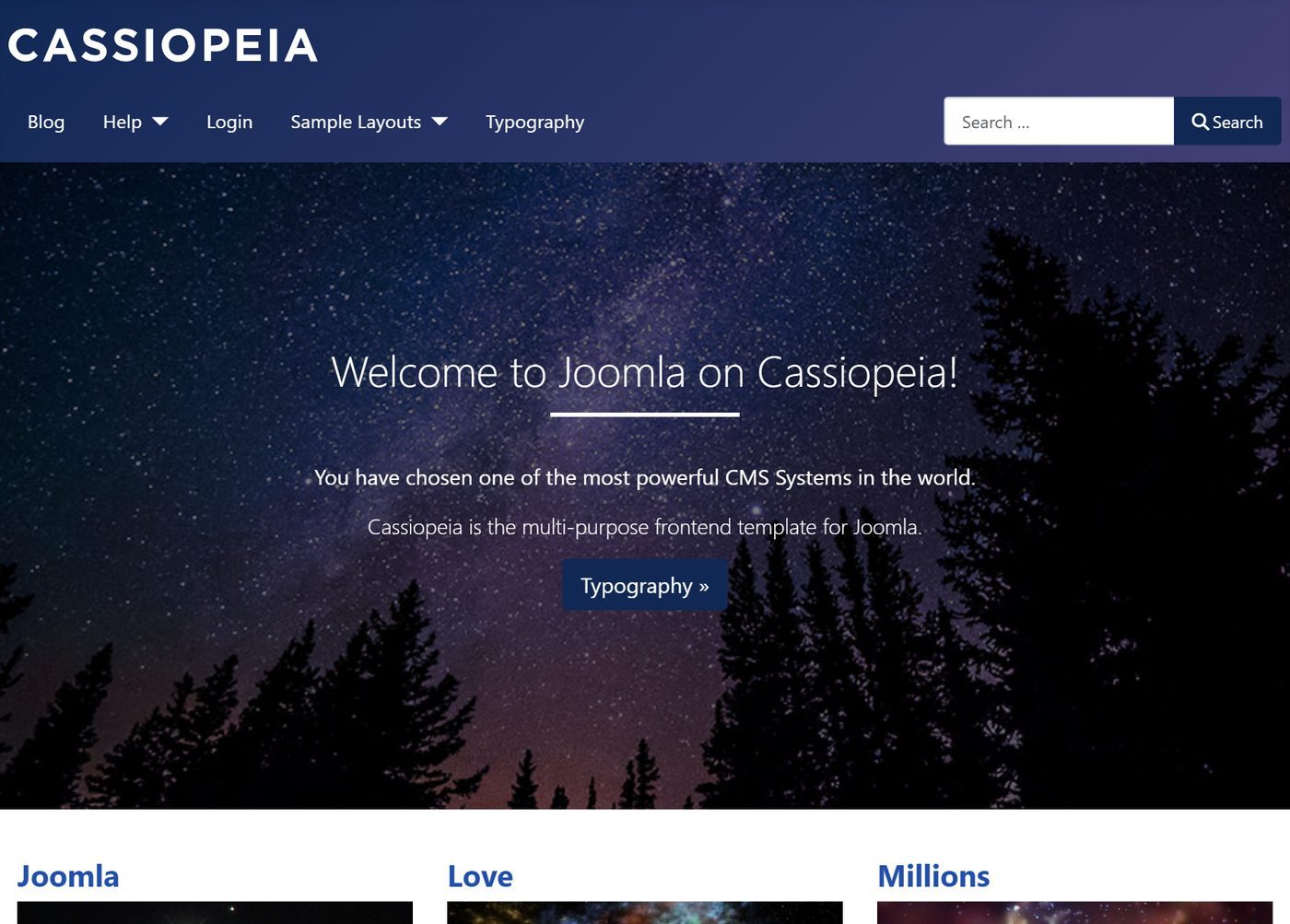
According to its announcement, Joomla 4 is a major version in which everything was redesigned and rethought. You see that at once: the Atum backend has a menu on the left and dashboards instead of a control panel, and the website shows the new Cassiopeia template, both on Bootstrap 5. Underneath came workflows for approvals, a new Media Manager, mail templates and a programming interface (web services); at least PHP 7.2.5 is required.
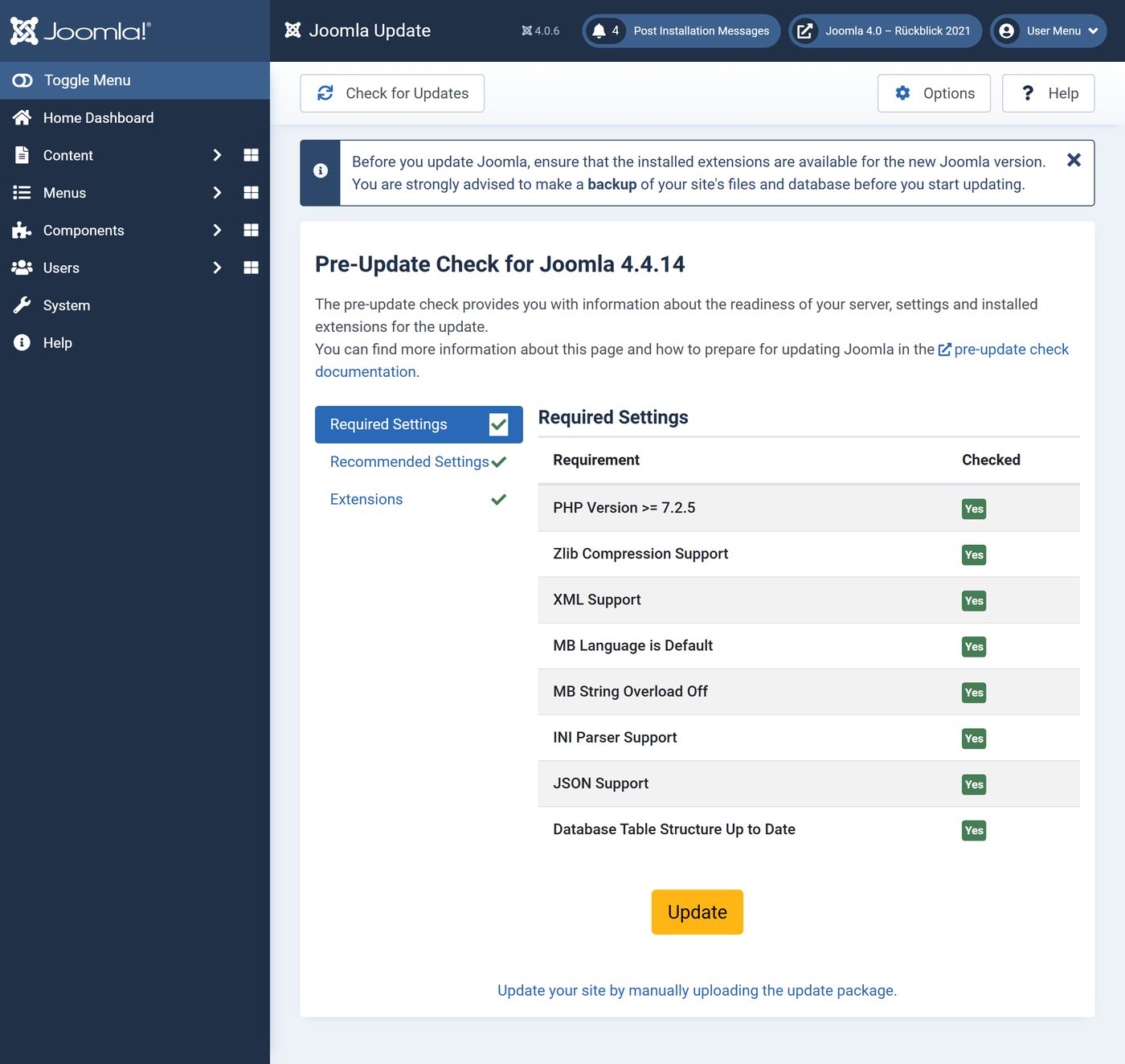
Joomla 3.10 came out the same day as "the bridge": before the move it checks whether server and extensions are ready, and the way from 3.9 to Joomla 4 leads only through 3.10.
The new installer
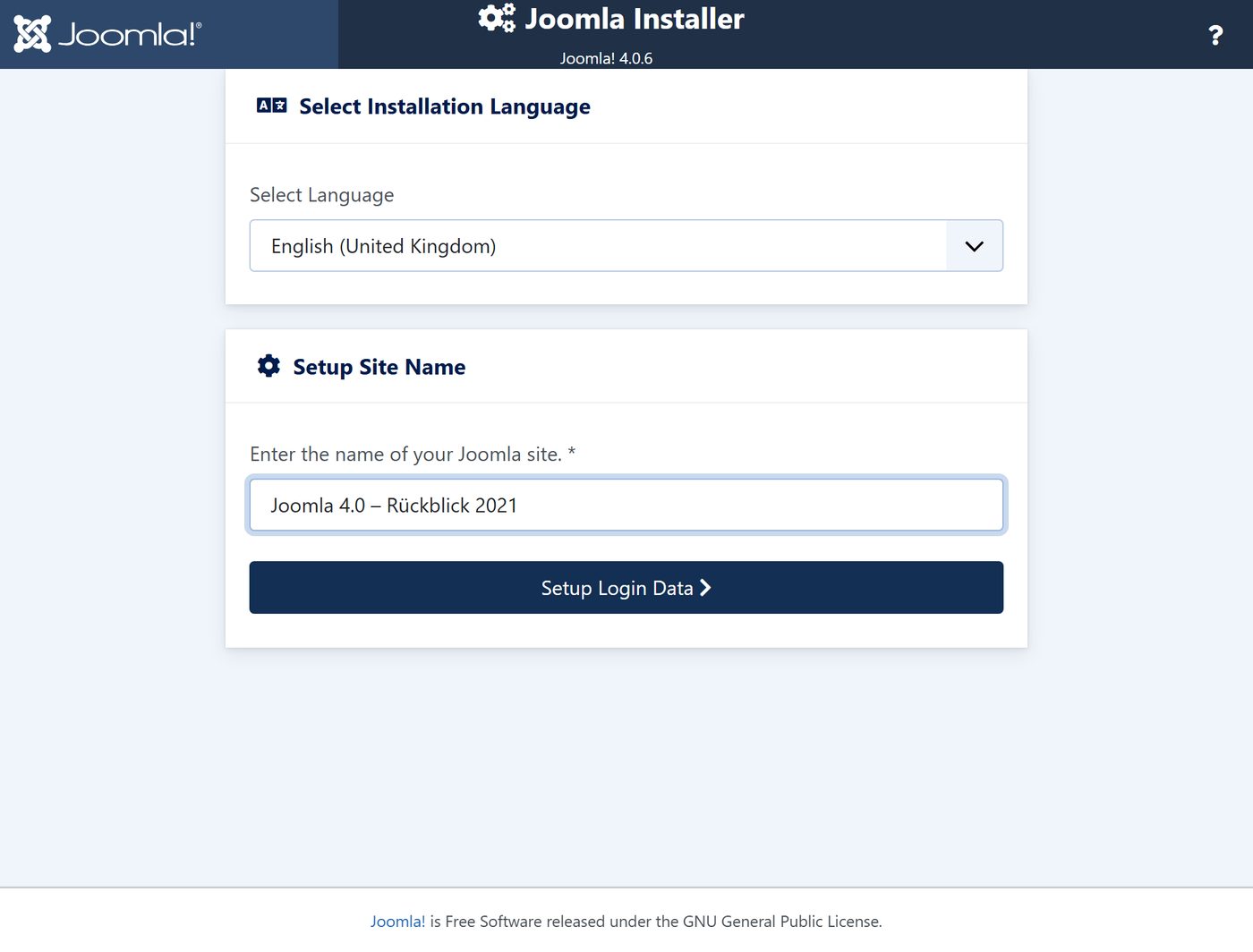
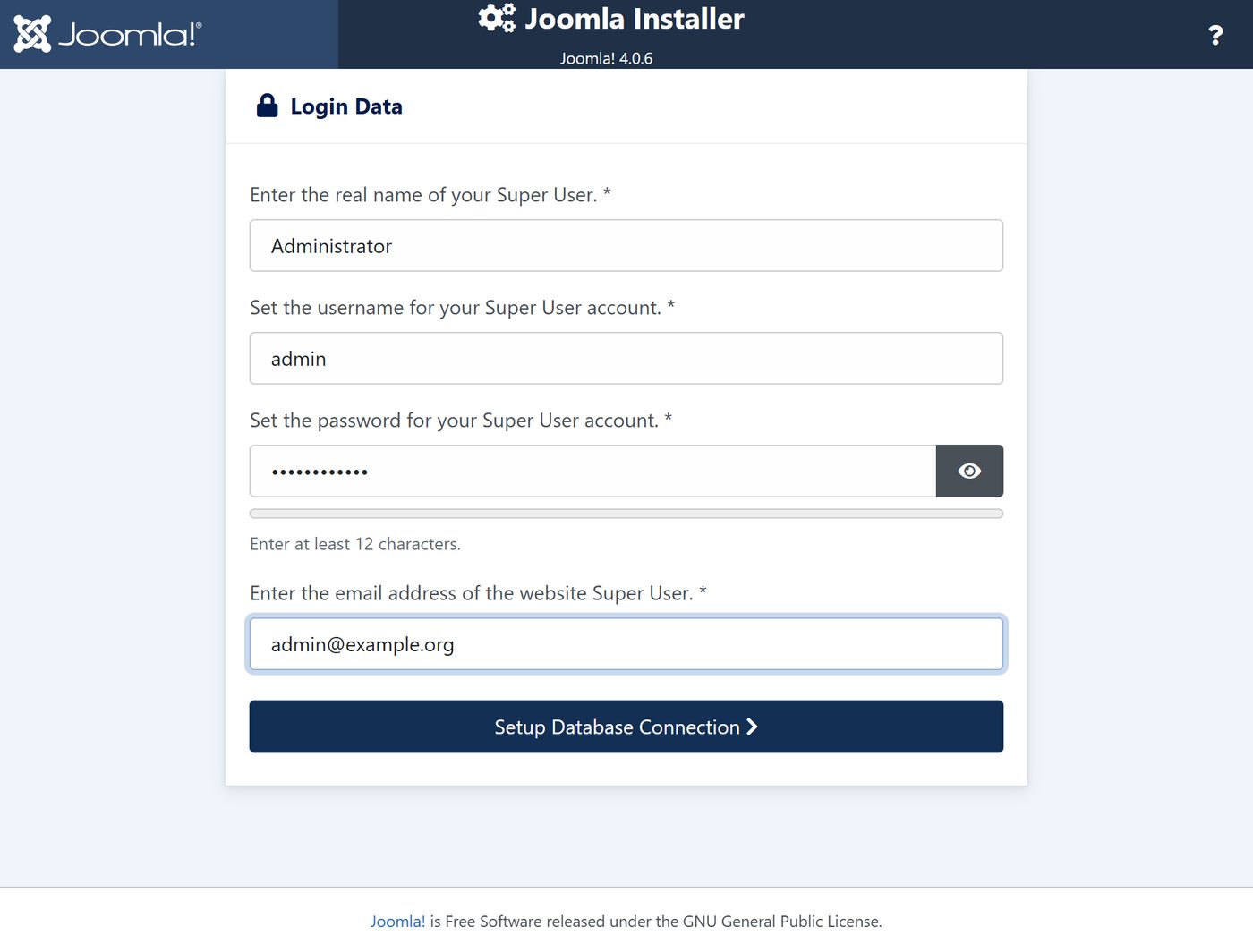
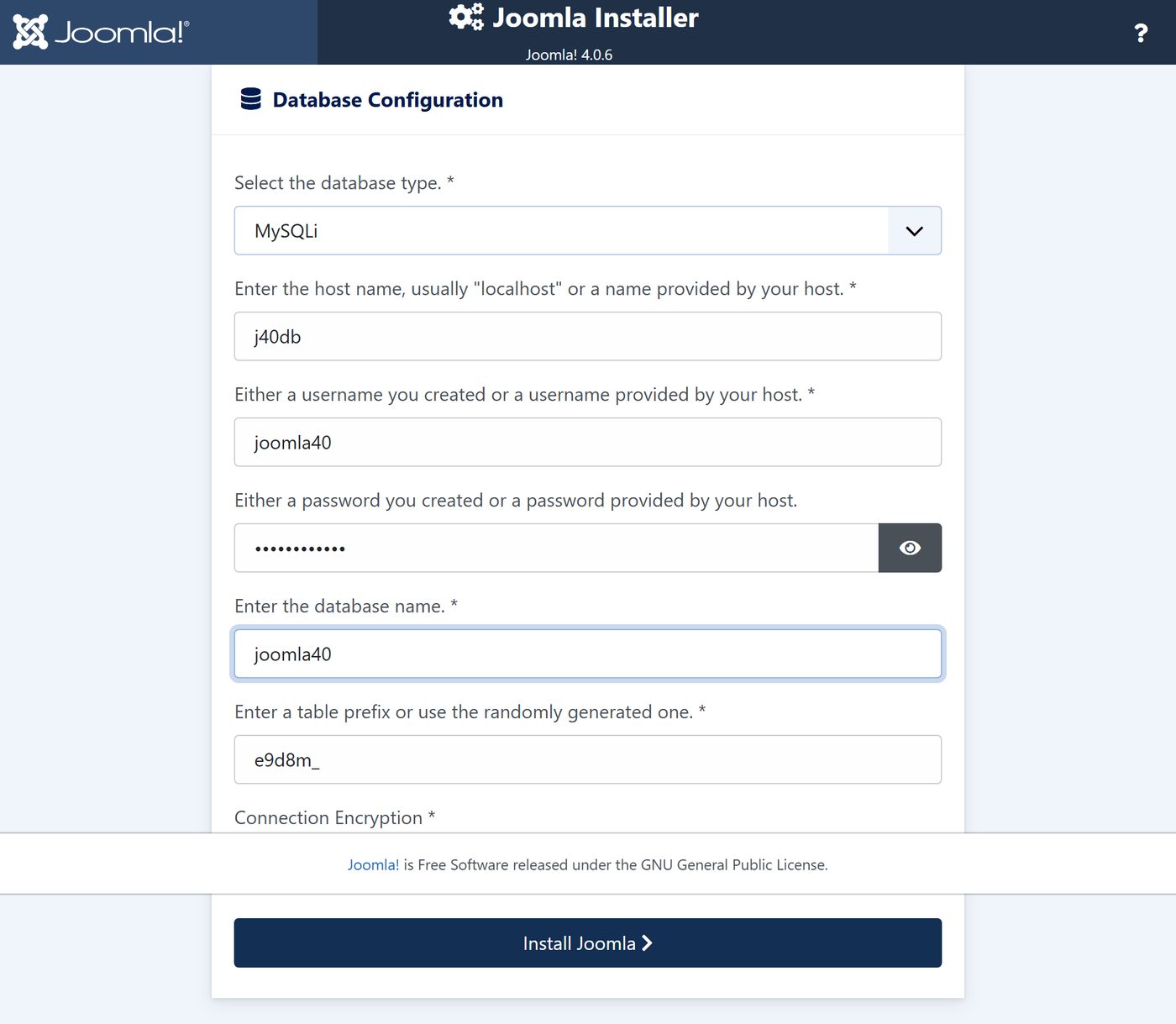
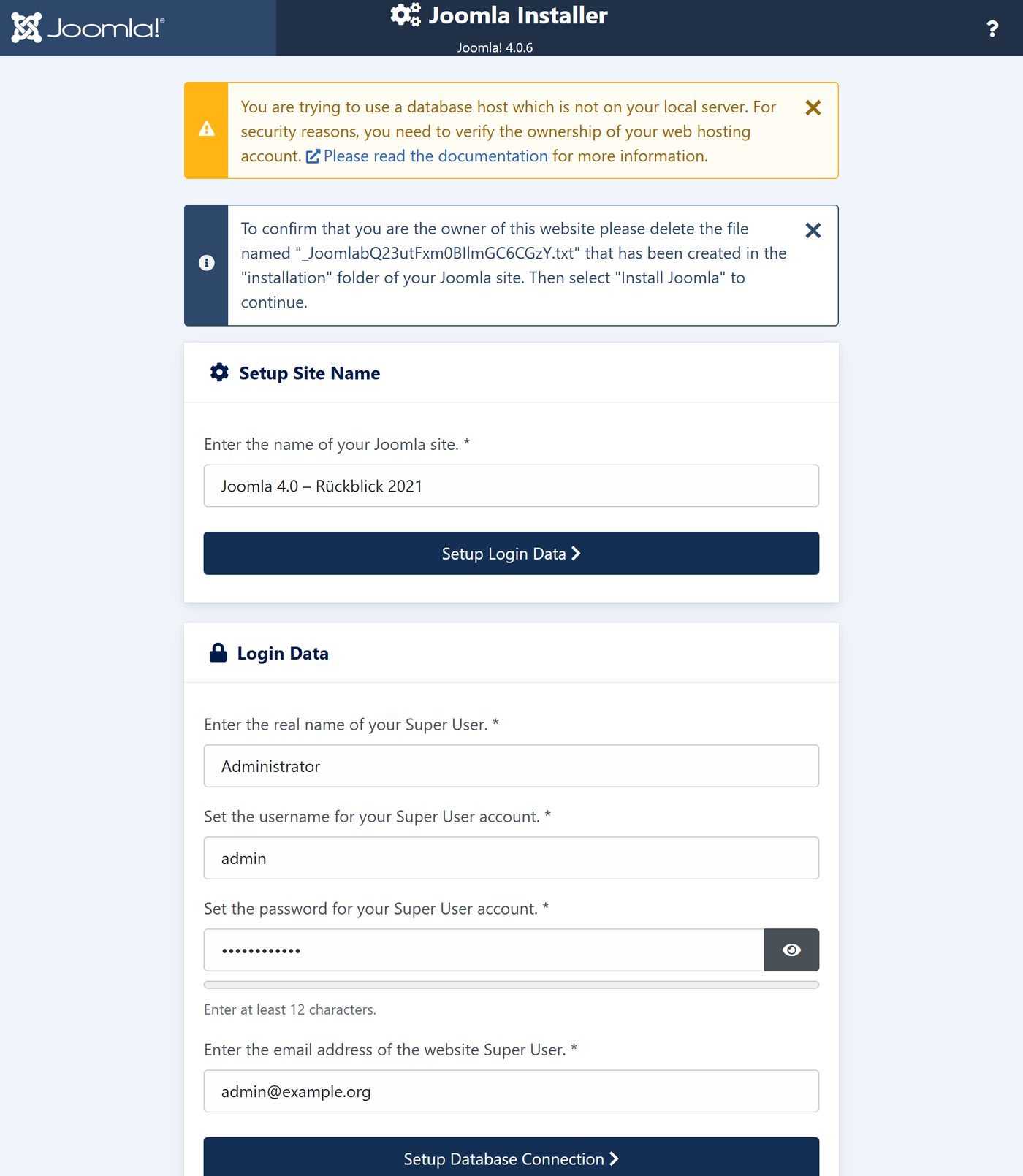
Three steps on one page that open one after the other: name, login, database. A security check is new: if the database sits on another server, you have to delete a file that Joomla creates in the "installation" folder – that is how you prove the web space is yours.
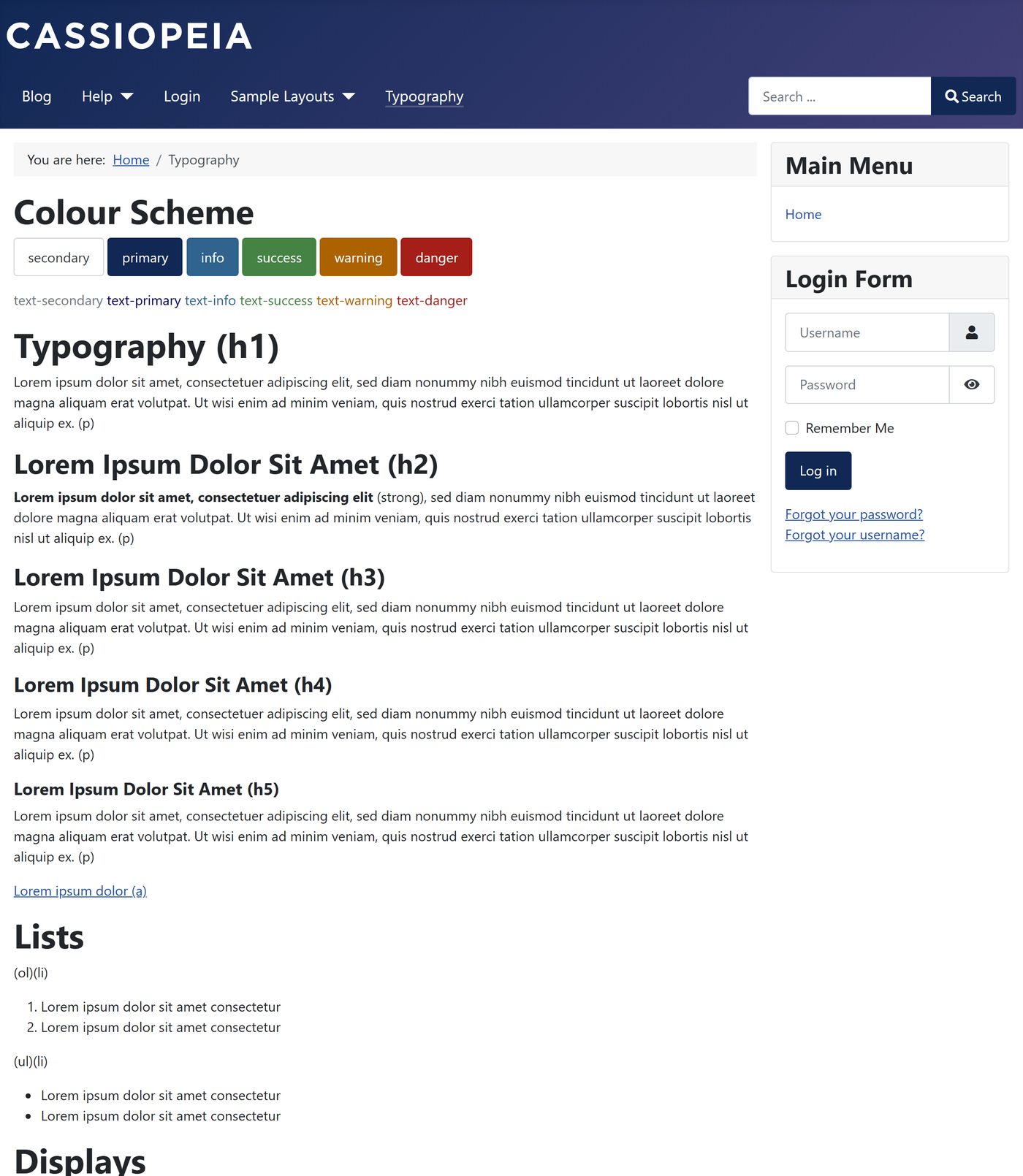
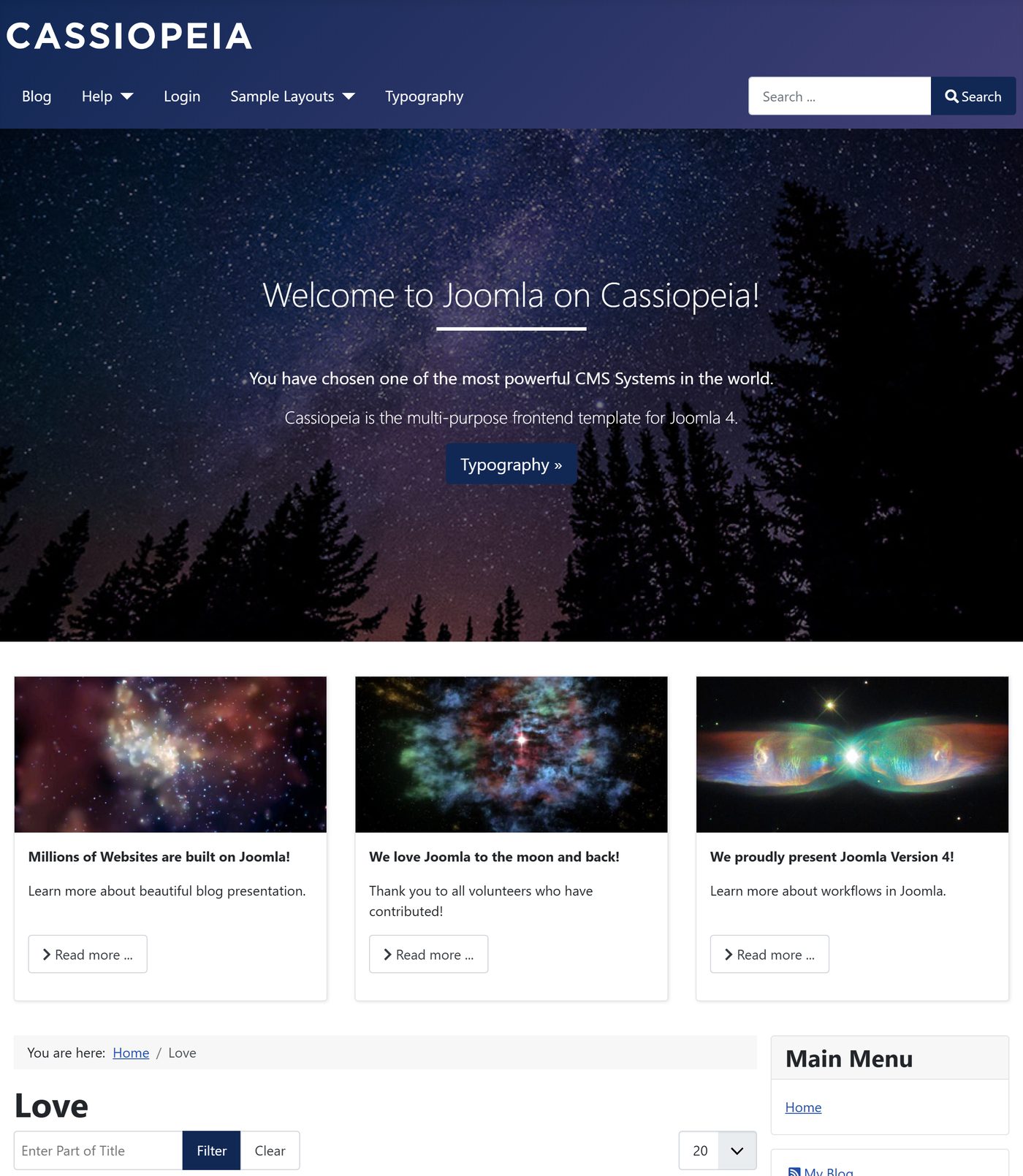
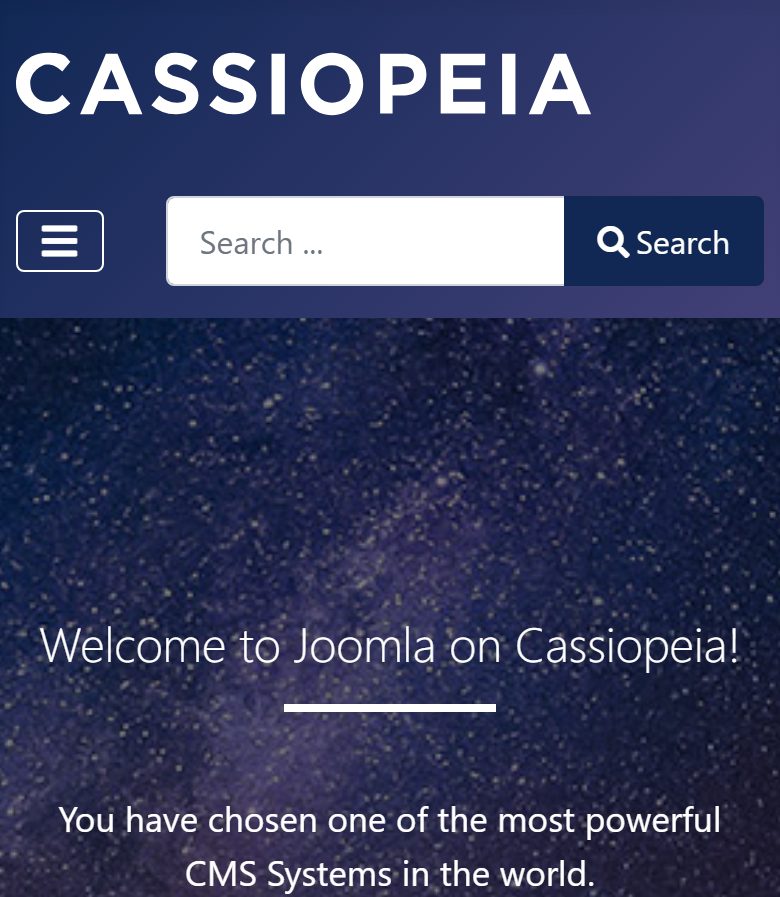
The website: Cassiopeia
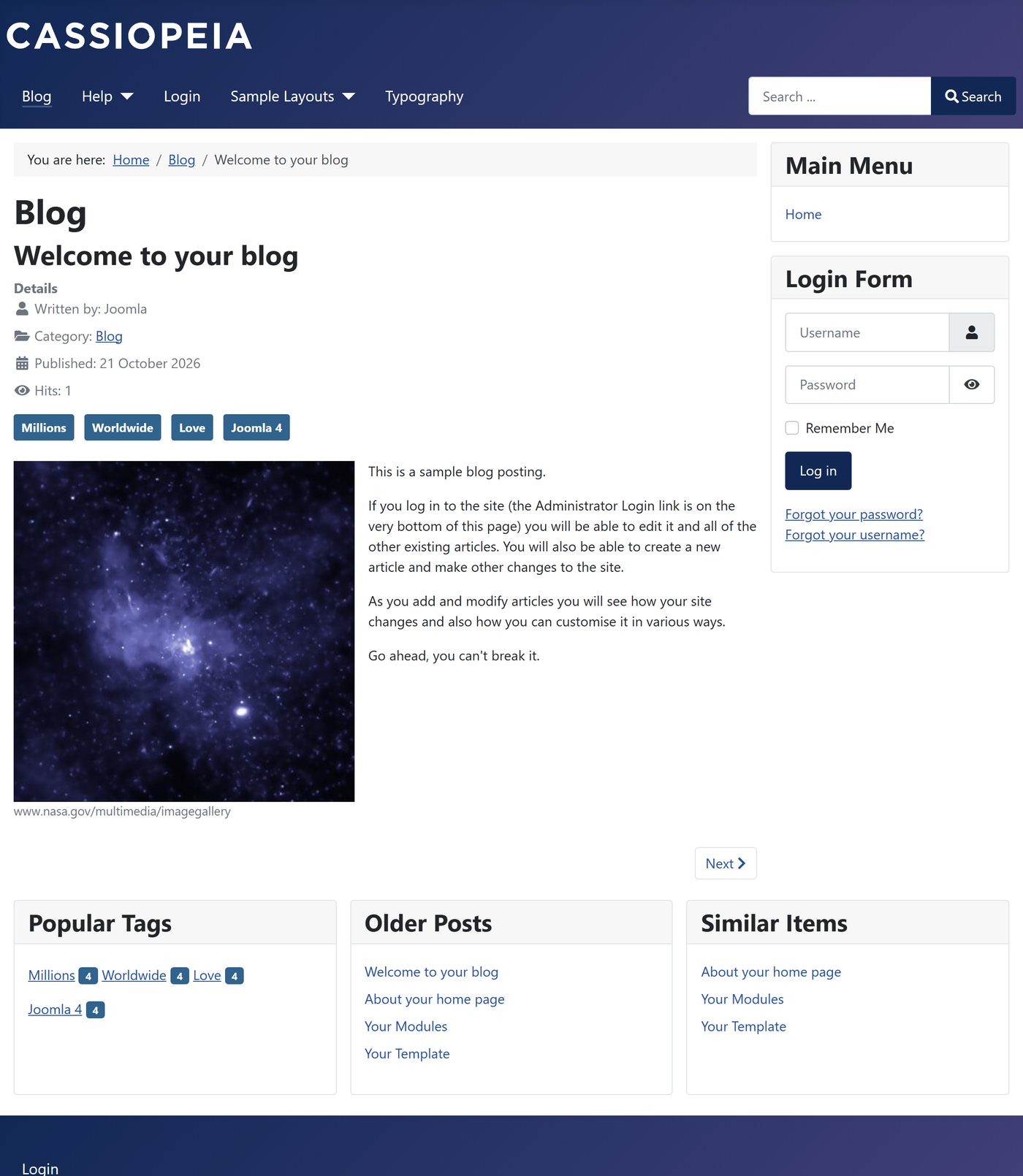
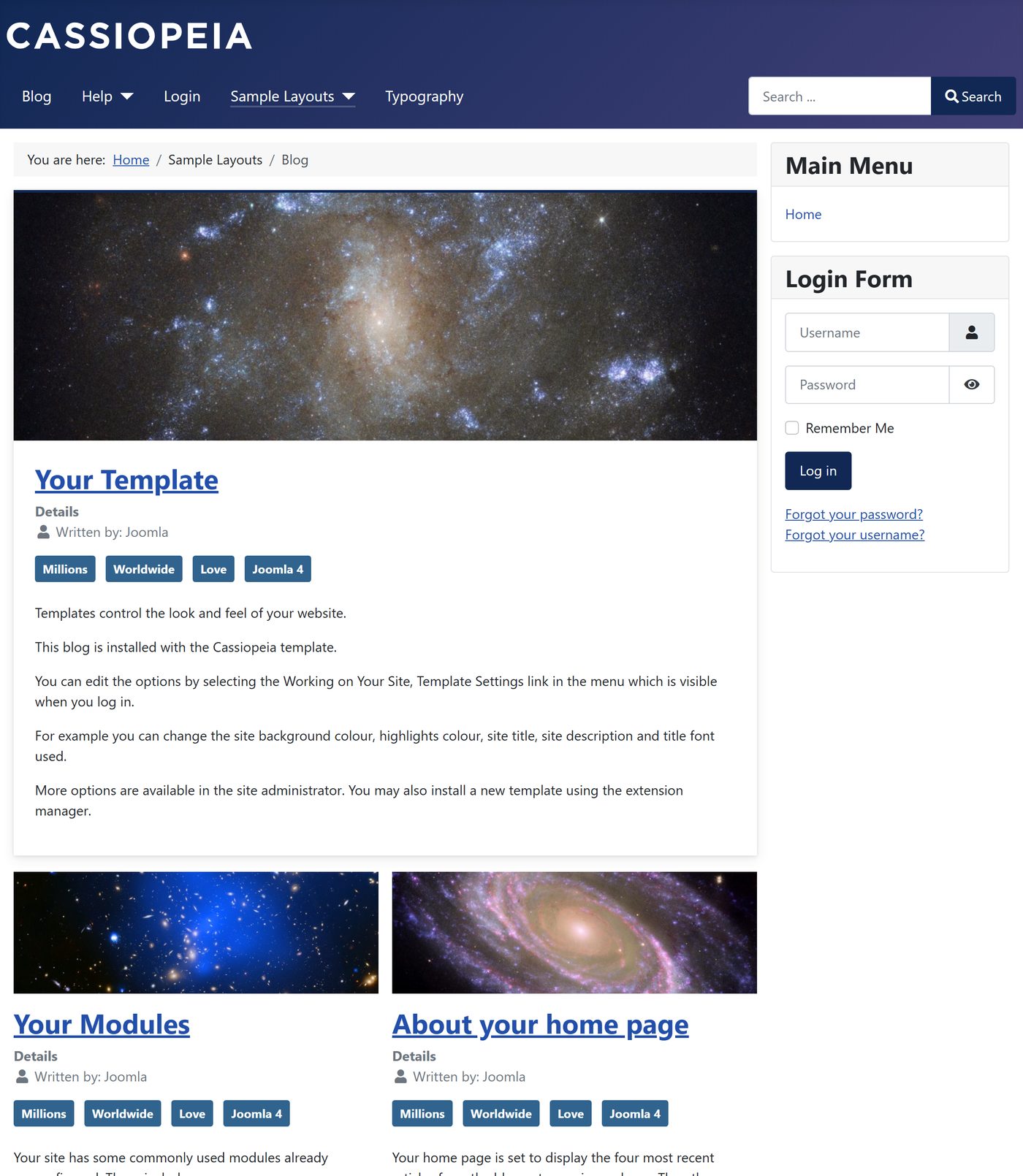
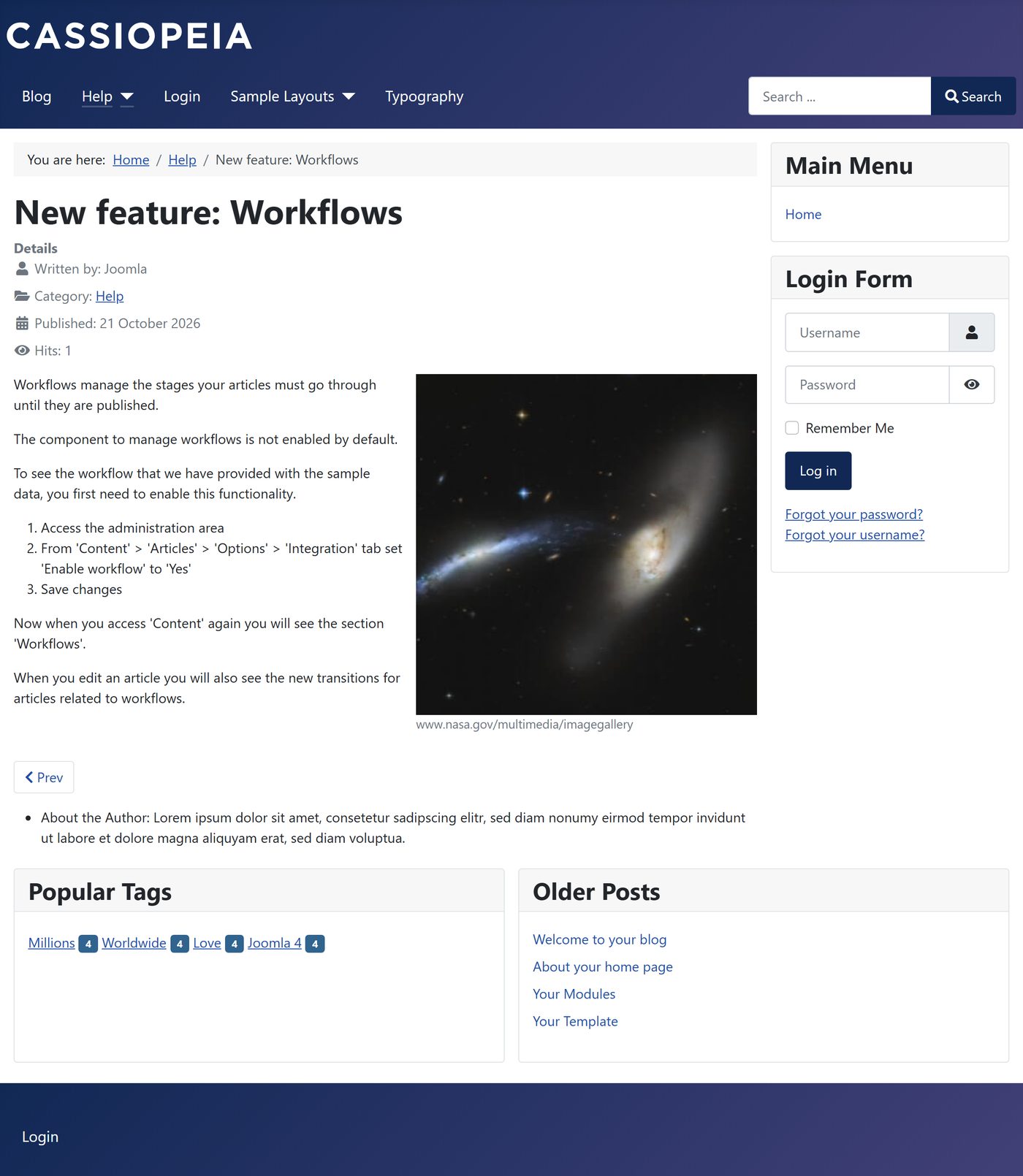
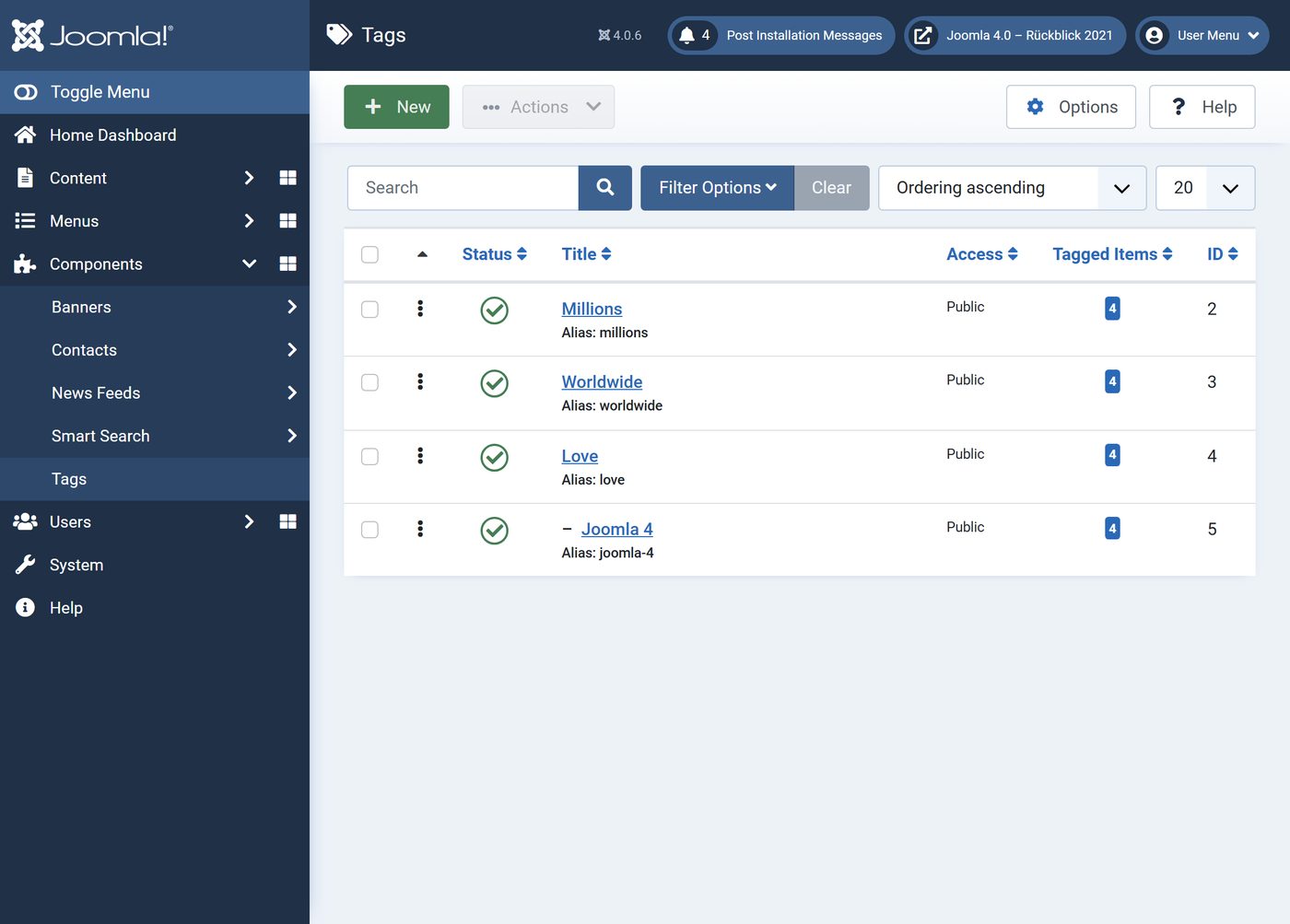
Sample data no longer comes from the installer but from a module in the dashboard. The blog sample data sets up articles, tags, custom fields and a workflow – but the workflow stays off until you switch it on, as the article "New feature: Workflows" explains.

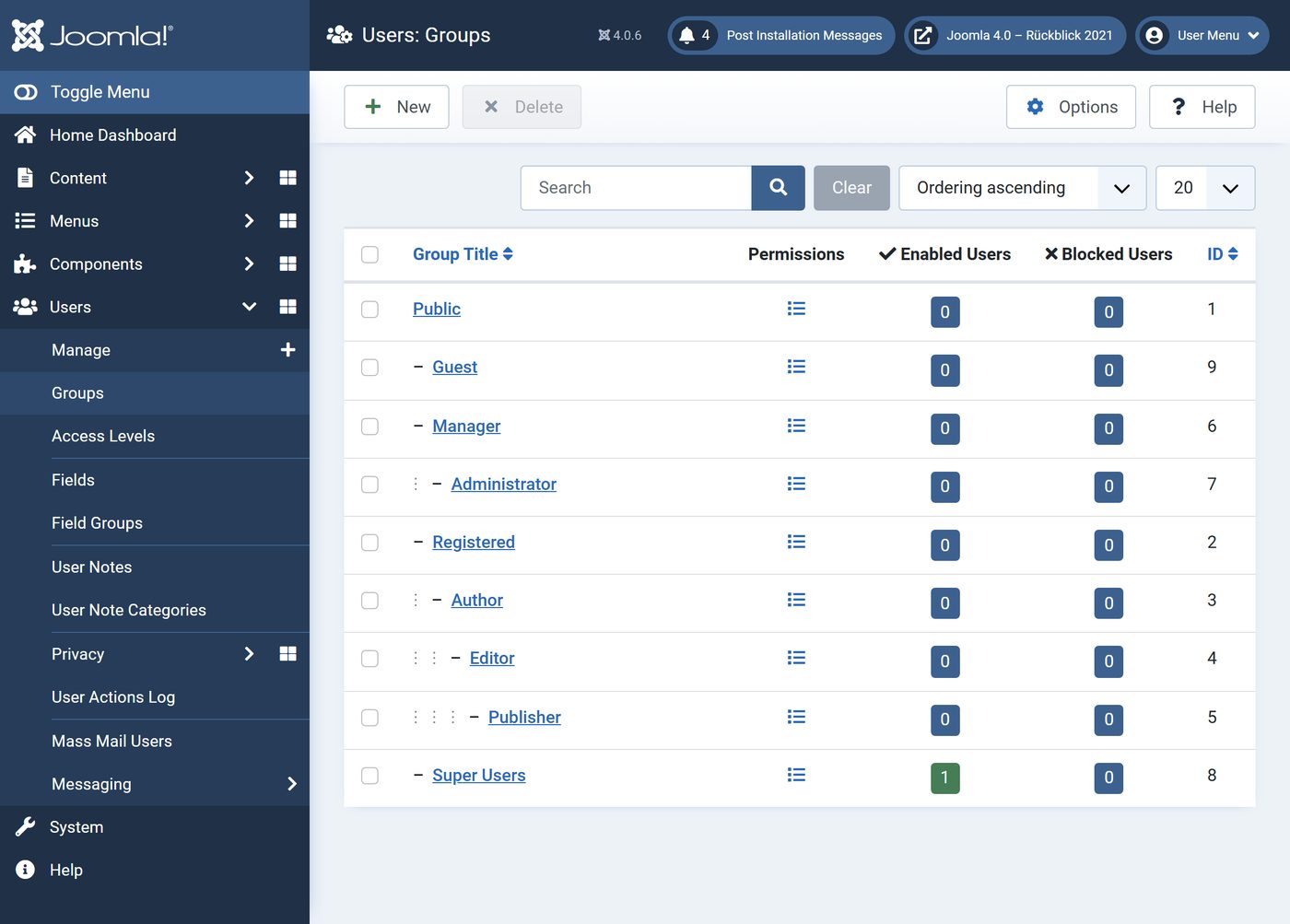
The backend: Atum
Content

New or newly arranged
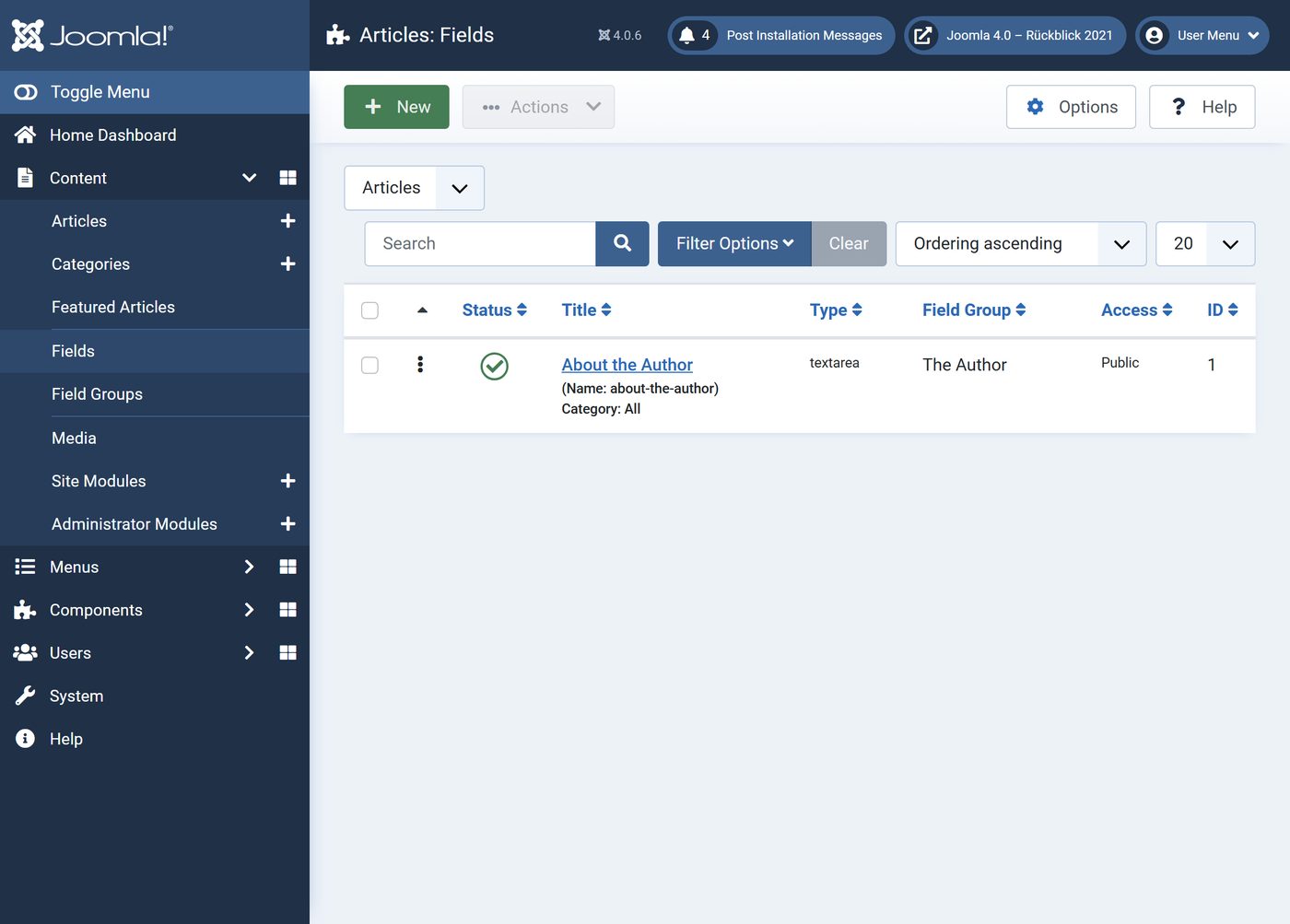
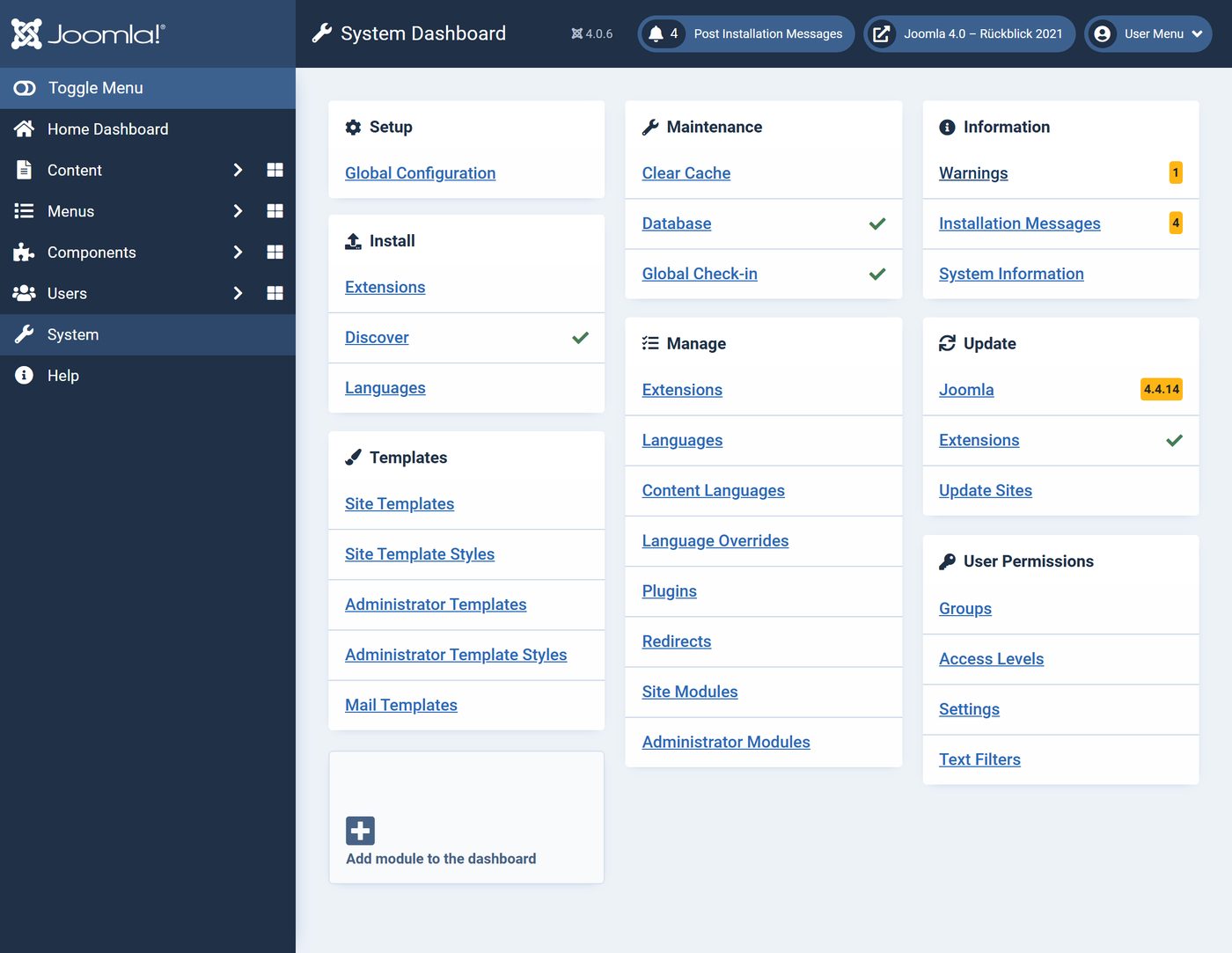
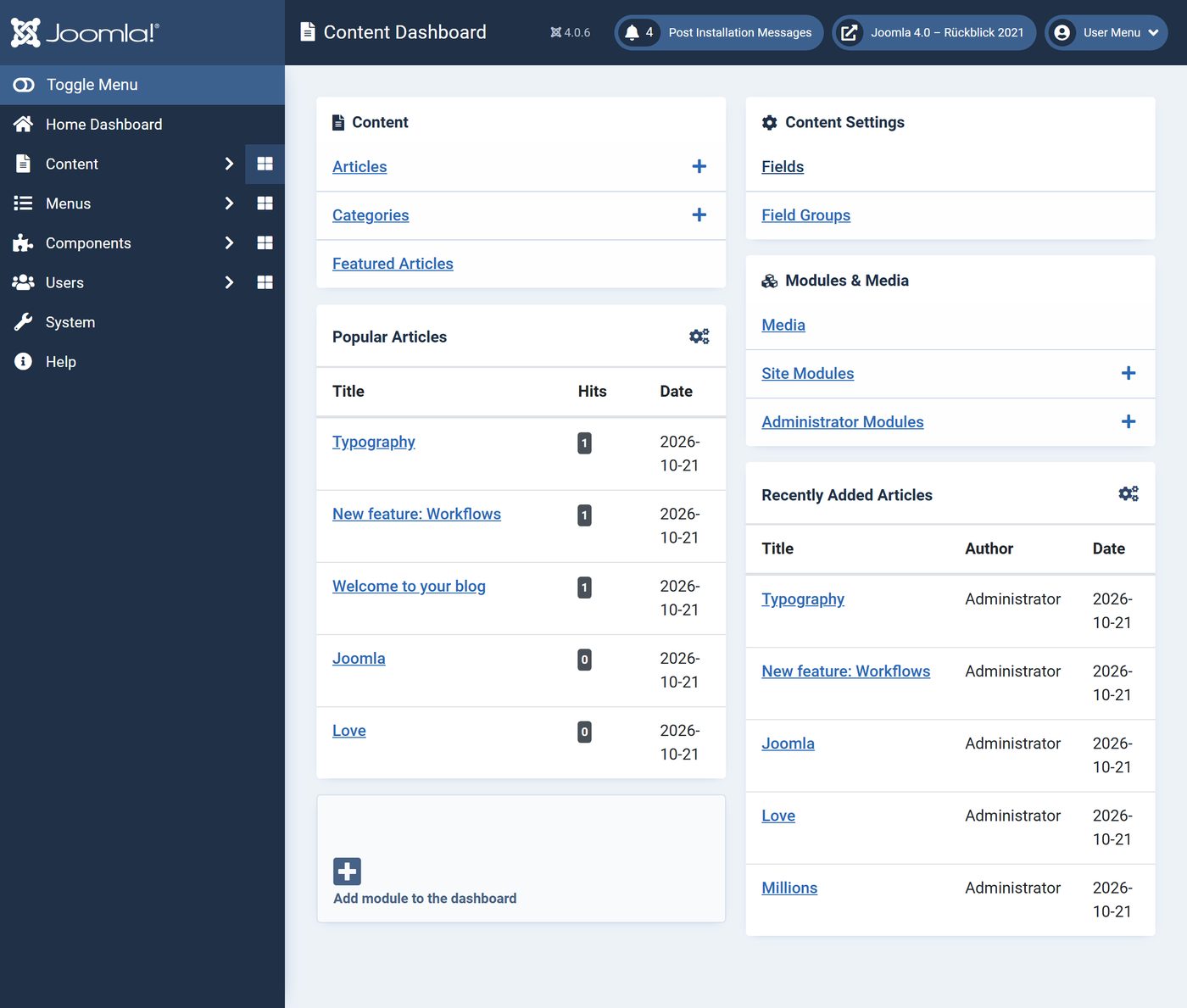
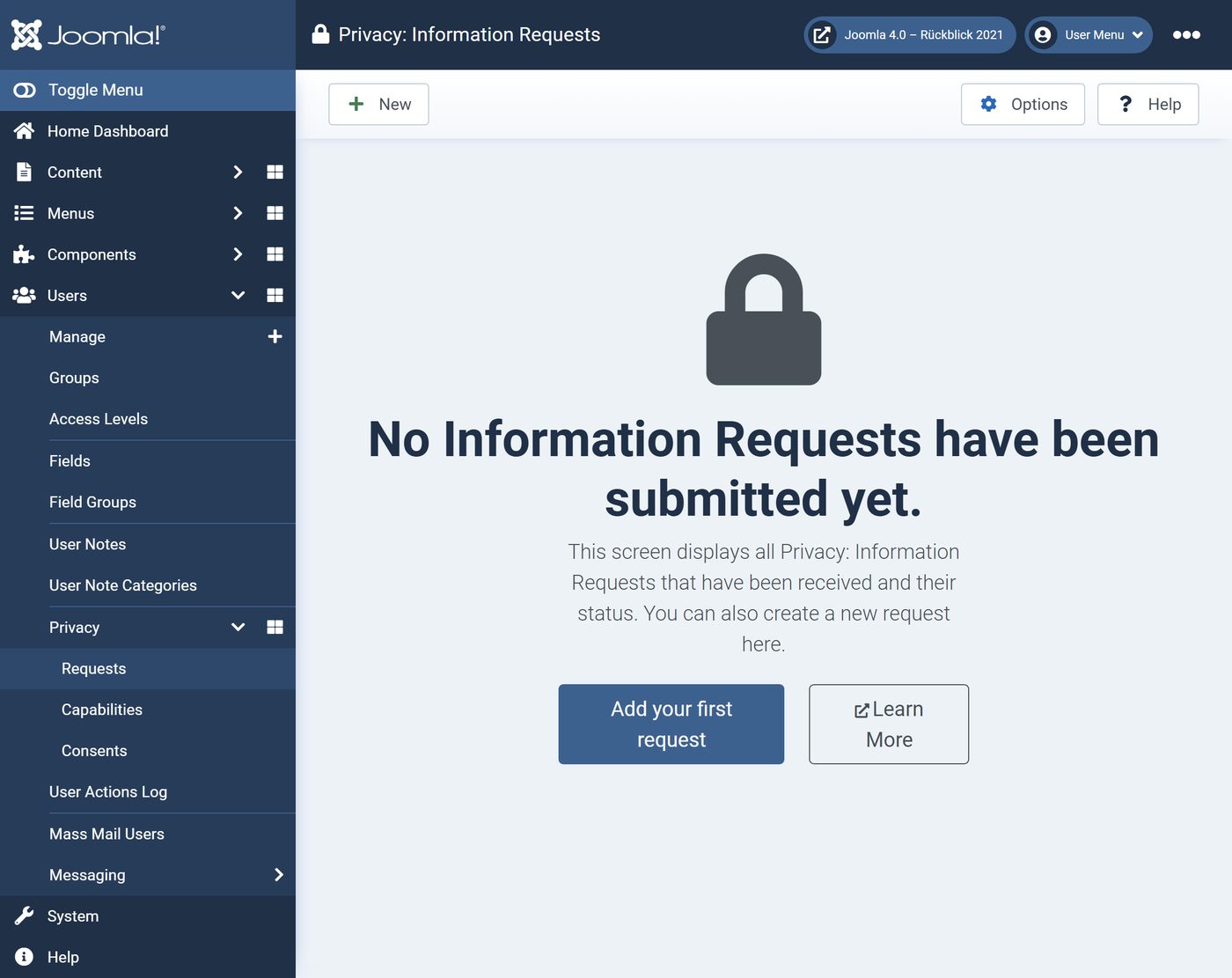
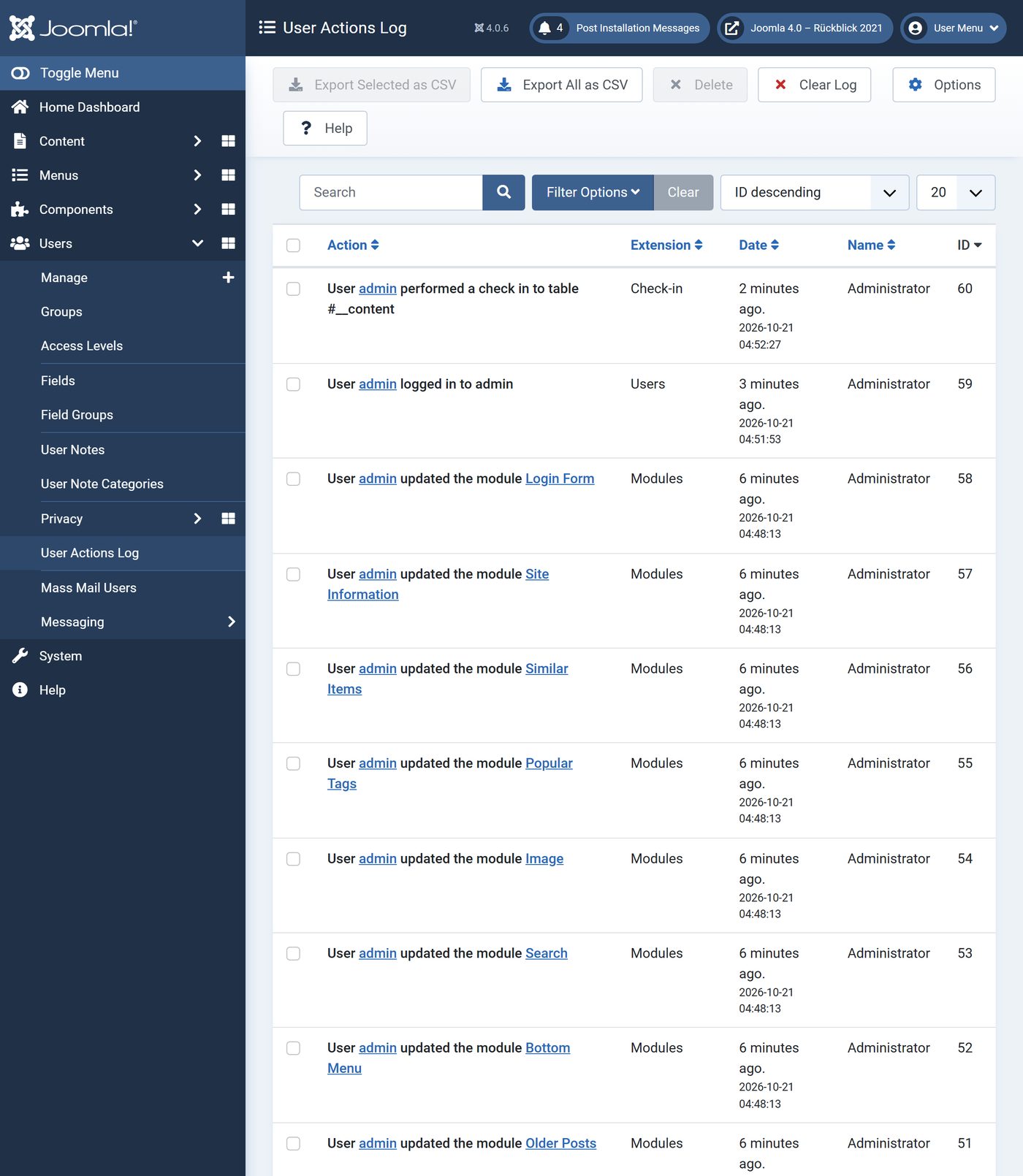
Some of it already arrived in late versions of Joomla 3 – custom fields with 3.7, privacy and the user actions log with 3.9. In Joomla 4 they get their fixed place, along with workflows and dashboards of their own for content and system.
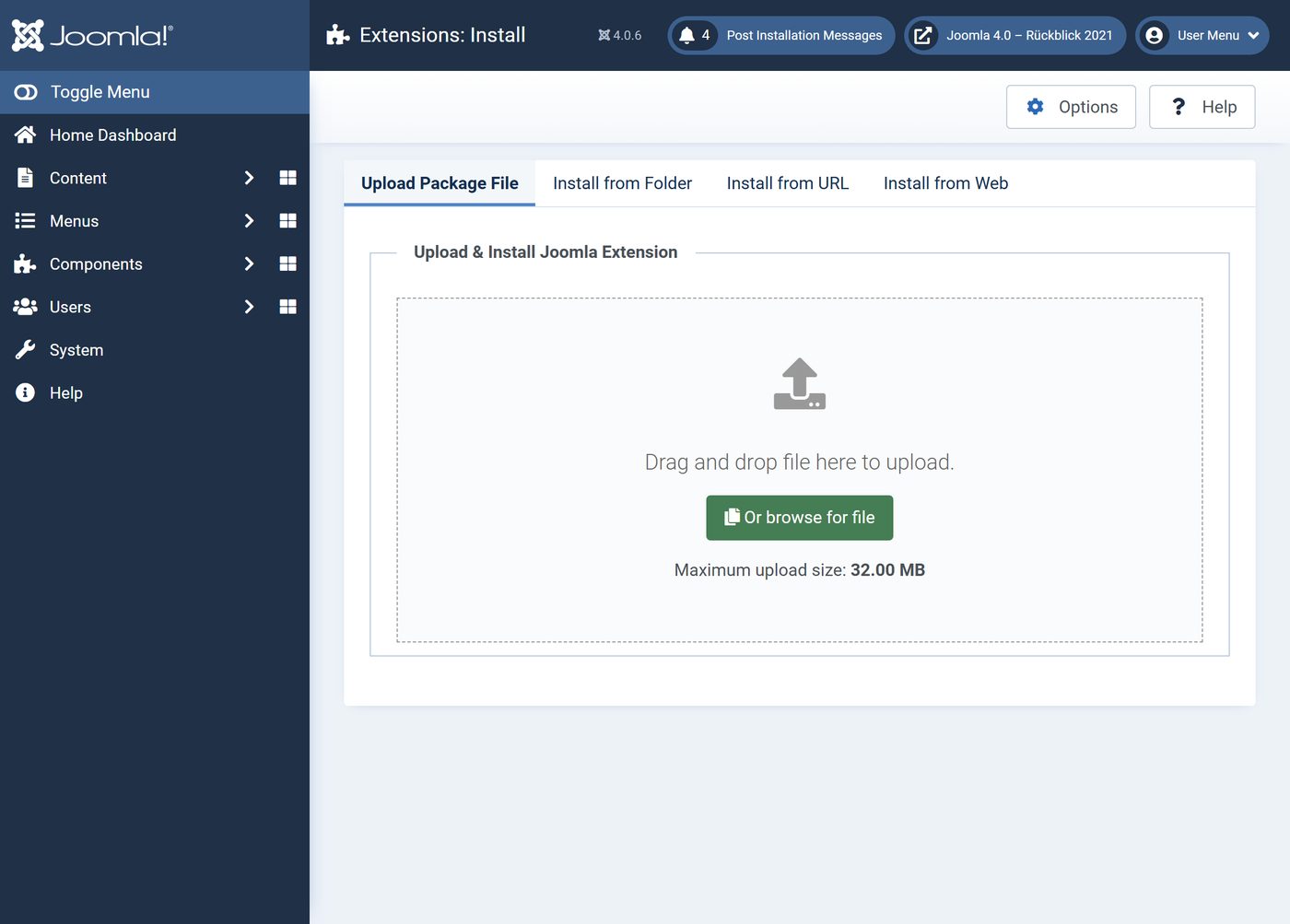
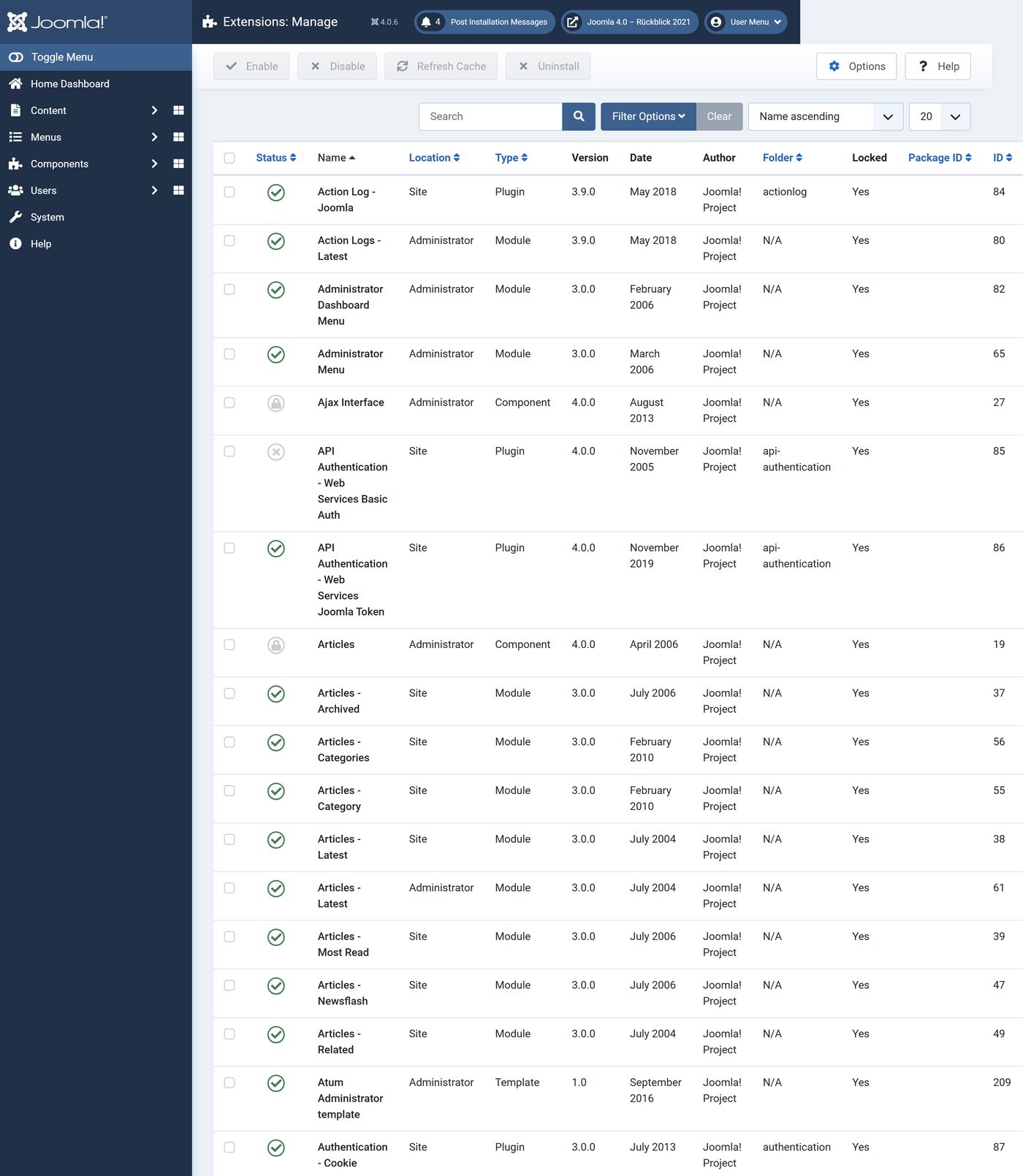
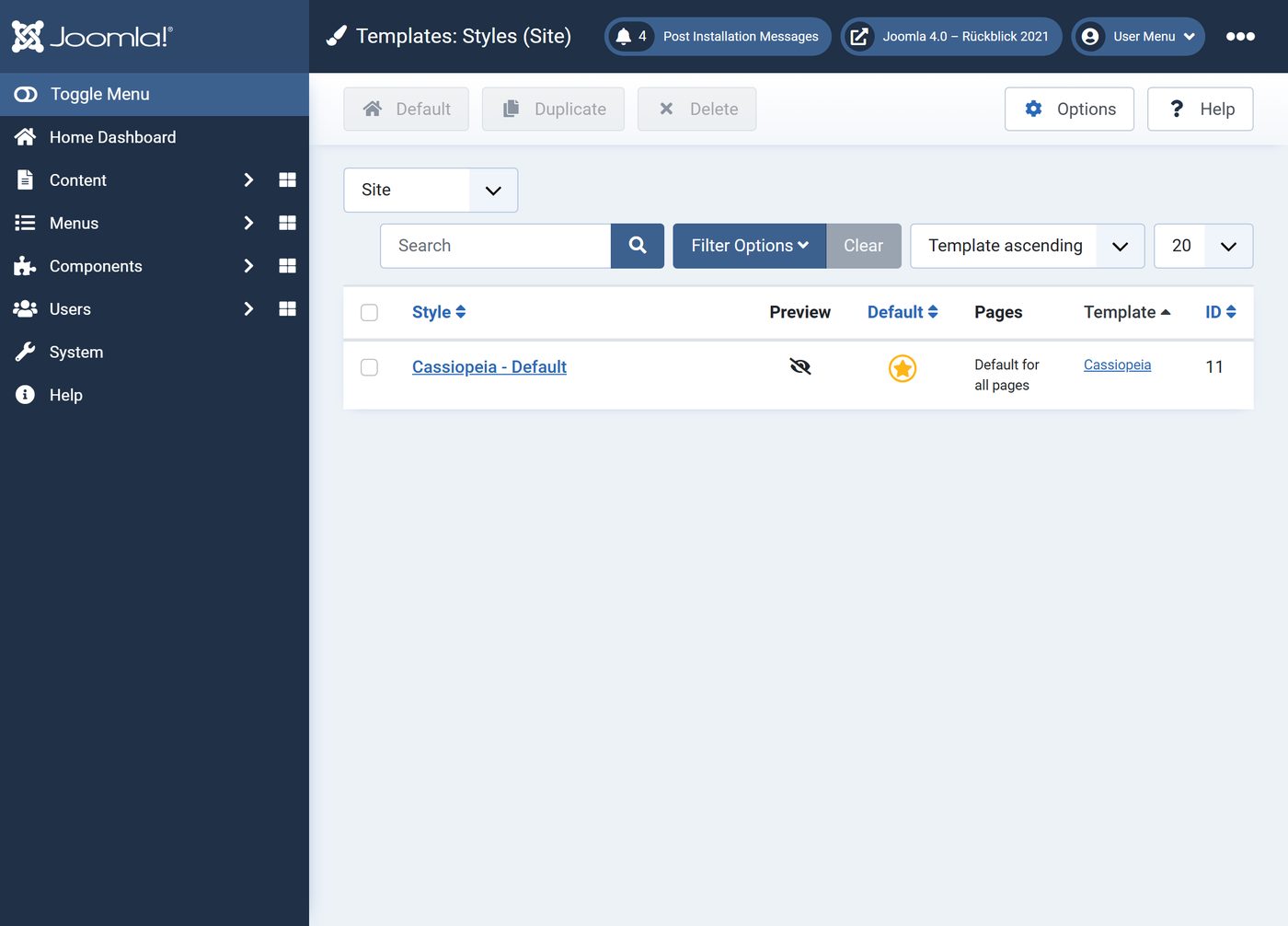
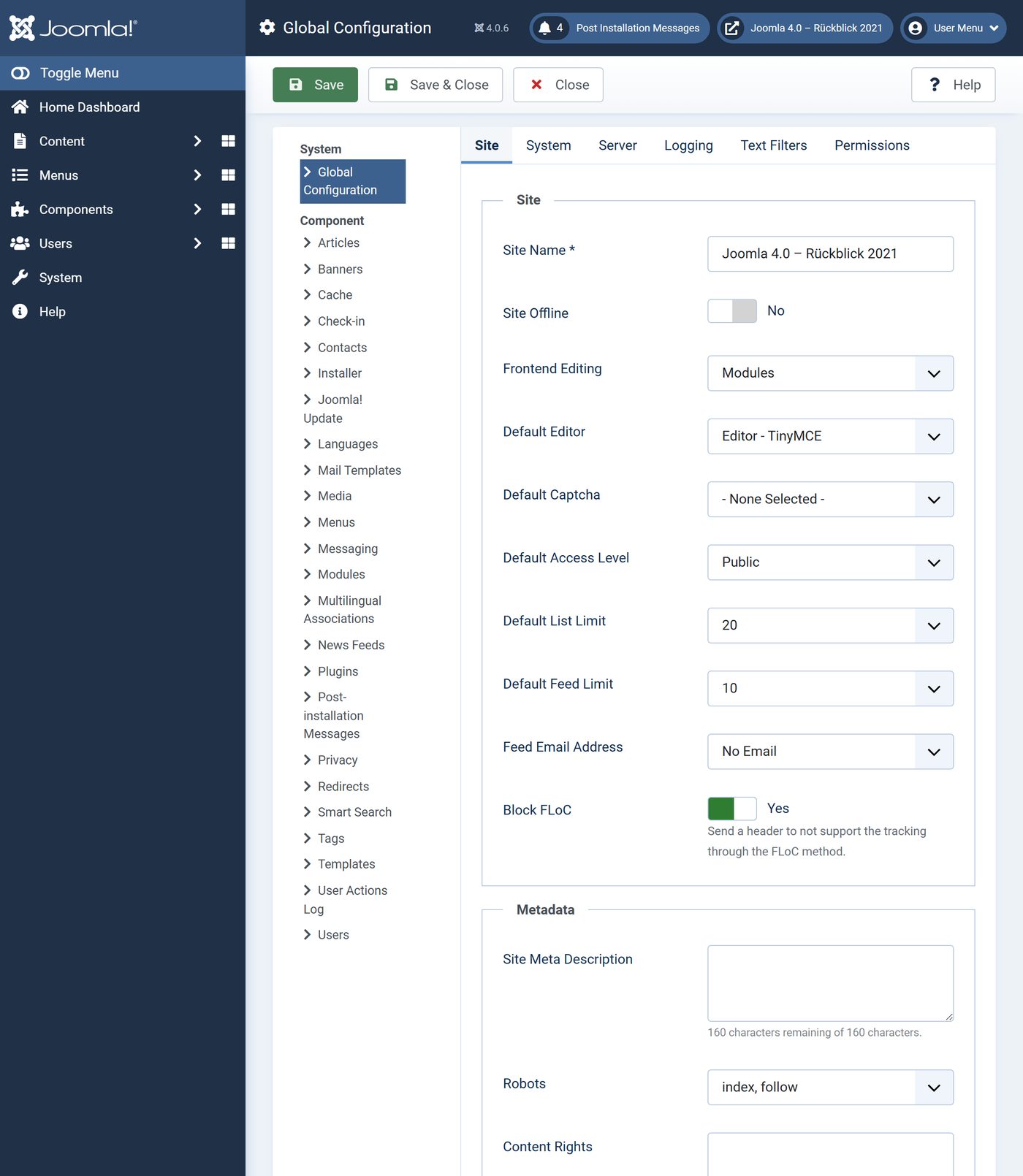
Extensions, templates, system
2021 and today
Between Joomla 4.0 and Joomla 6.2 the look has barely changed – Atum and Cassiopeia have stayed. The differences are in the details and under the surface.

Joomla 4 from 4.0 to 4.4
4.0 was followed by four more lines, each with a review of its own in this blog. Joomla 4.1, for example, added the Task Scheduler, as joomla.org/4 says. According to the Joomla downloads:
| Version | First release | Last release | Versions |
|---|---|---|---|
| Joomla 4.0 | 17 Aug 2021 | 4.0.6 · 18 Jan 2022 | 7 |
| Joomla 4.1 | 15 Feb 2022 | 4.1.5 · 21 Jun 2022 | 6 |
| Joomla 4.2 | 16 Aug 2022 | 4.2.9 · 14 Mar 2023 | 10 |
| Joomla 4.3 | 18 Apr 2023 | 4.3.4 · 22 Aug 2023 | 5 |
| Joomla 4.4 | 17 Oct 2023 | 4.4.14 · 30 Sep 2025 | 15 |
All 7 versions of Joomla 4.0
- 4.0.017 Aug 2021
- 4.0.123 Aug 2021
- 4.0.224 Aug 2021
- 4.0.314 Sep 2021
- 4.0.424 Oct 2021
- 4.0.55 Dec 2021
- 4.0.618 Jan 2022
What came after Joomla 4
On 17 October 2023 Joomla 5.0 came out, together with Joomla 4.4 – and Joomla explicitly called the move an upgrade, not a migration. That is where this series continues.
Is your website still on Joomla 4?
Joomla 4 has had no updates since 14 October 2025. The way to Joomla 6 leads via 4.4 and 5.4 and is an upgrade, not a migration – we take care of it, including a check of your extensions.
See Joomla update and migrationHow we did it: Joomla 4.0.6 in the original package from downloads.joomla.org, locally in Docker with PHP 8.0 and MySQL 8.0, reachable only on our own machine, files unchanged, with the blog sample data. The red warning that PHP 8.0 is outdated only appears because we run the old version today – we closed it with its own button before taking the picture. Joomla 6.2 fresh with sample data.
All parts of the series "Joomla history"


