

 Joomla hacked?
 Joomla 6 migration
 Security update PHP & YOOtheme
 Blog
Blog References
 About us
 Prices
 Contact
On 17 September 2005 Joomla 1.0 came out – the very first Joomla. For this review we installed the last version, Joomla 1.0.15 of 22 February 2008, once more and photographed every important view: the installation, the website with the template of the time and the backend. This is what Joomla looked like more than 20 years ago – and how much has changed since.
| Released | 17 September 2005 (Joomla 1.0.0) |
|---|---|
| Last version | 1.0.15 "Daytime" of 22 February 2008 |
| Versions | 16 |
| End of security updates | 22 July 2009 – more in the post End of Life: Joomla 1.0 |
| Requirements according to the installer | PHP from 4.1.0, MySQL |
| Default template, editor | rhuk_solarflare_ii, TinyMCE |
How it all began
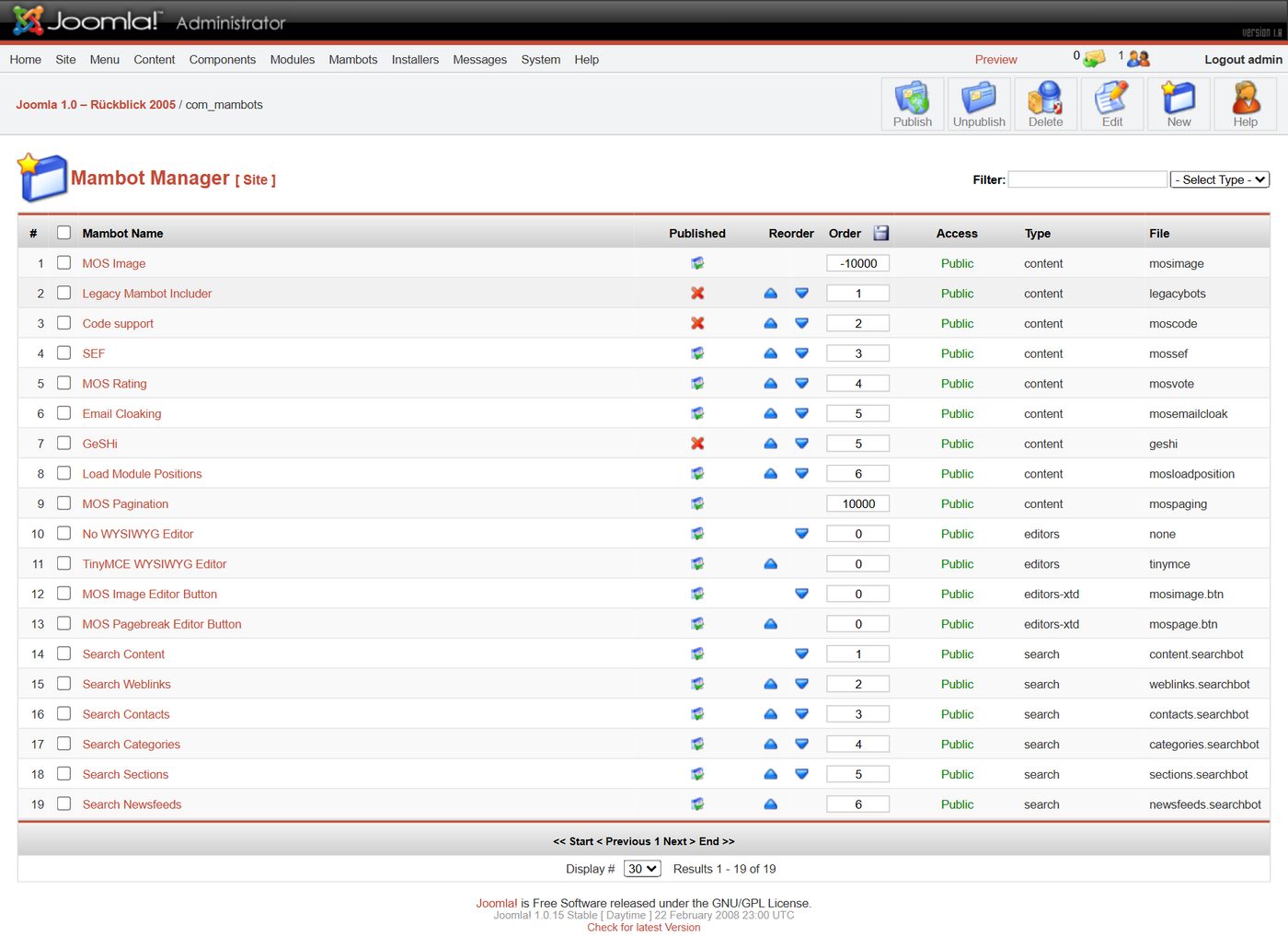
Joomla grew out of Mambo: on 17 August 2005 the development team split from the Mambo project, and on 1 September 2005 it presented the new name – after the Swahili word "jumla", "all together" (official Joomla history). At its core Joomla 1.0 was Mambo with a new name, and you can see it in many places: the plugins are called "mambots", the sample content dates from June 2004, and the installation package contains a script for moving over from Mambo 4.5.2.3.
The installation in four steps
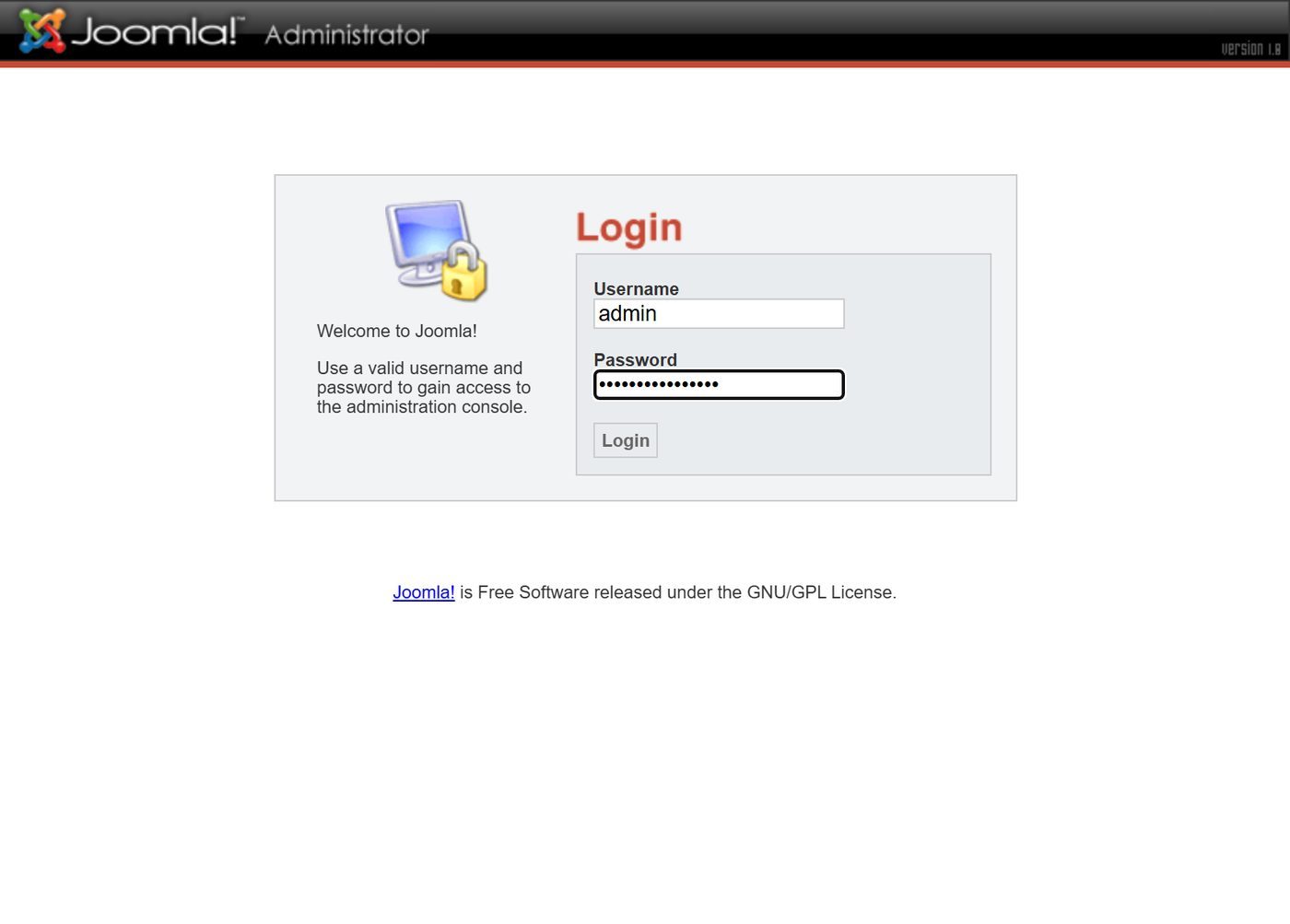
The installer first checks the server, then come the licence, the database, the name of the website and the login data. If you wanted, you got sample content straight away. At the end the installer reminds you in red capitals to delete the "installation" folder completely.
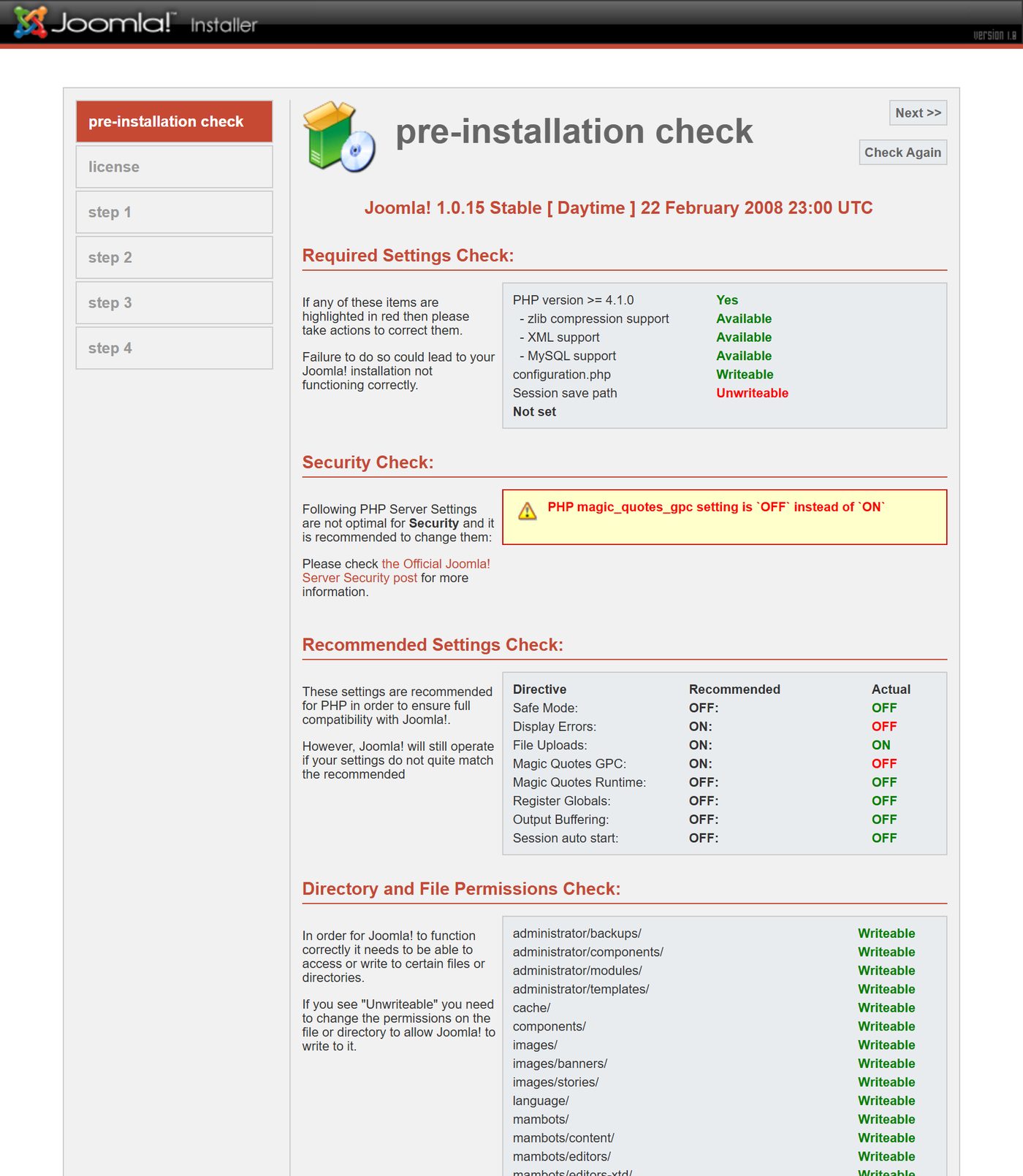
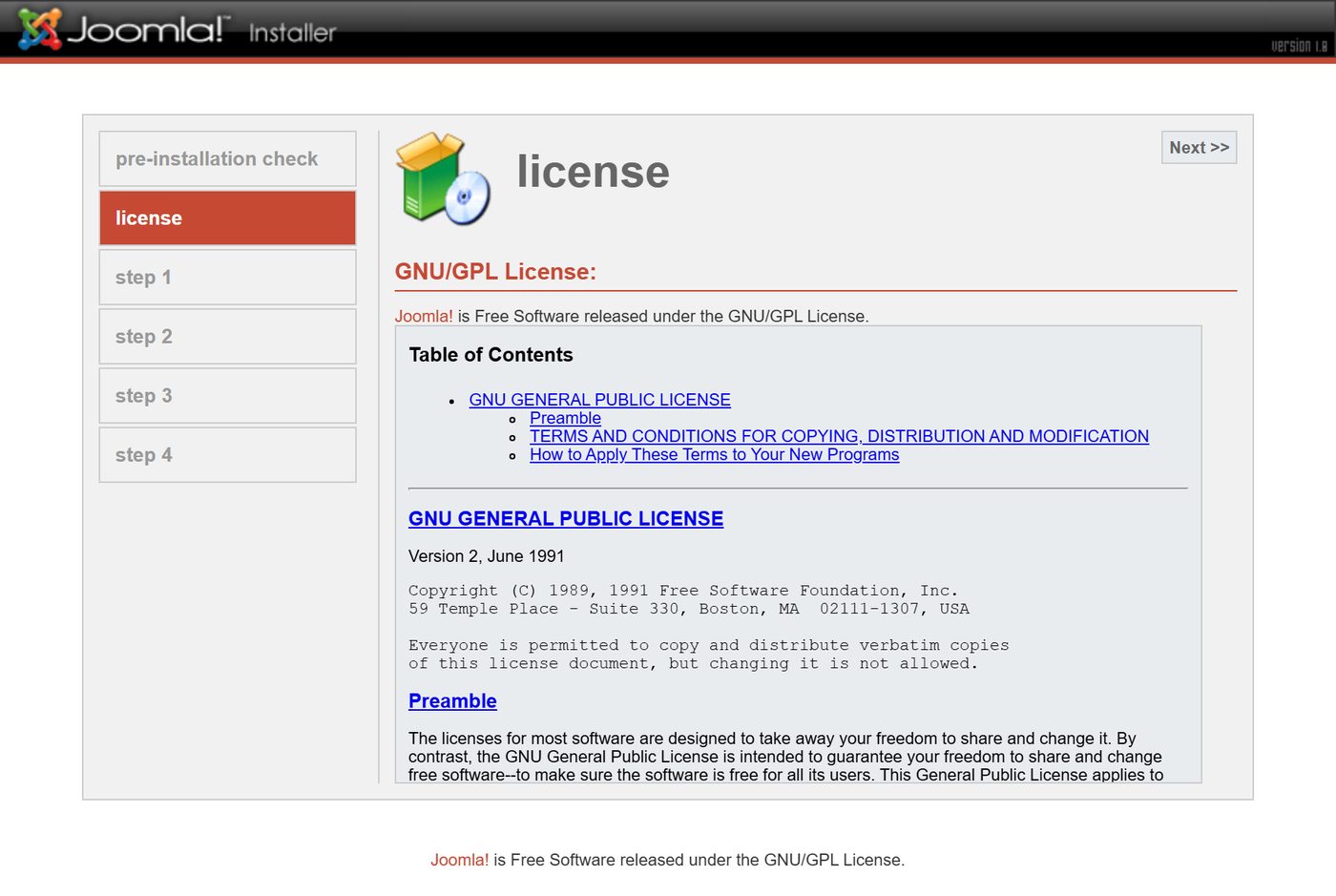
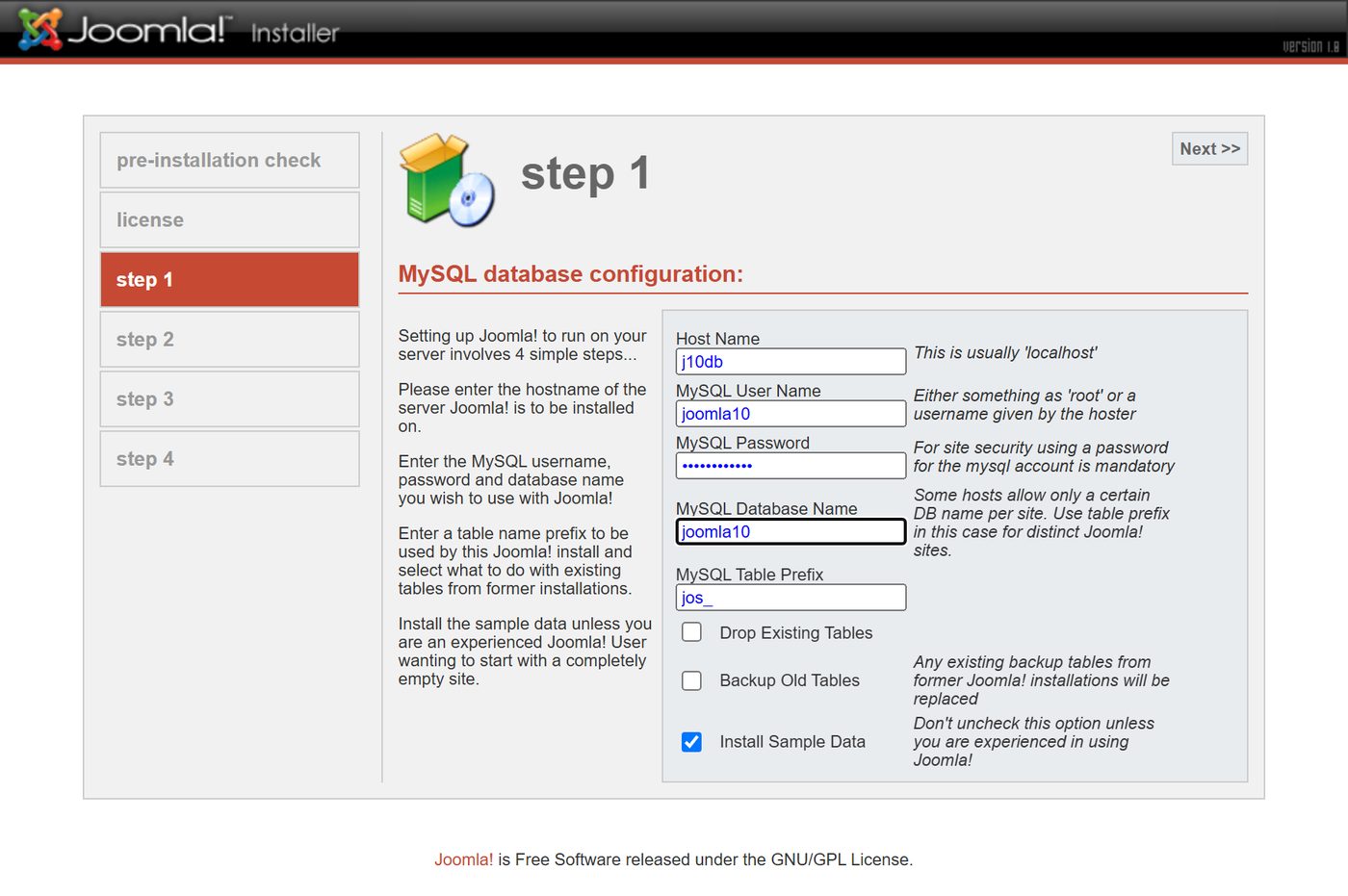
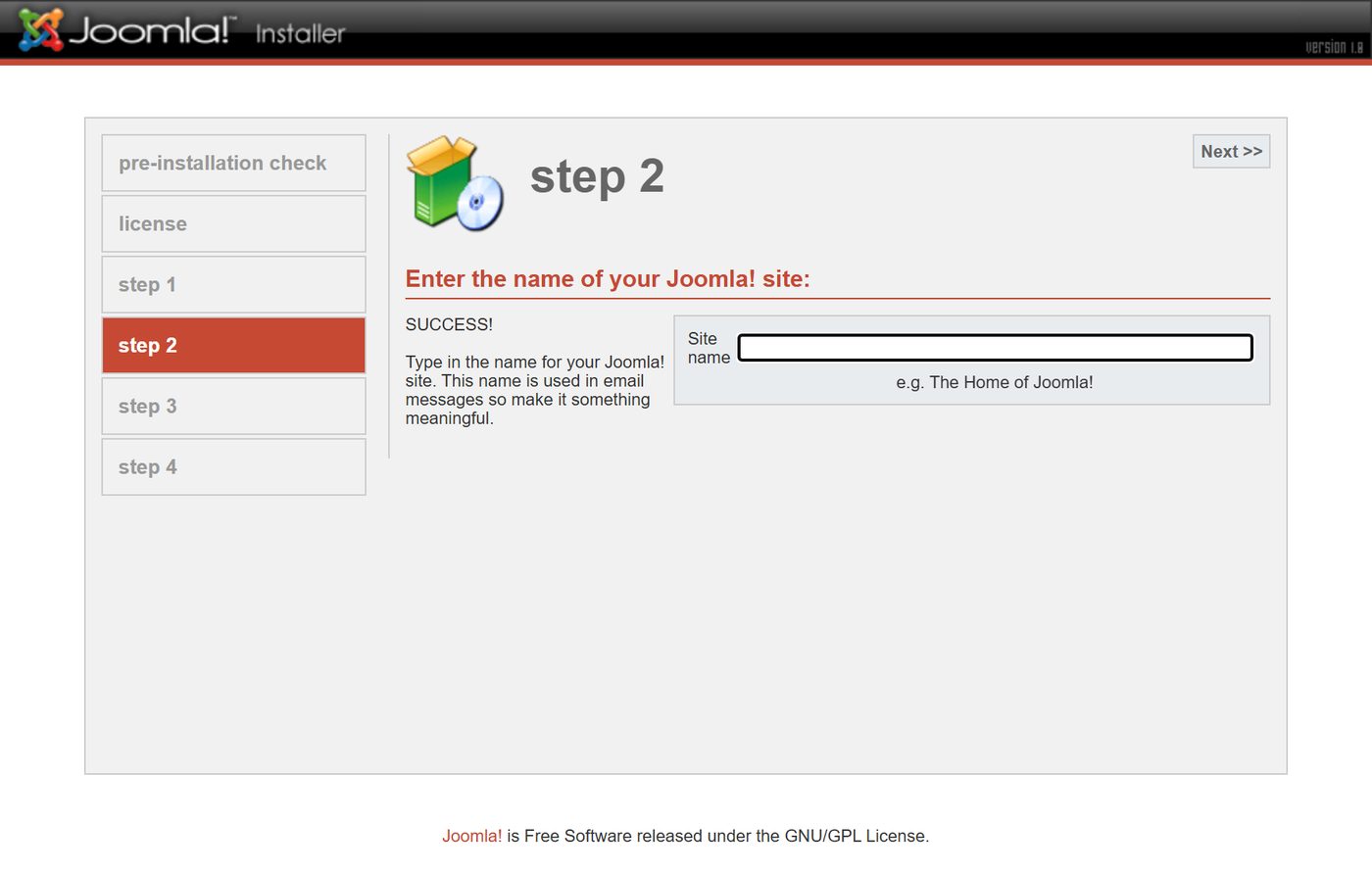
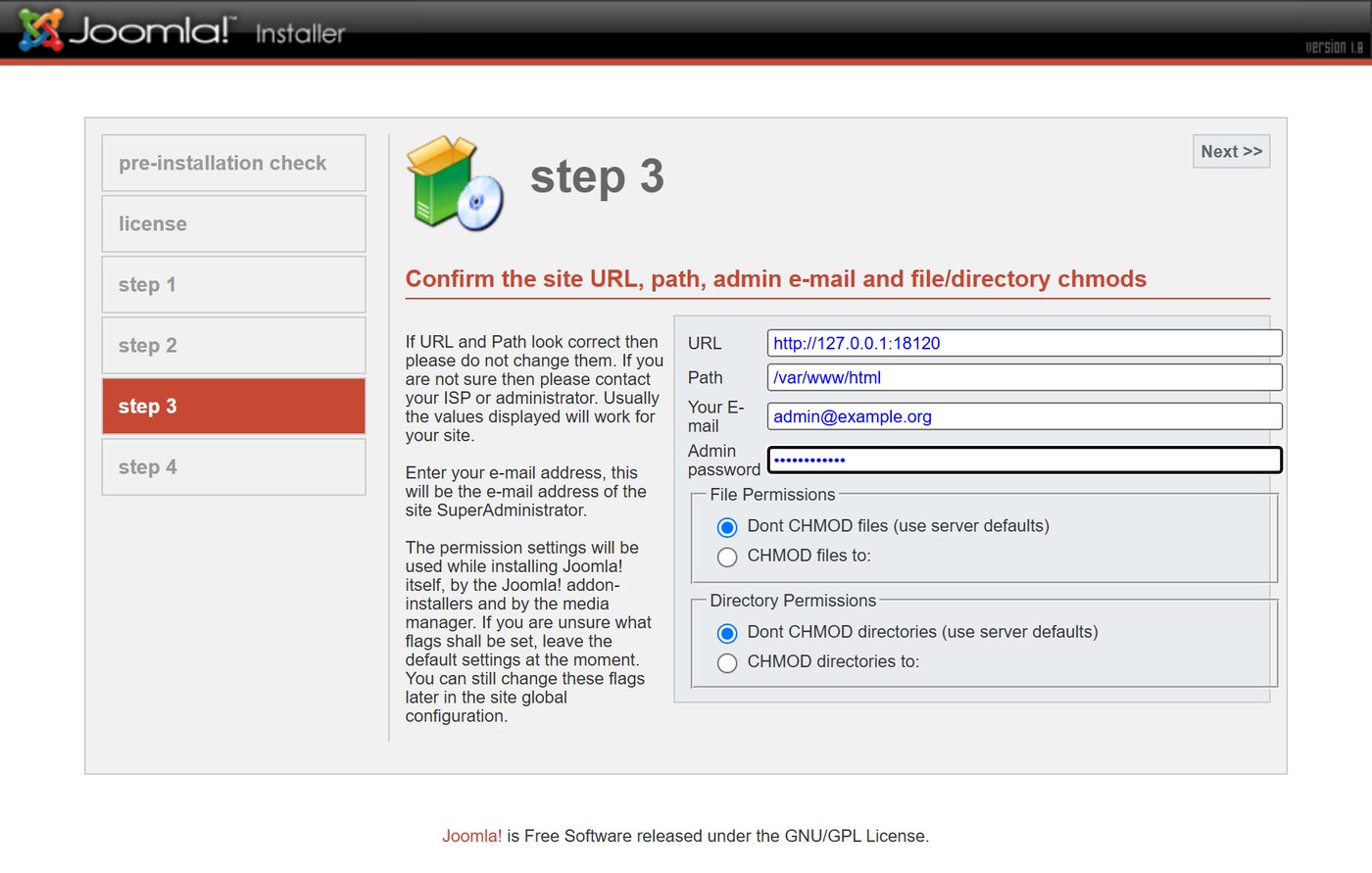
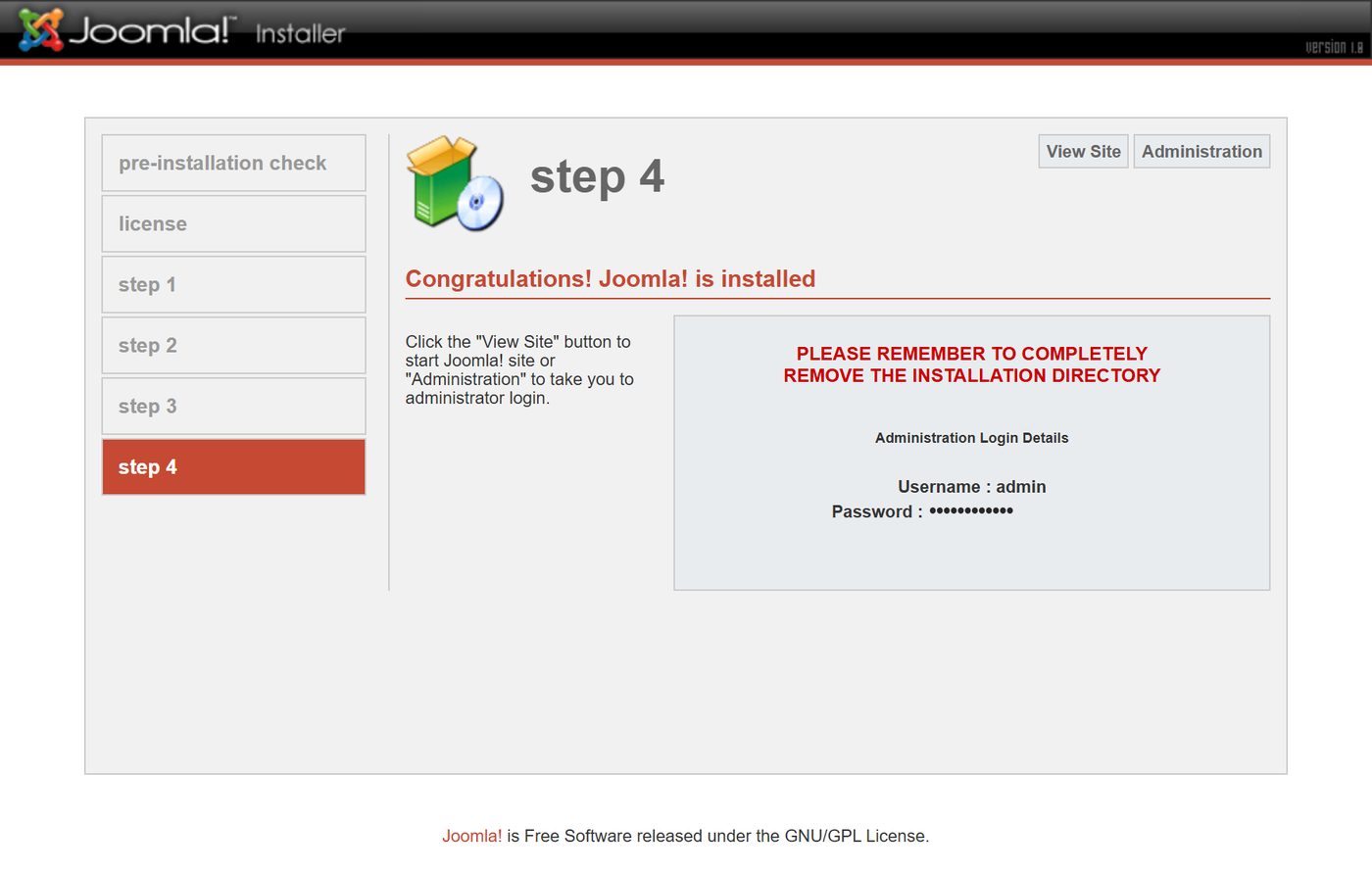
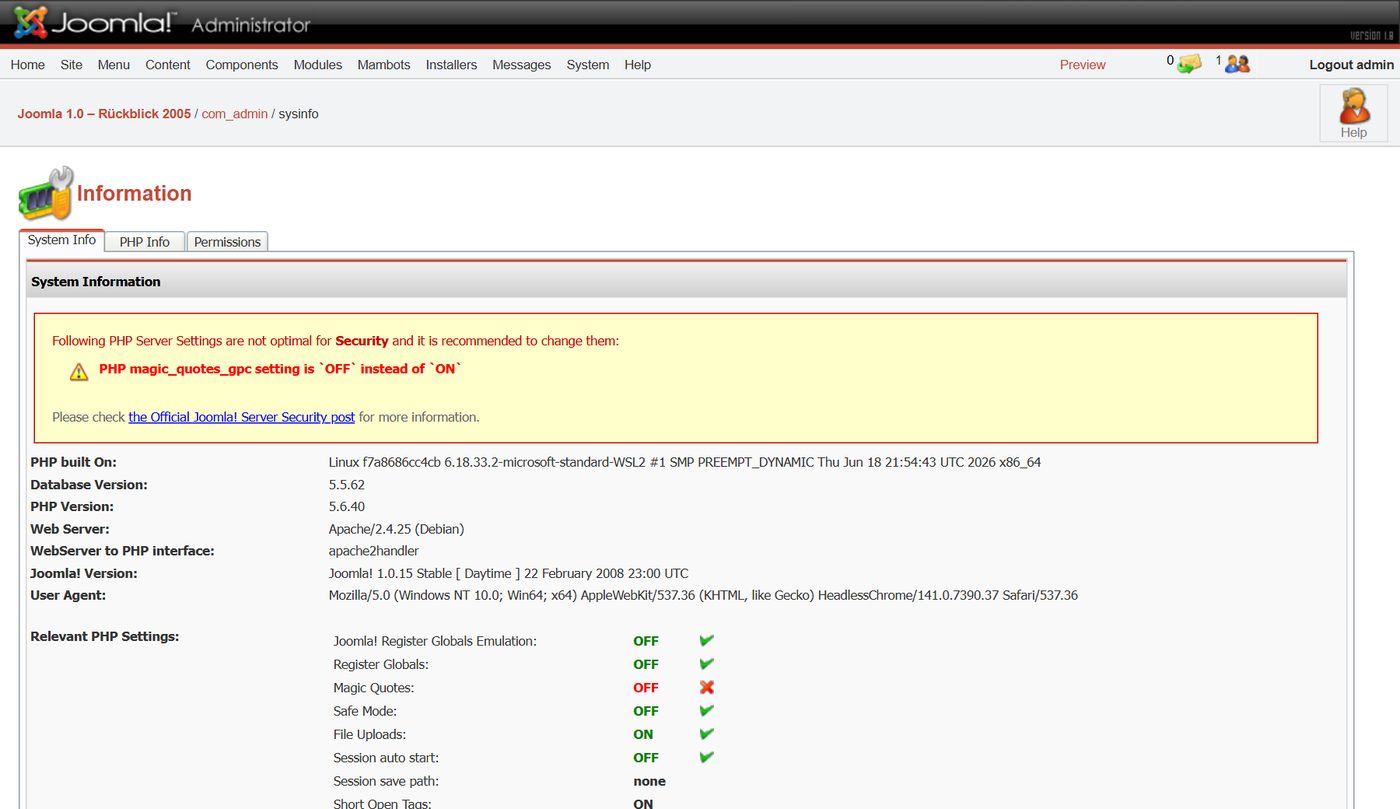
The yellow notice about "magic_quotes_gpc" appears because we run Joomla 1.0 on PHP 5.6 today. Back then Joomla recommended switching this PHP setting on; PHP removed it in version 5.4 (php.net).
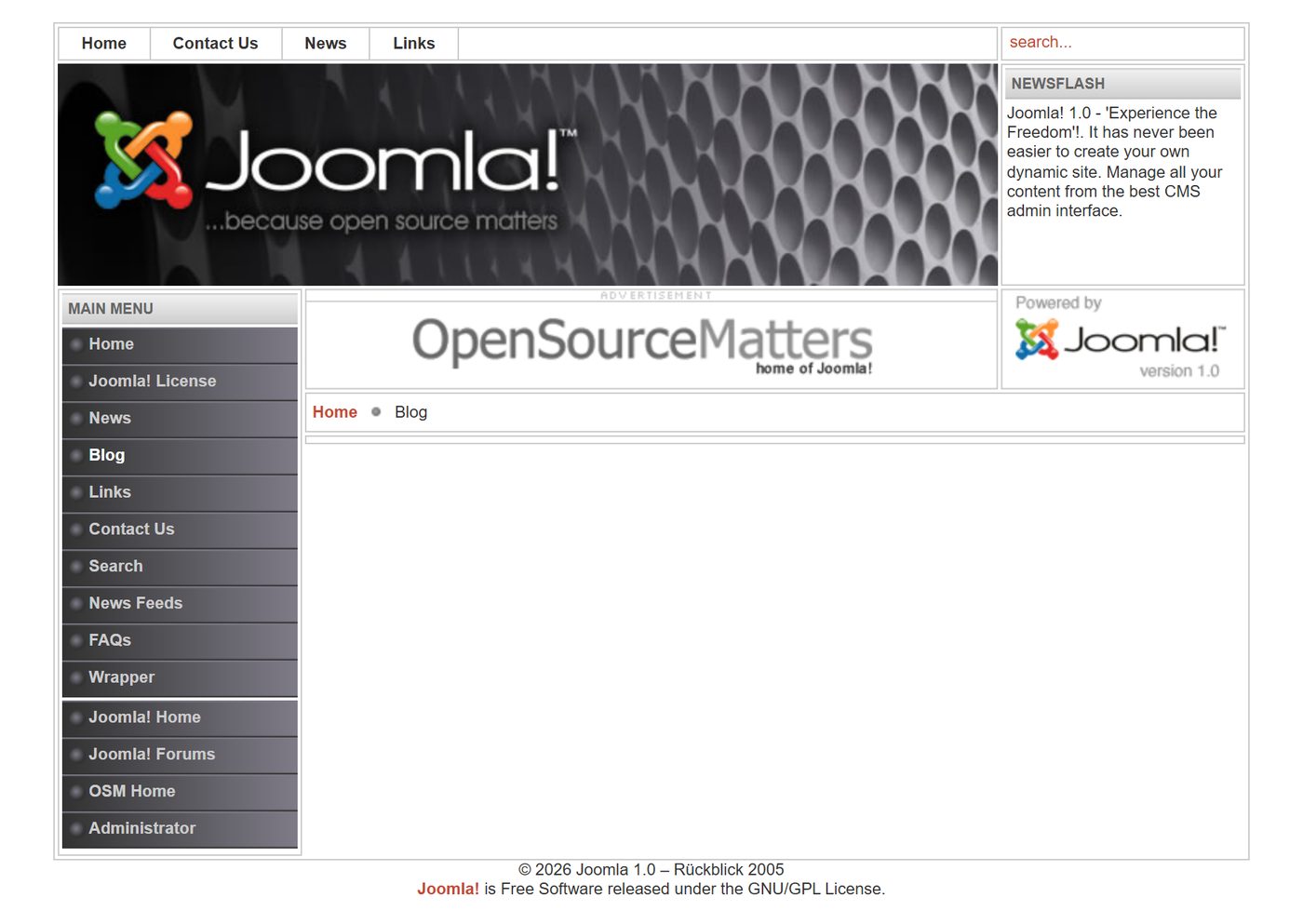
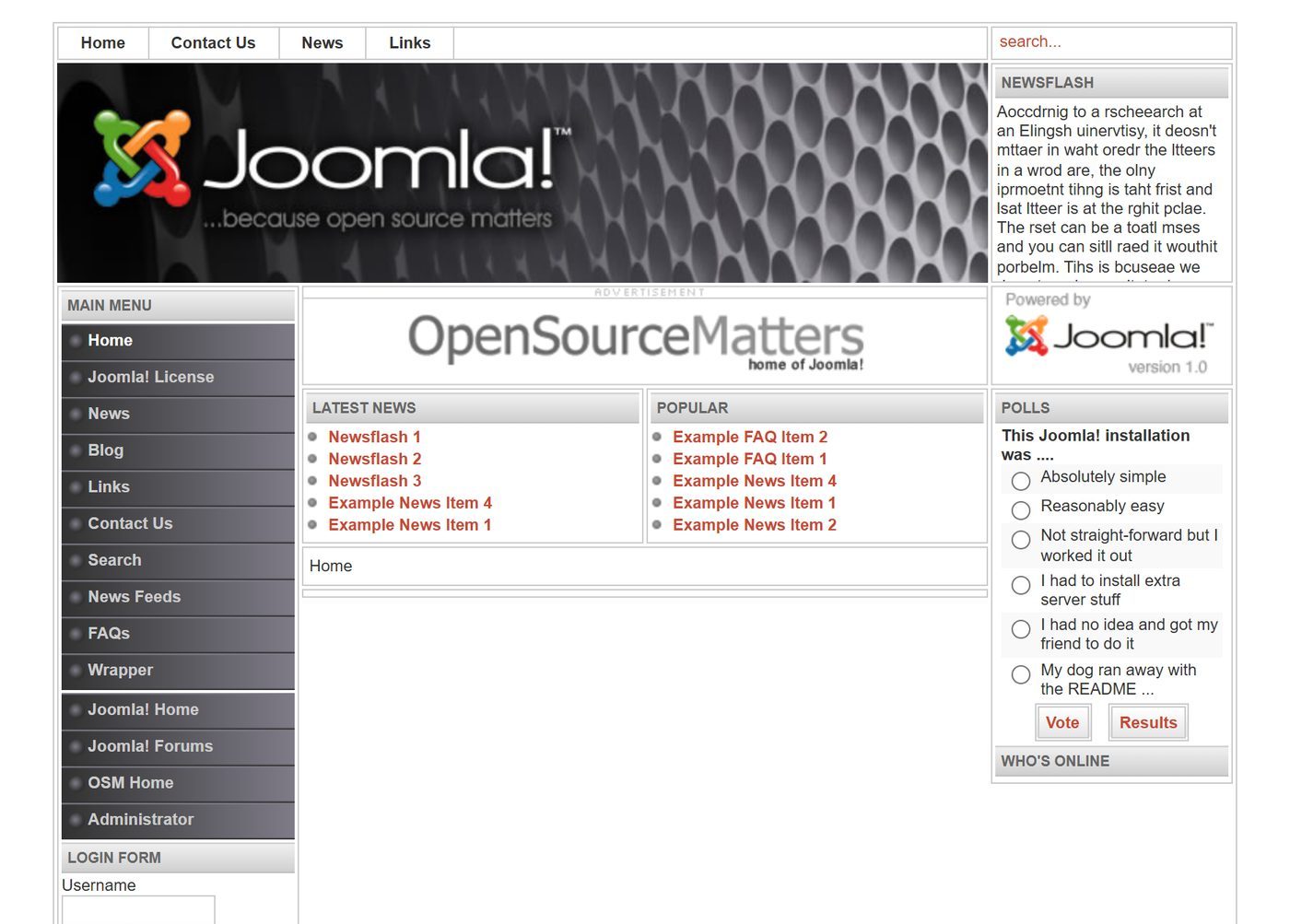
The website: Solarflare II
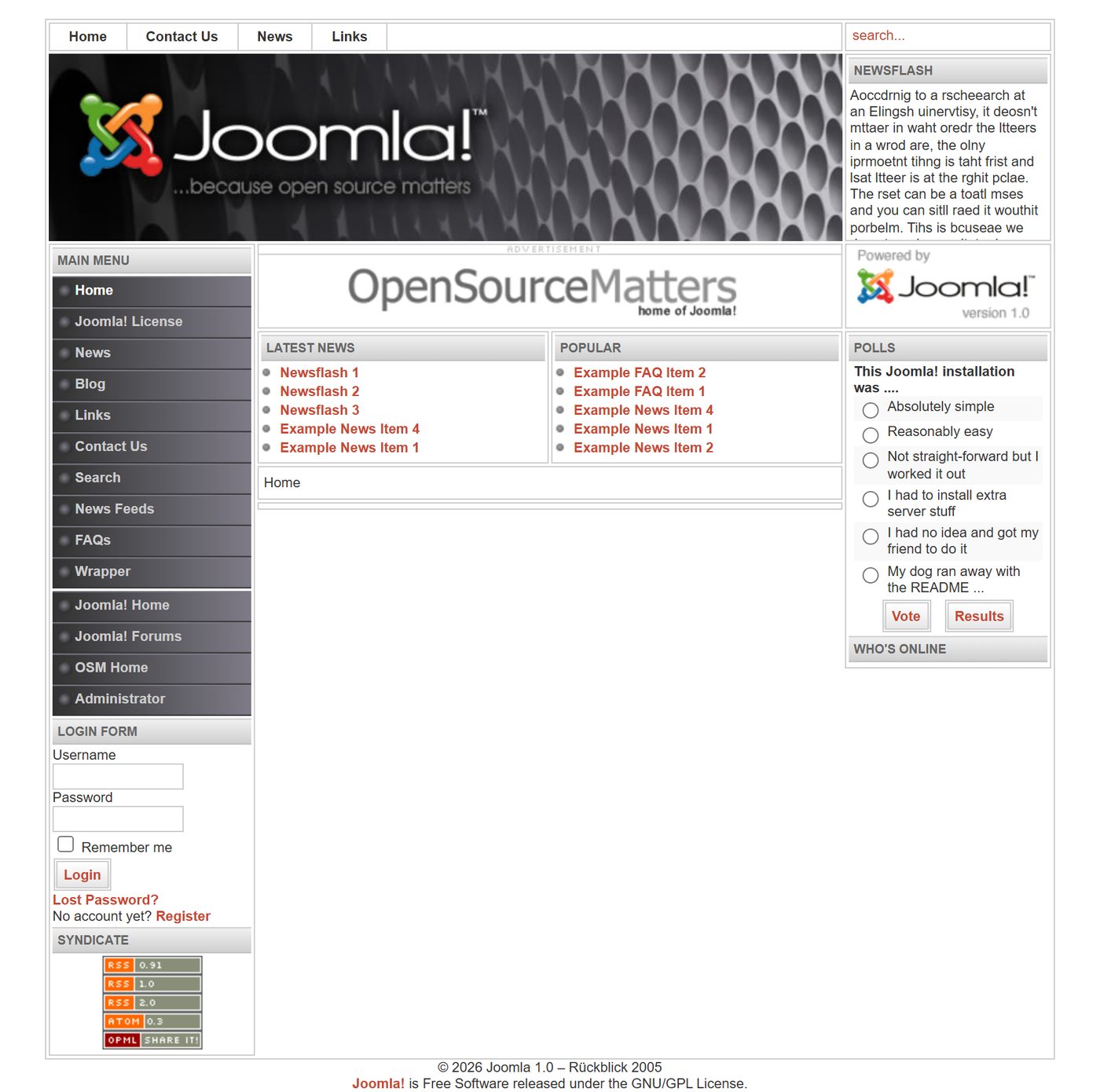
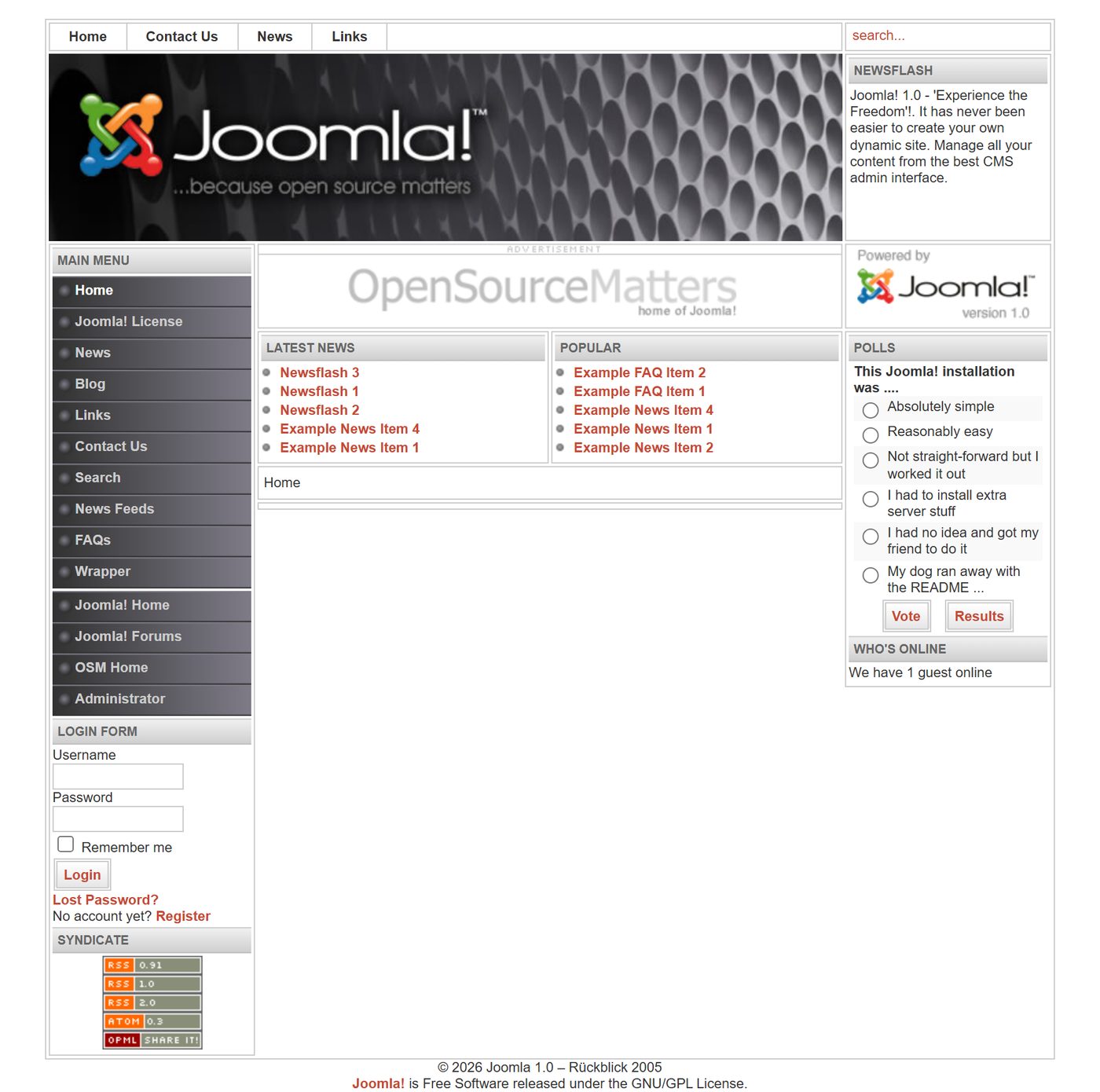
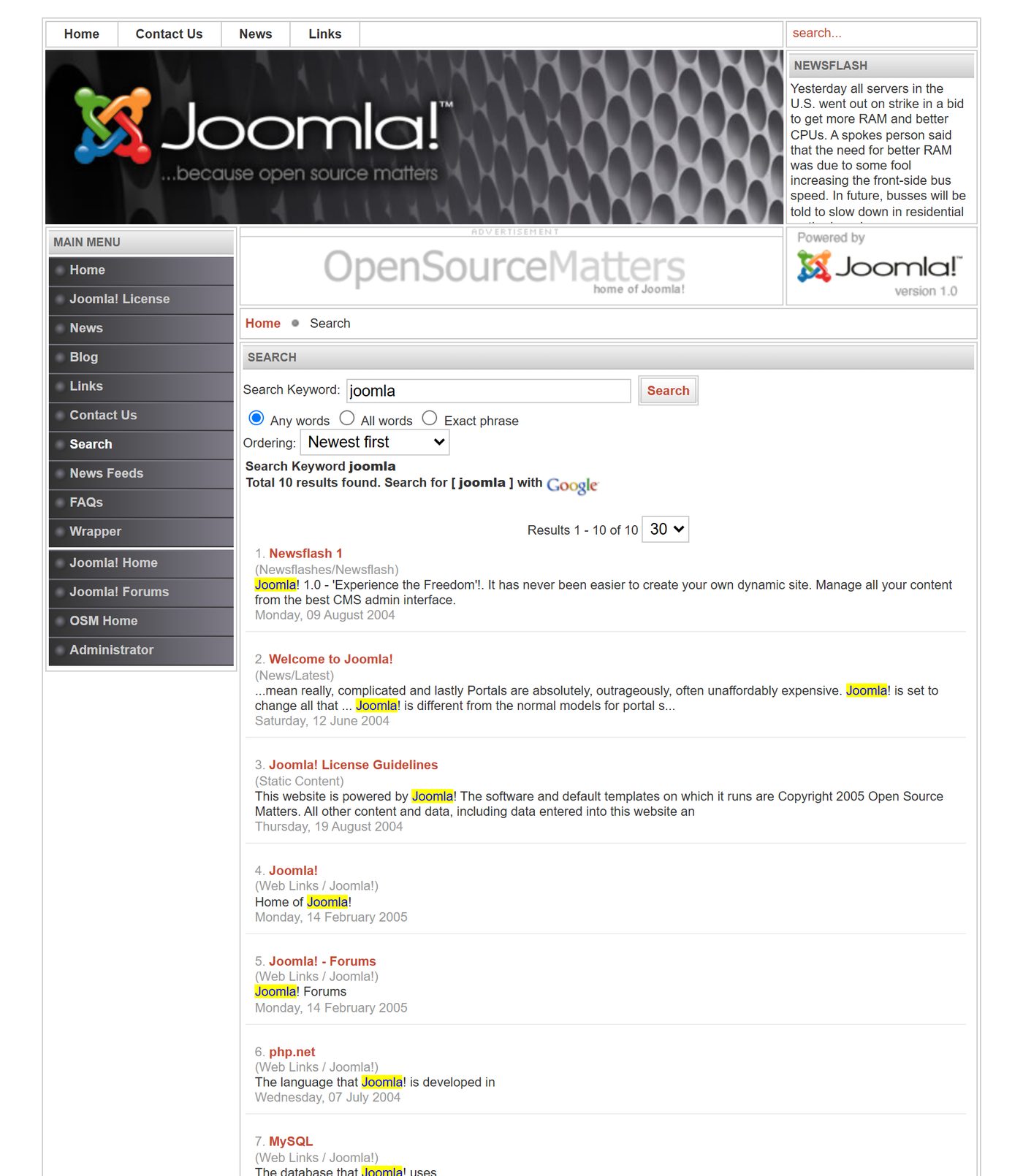
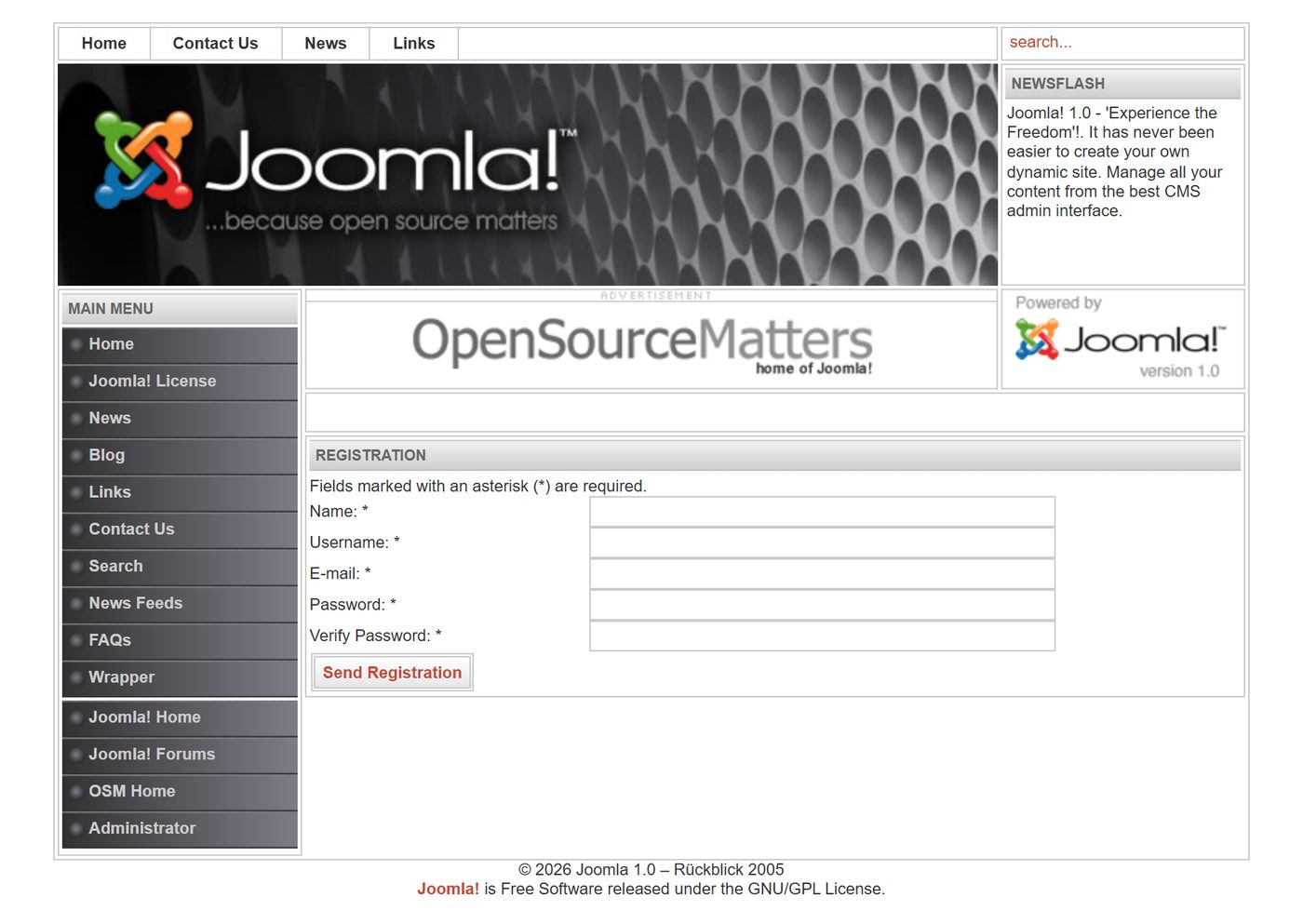
This is what a fresh Joomla website looked like in 2005: fixed width, menu on the left, modules on the right, the newsflash at the top. The sample data also includes the poll "This Joomla! installation was …" with answers such as "My dog ran away with the README …".


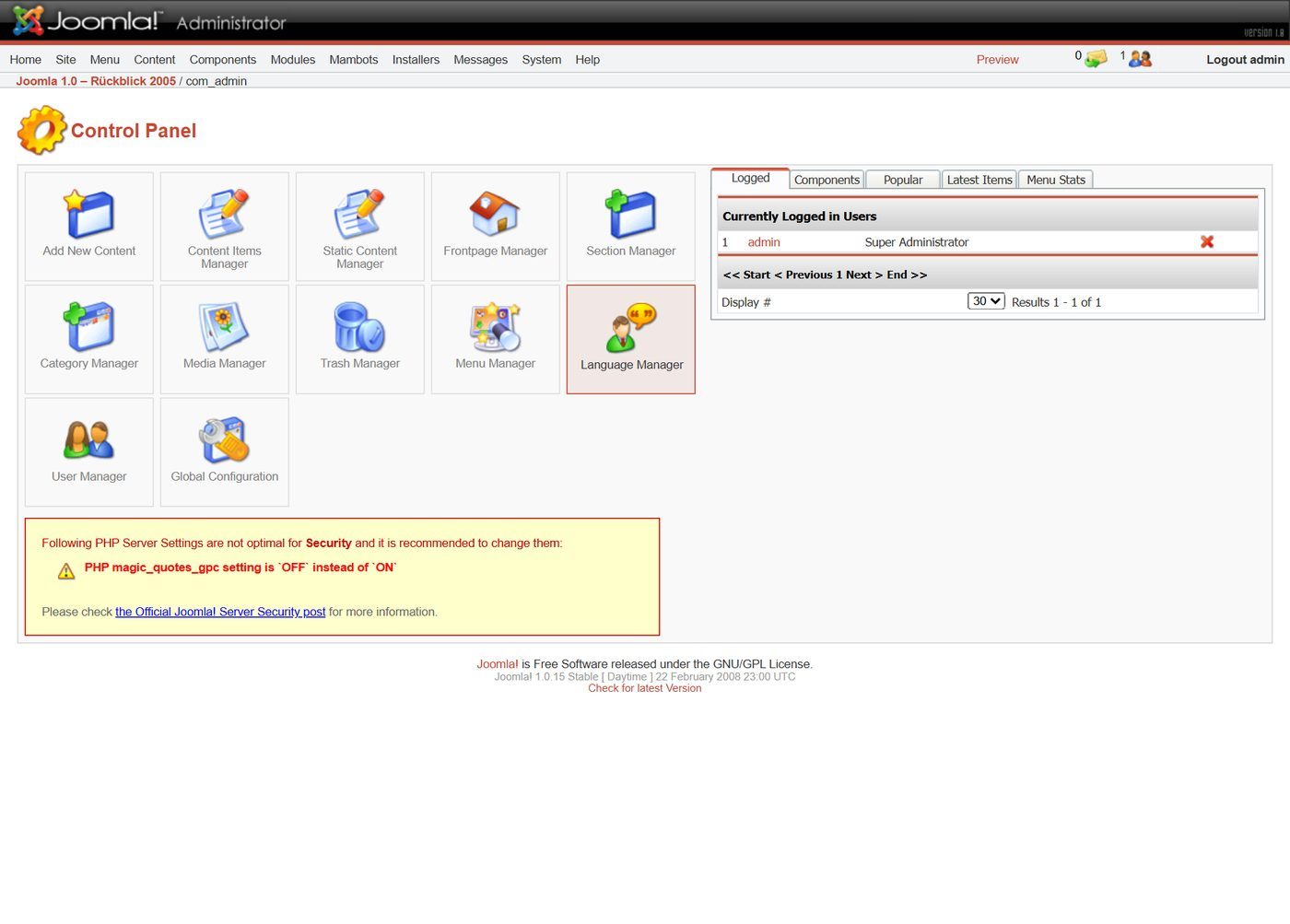
The backend
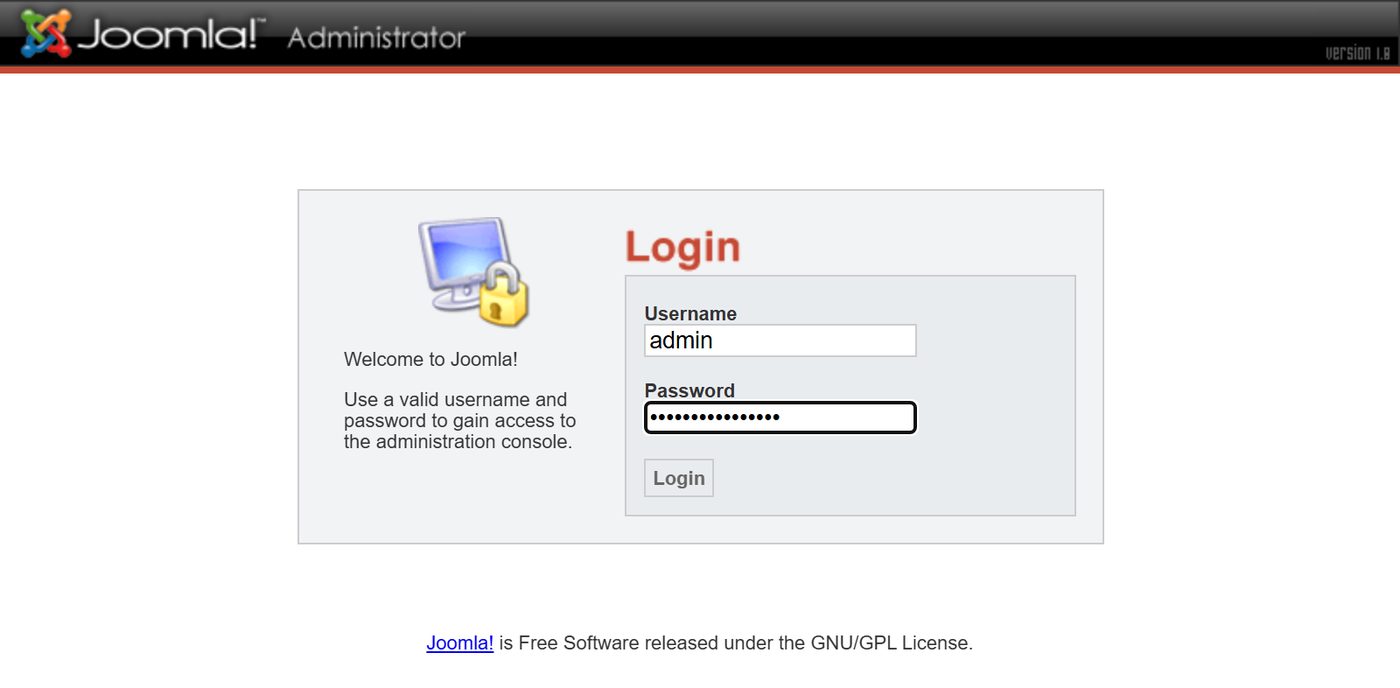
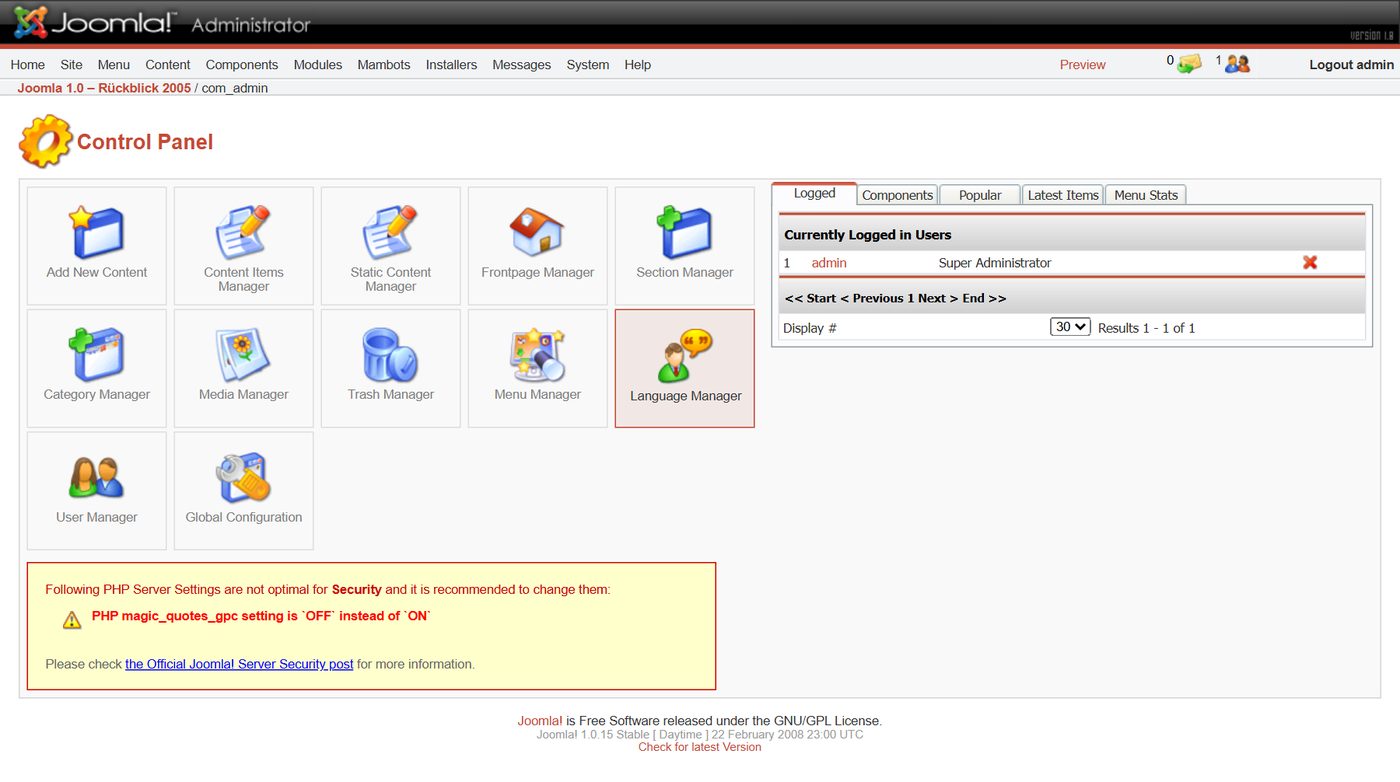
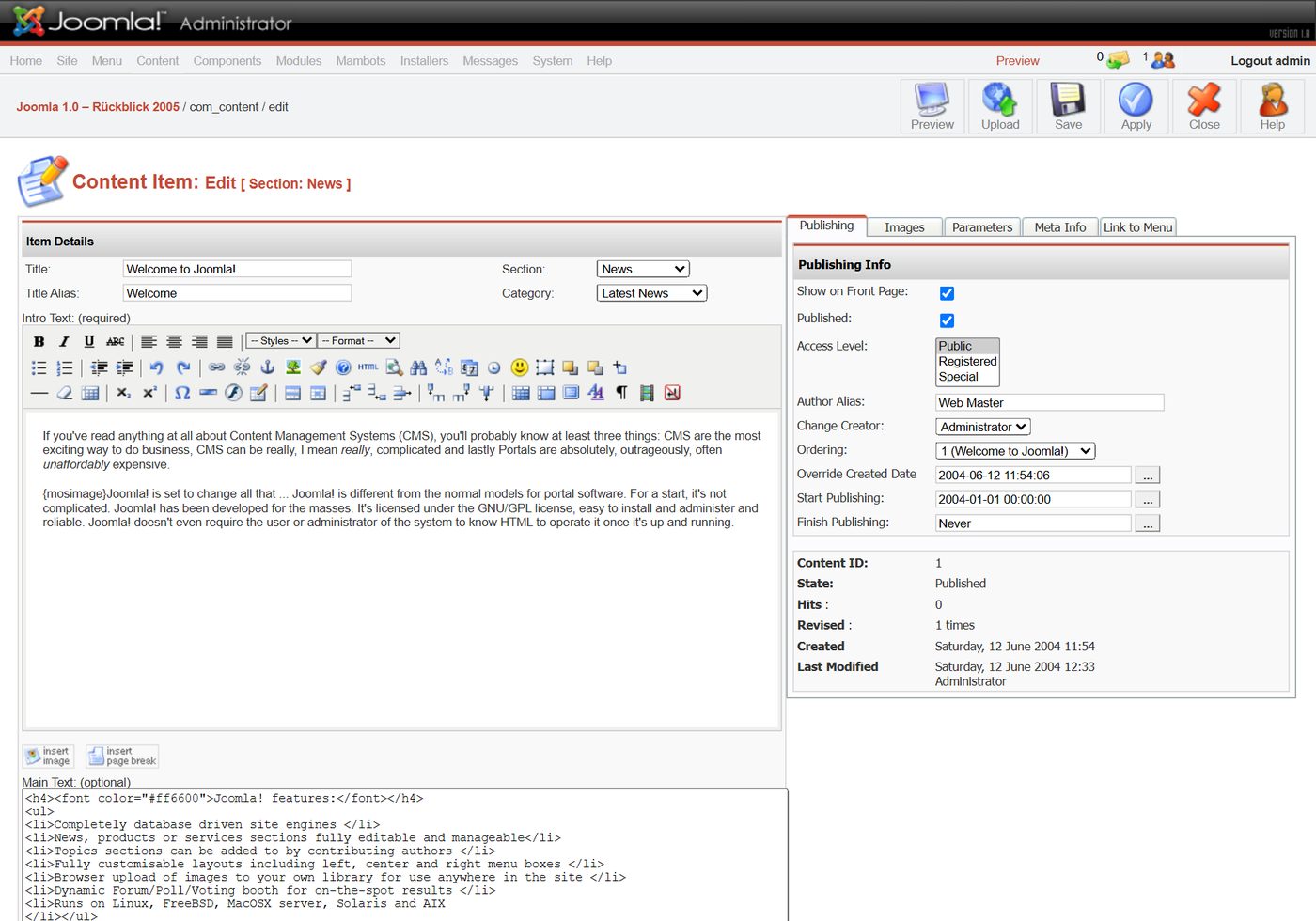
At the top the menu bar with Home, Site, Menu, Content, Components, Modules, Mambots, Installers, Messages, System and Help. Sub-menus open with JavaScript.
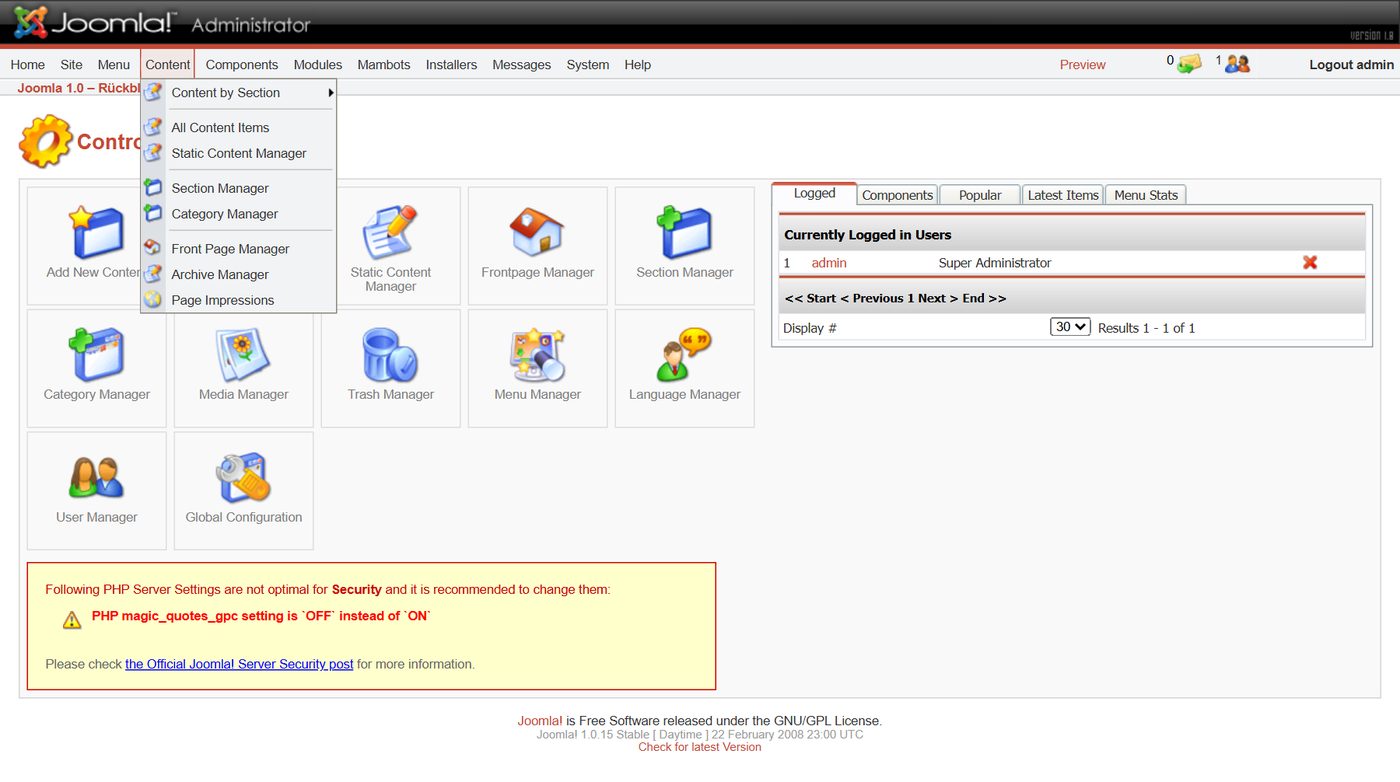
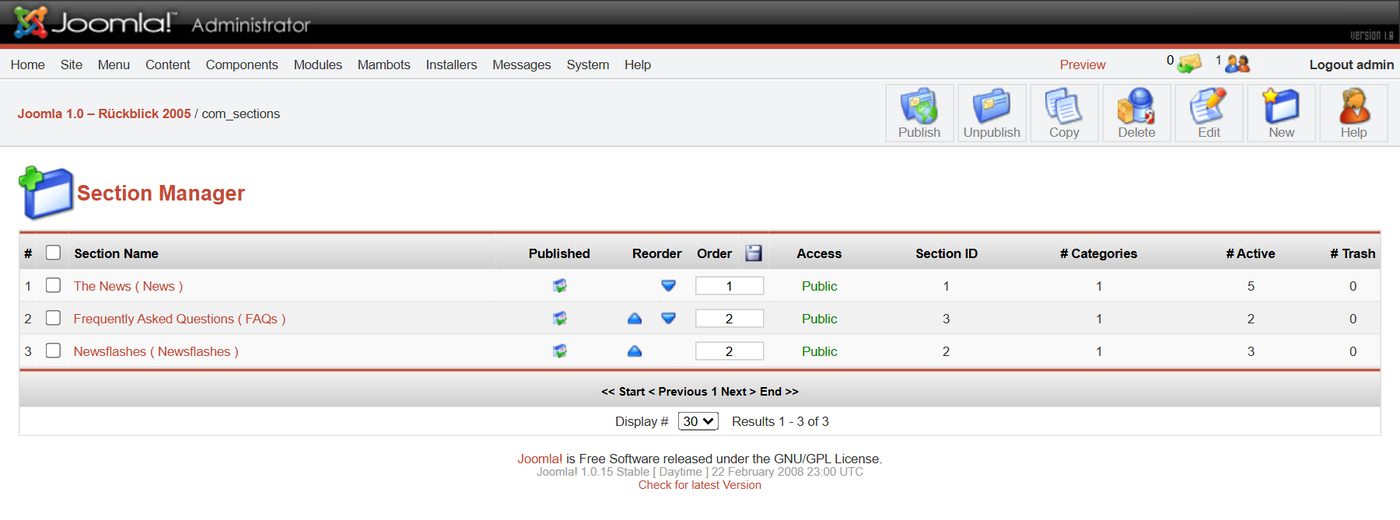
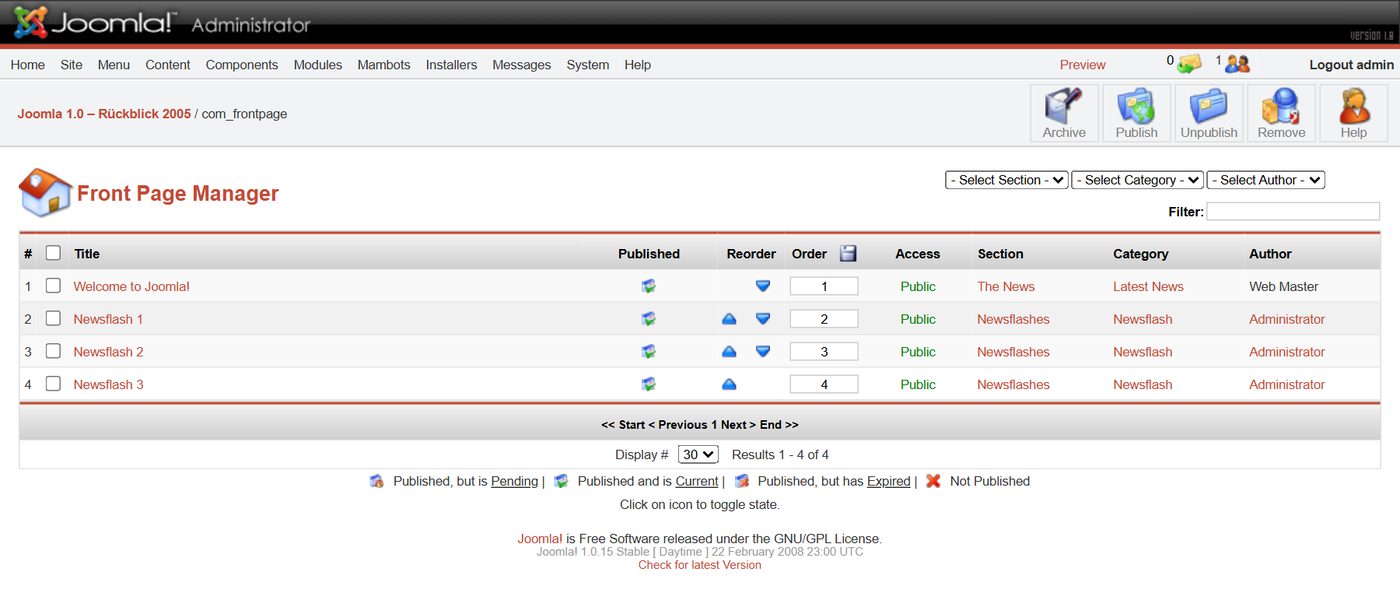
Content: sections, categories, items
Joomla 1.0 knew exactly two levels: sections and categories inside them. On top came "static content" without section and category, such as the licence page. Categories nested to any depth only arrived with Joomla 1.6 – and the sections went.


Menus, modules, mambots
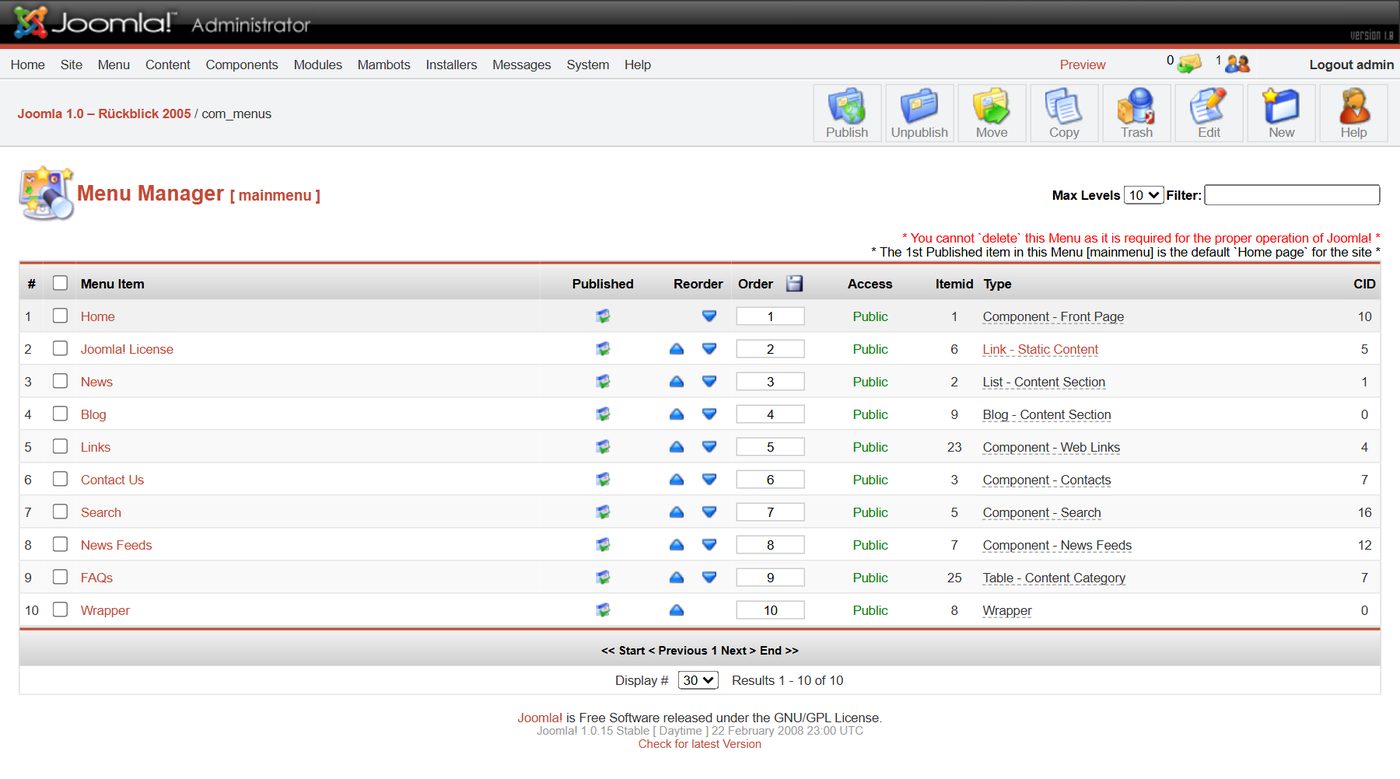
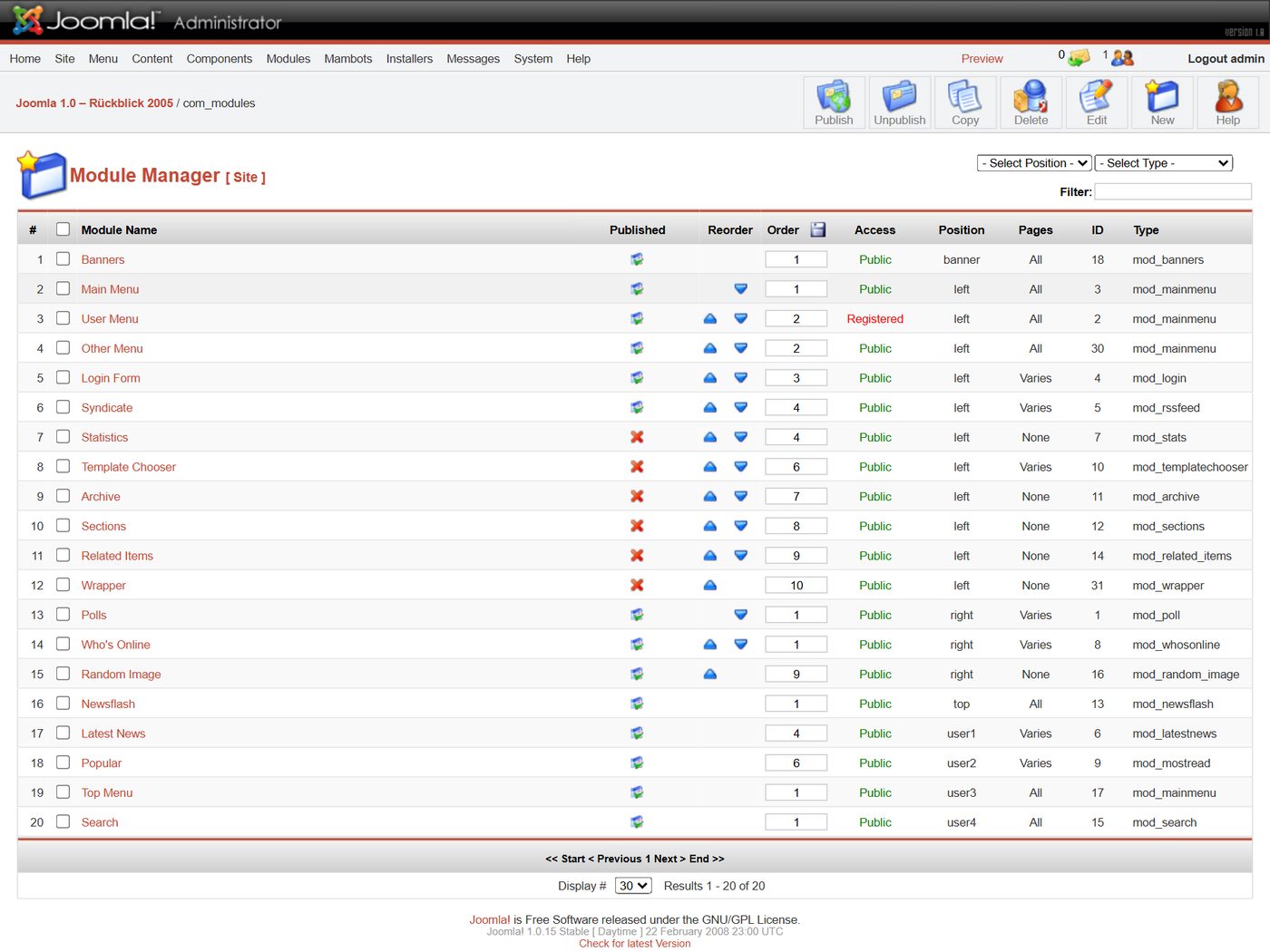
Every menu item has a type that decides what the page shows. Modules sit in the template's positions, and the mambots do small jobs in the background – today they are called plugins.
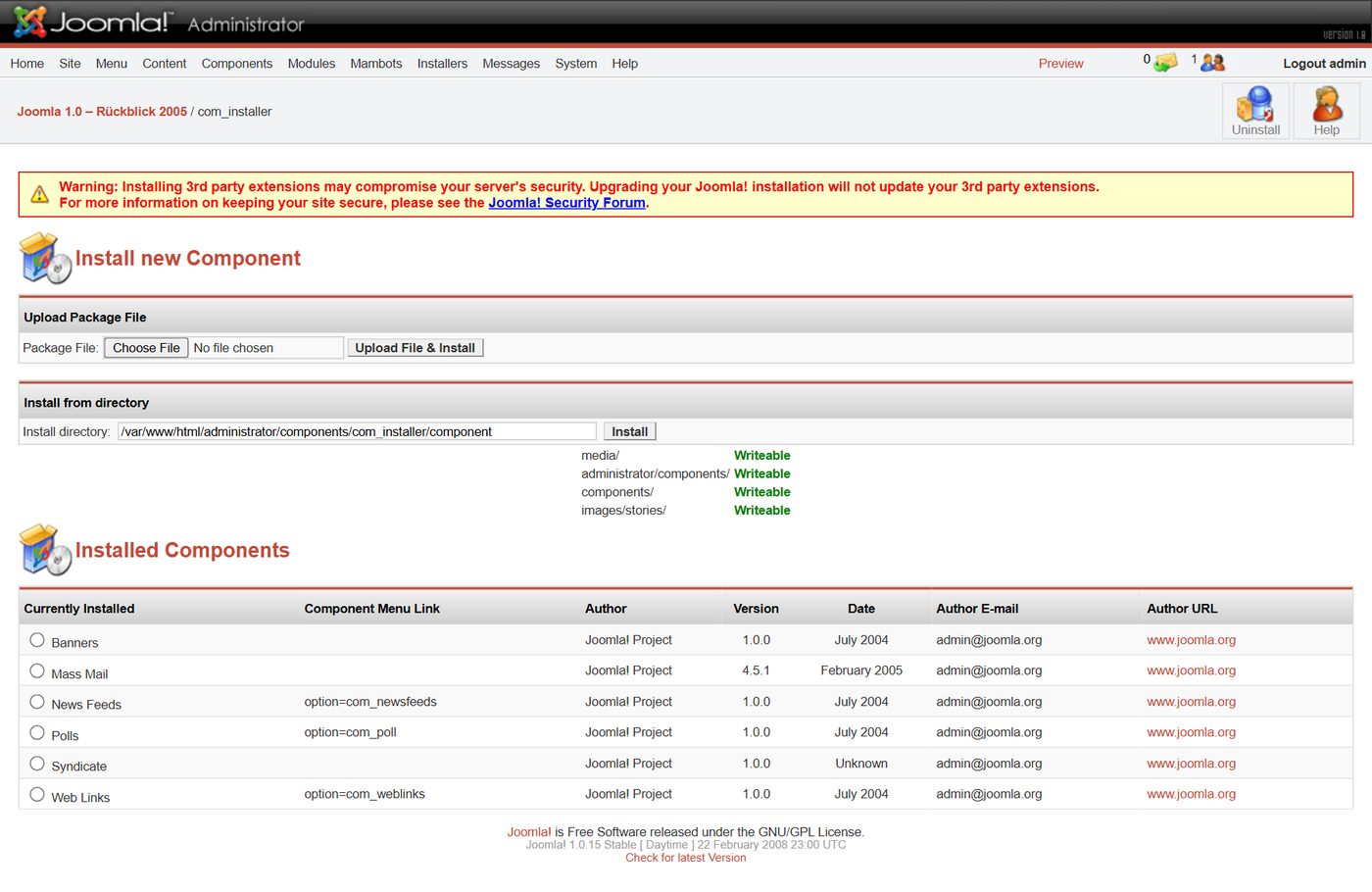
Templates, configuration, system
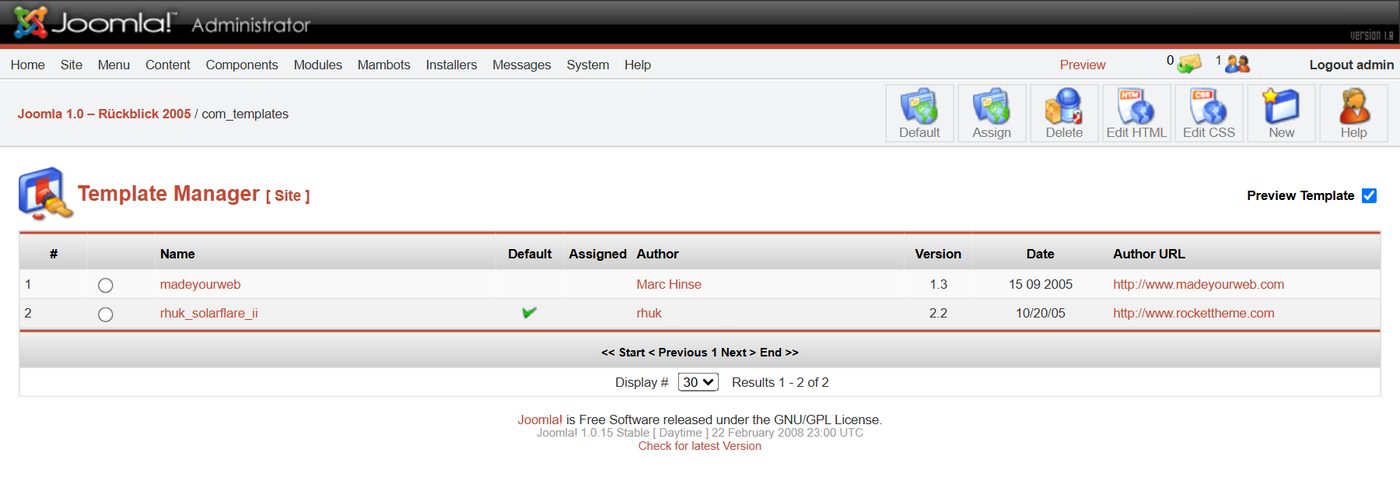
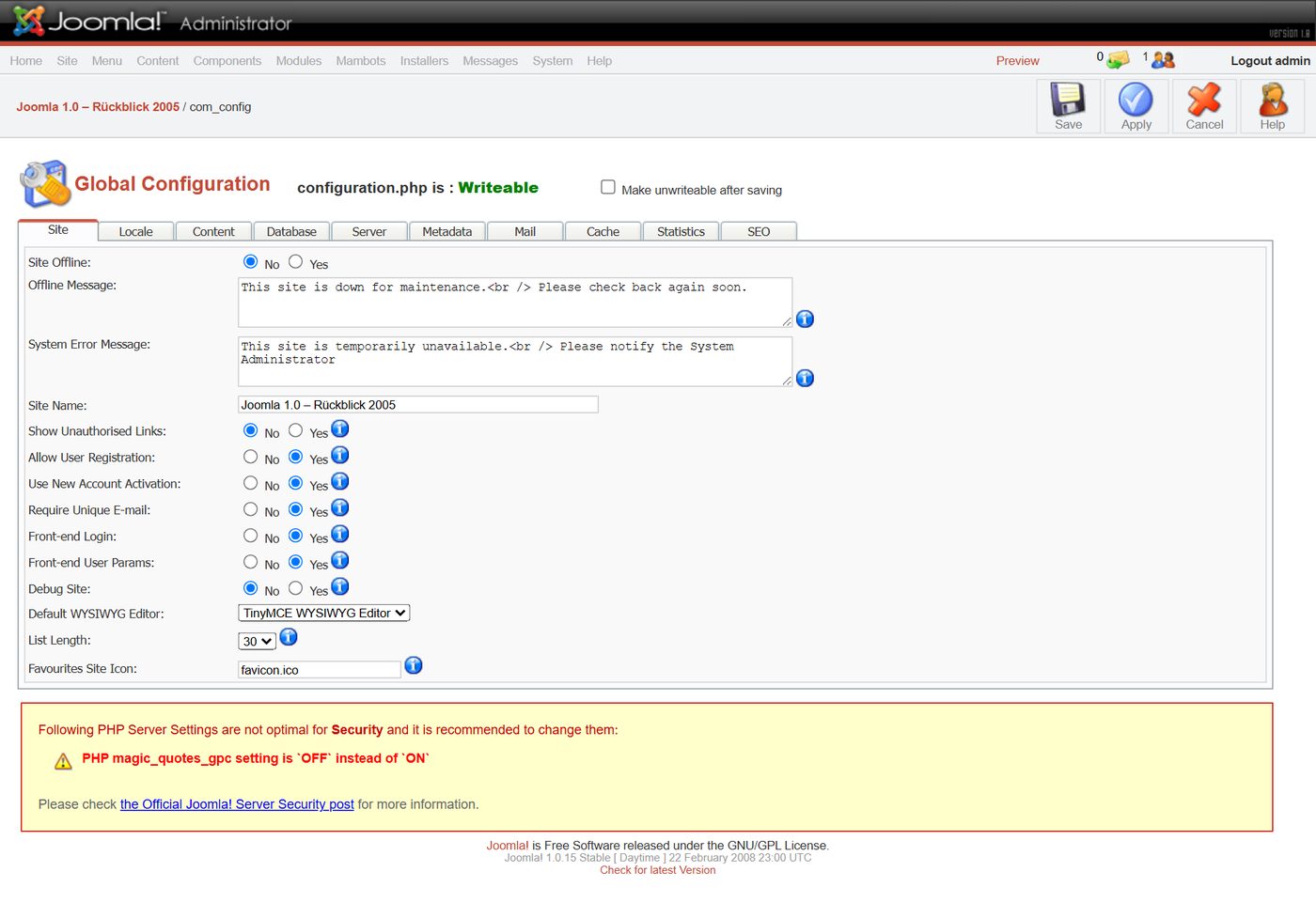
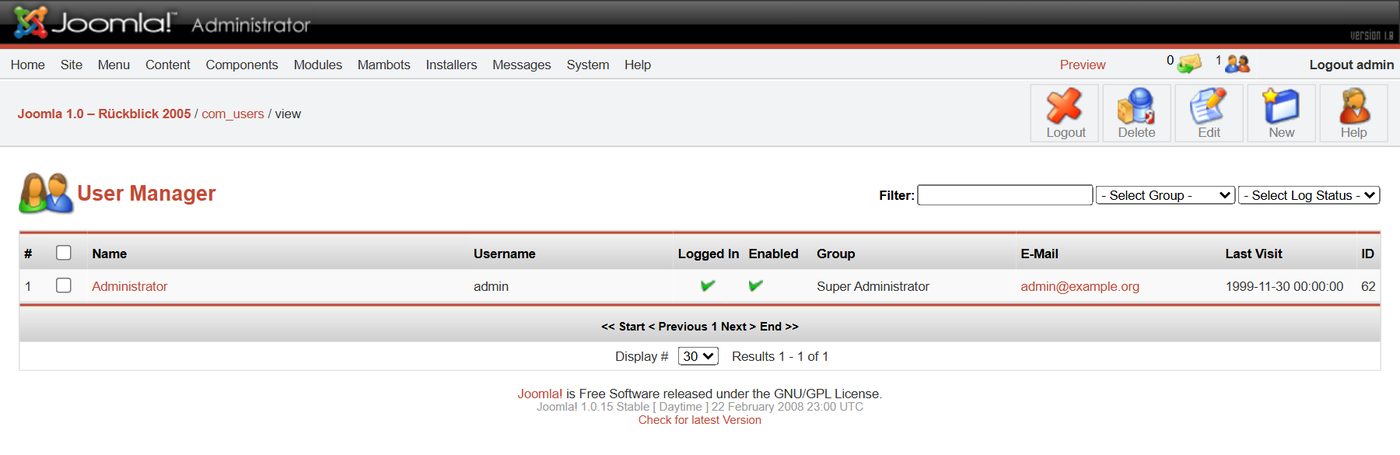


2005 and today
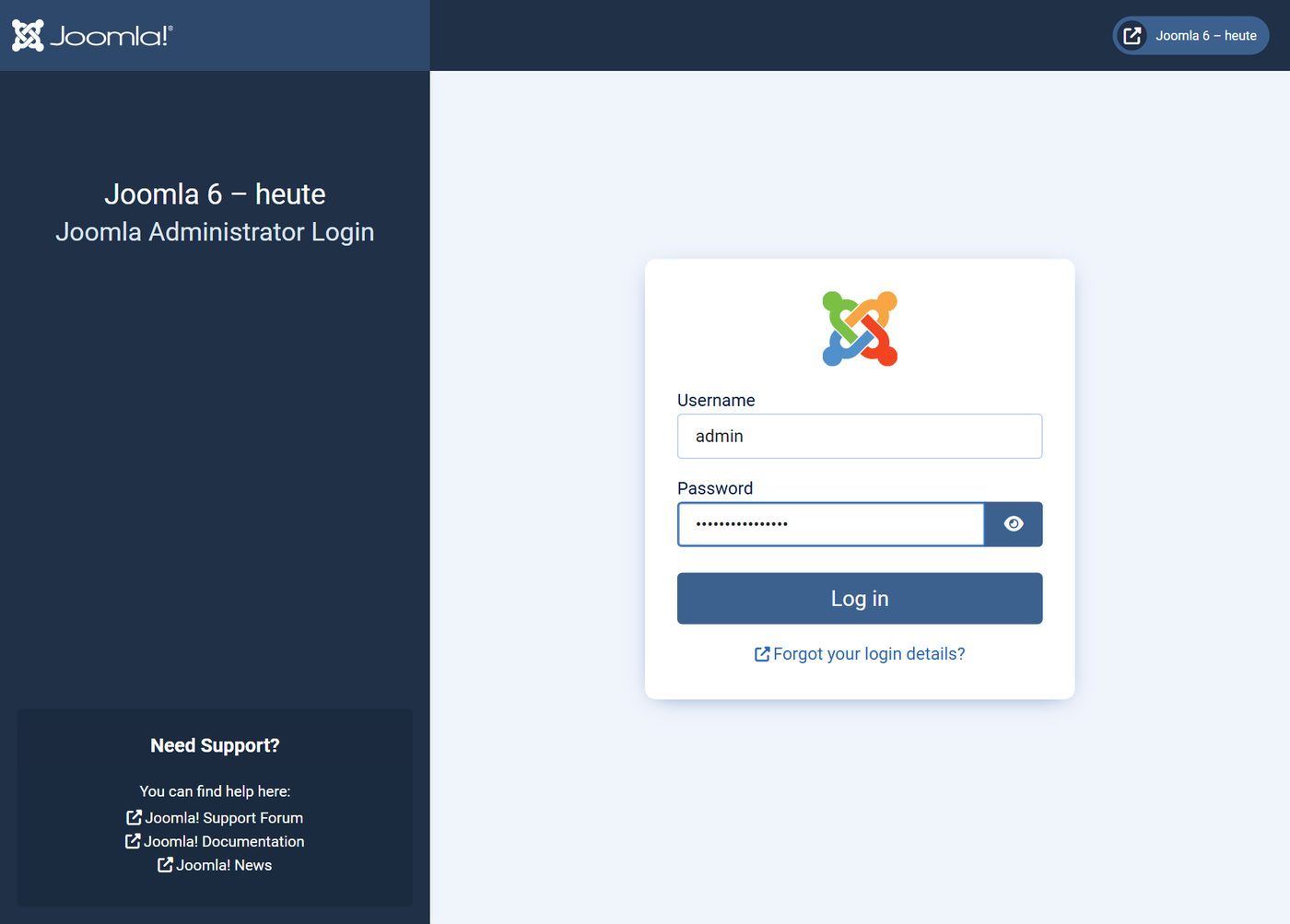
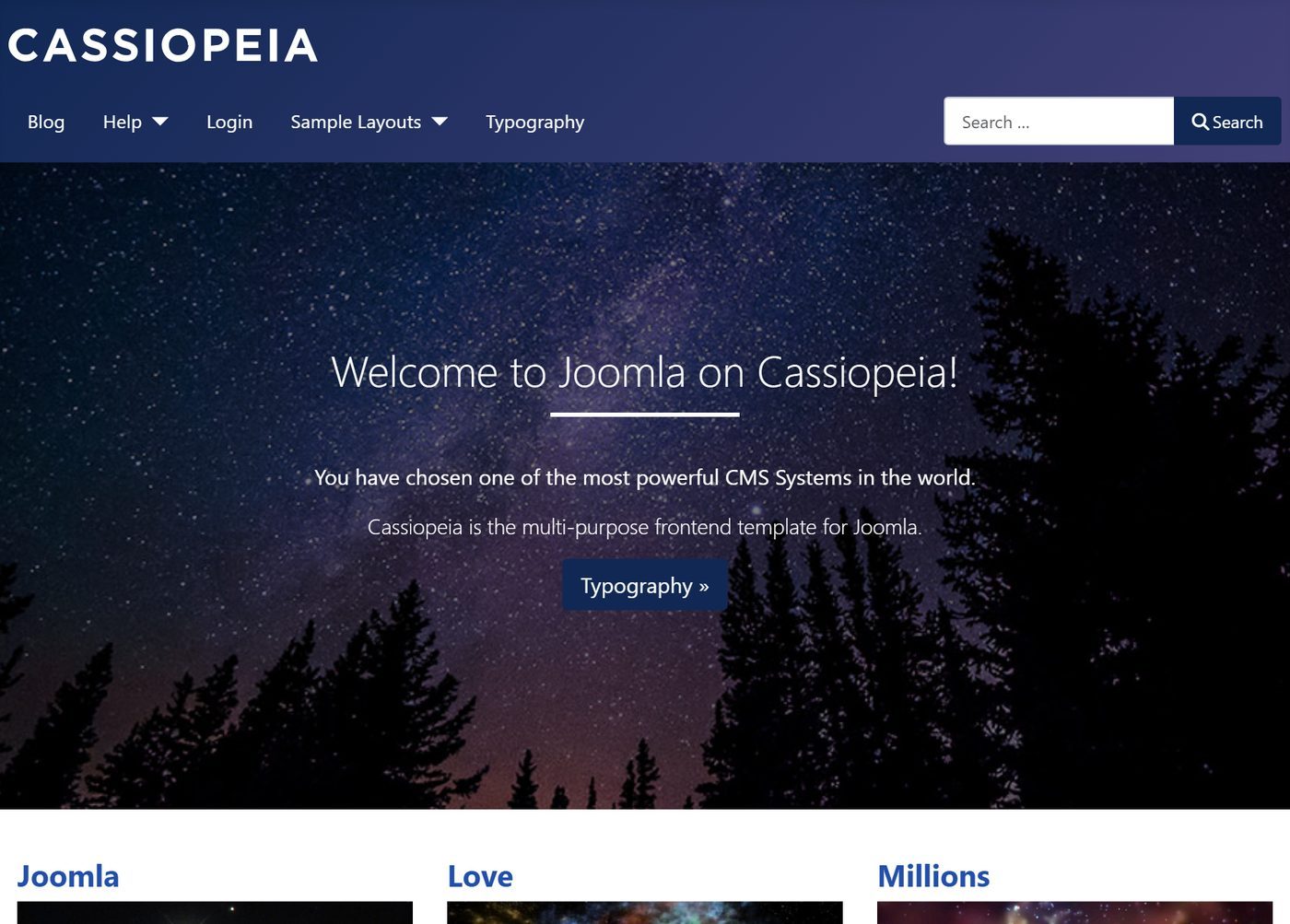
For comparison we installed a fresh Joomla 6.2 next to it, with today's sample data.
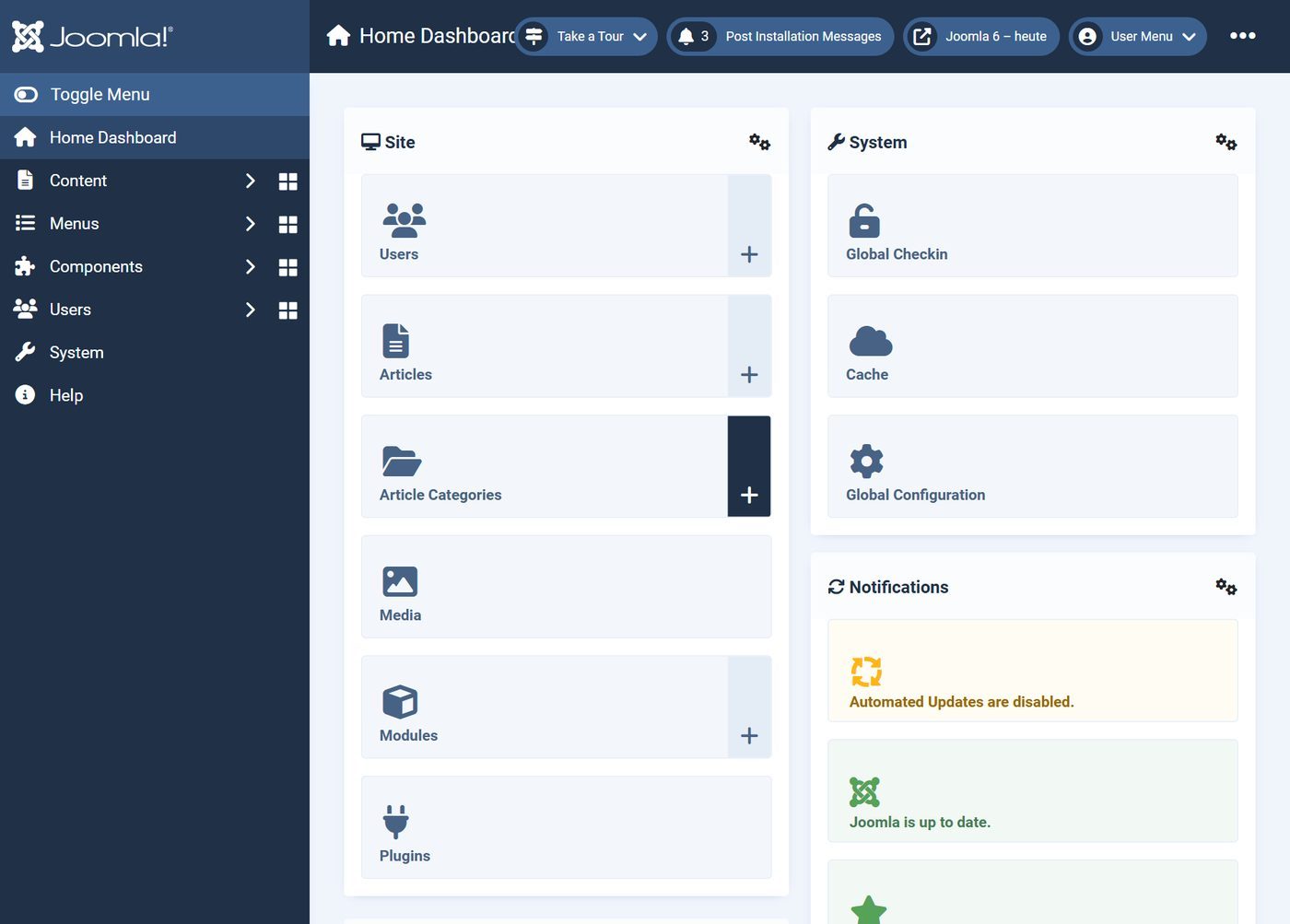
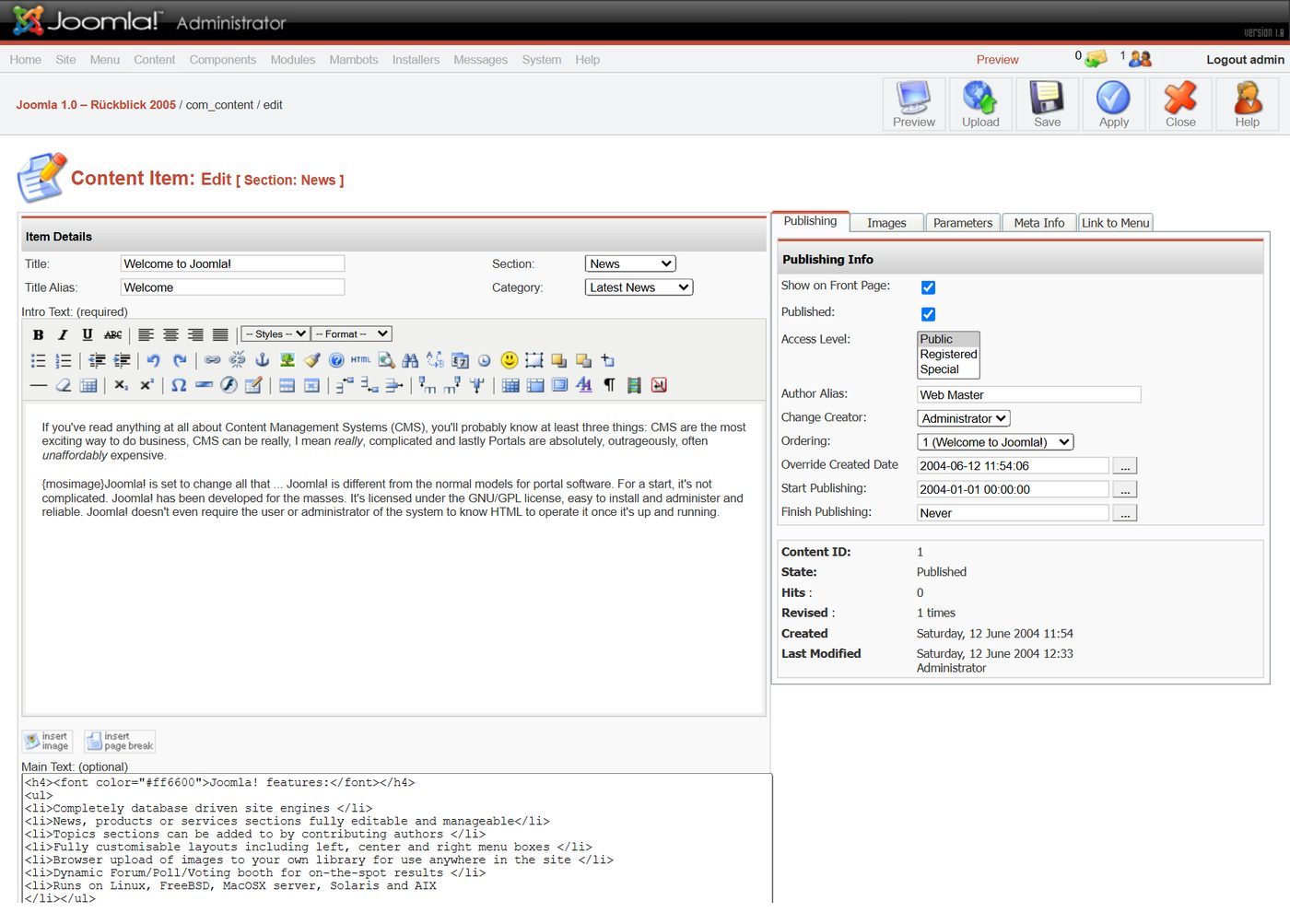
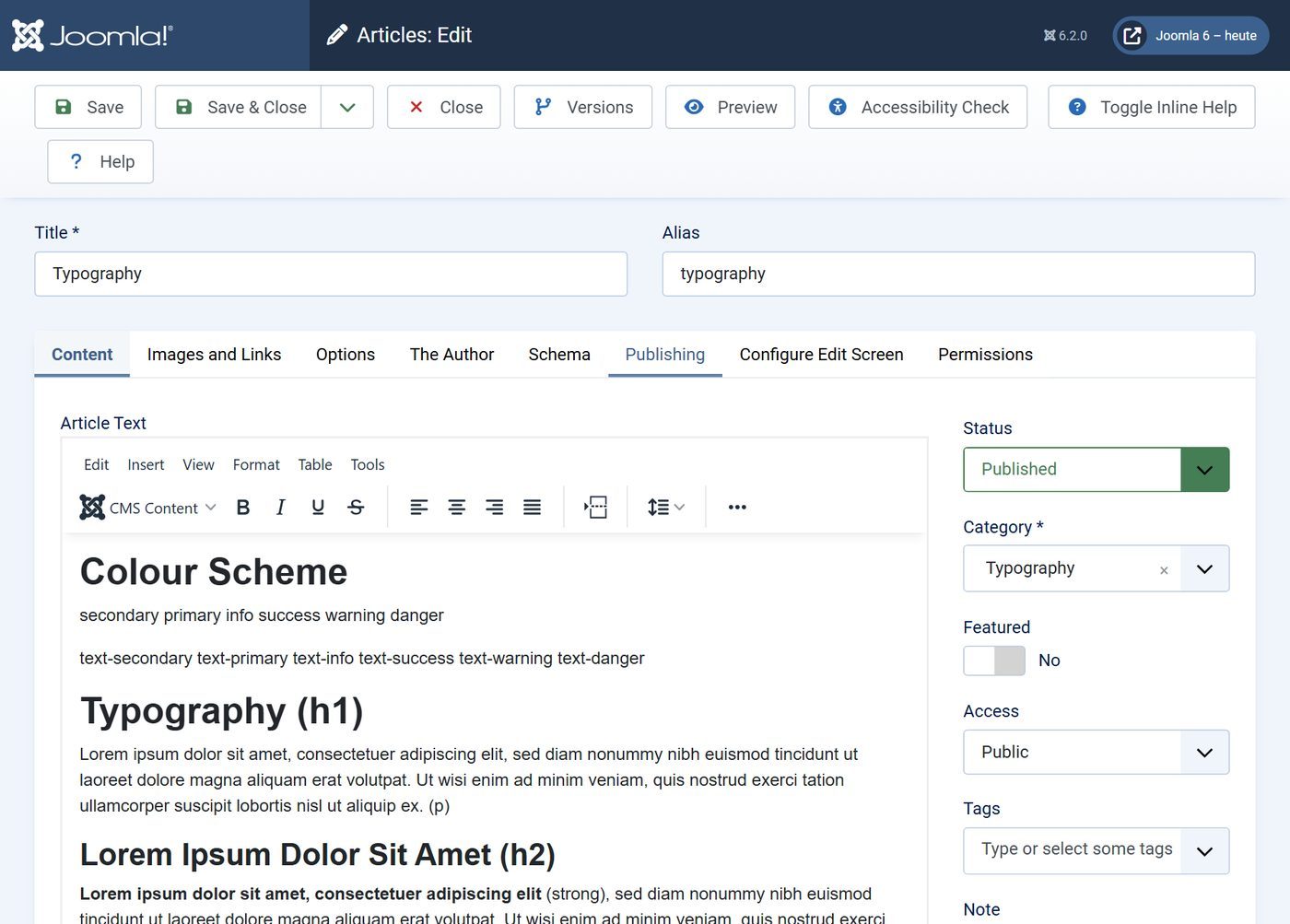
All 16 versions of Joomla 1.0
According to the Joomla downloads, these versions came out between September 2005 and February 2008:
- 1.0.017 Sep 2005
- 1.0.121 Sep 2005
- 1.0.22 Oct 2005
- 1.0.314 Oct 2005
- 1.0.421 Nov 2005
- 1.0.524 Dec 2005
- 1.0.715 Jan 2006
- 1.0.615 Jan 2006
- 1.0.826 Feb 2006
- 1.0.95 Jun 2006
- 1.0.1026 Jun 2006
- 1.0.1128 Aug 2006
- 1.0.1225 Dec 2006
- 1.0.1321 Jul 2007
- 1.0.1411 Feb 2008
- 1.0.1522 Feb 2008
What Joomla 1.0 did not have yet
- UTF-8 throughout, a framework of its own and template overrides – with Joomla 1.5.
- Access rights with your own user groups and categories nested to any depth – with Joomla 1.6.
- Workflows and a backend on Bootstrap 5 – with Joomla 4.
- Structured data following Schema.org – with Joomla 5.
Still running a website on Joomla 1.0?
It has had no security updates since 2009. We take your content over into a new Joomla 6 – we name the effort after an inventory.
See Joomla update and migrationHow we did it: Joomla 1.0.15 in the original package from downloads.joomla.org, locally in Docker with PHP 5.6 and MySQL 5.5, reachable only on our own machine. The only change: the installer's SQL files say "ENGINE=MyISAM" instead of "TYPE=MyISAM", because MySQL 5.5 no longer knows the old spelling. Joomla 6.2 fresh with sample data.
All parts of the series "Joomla history"


